
BOOX Go 7: the 7″ do-everything reader
A little more screen than a classic e-reader, a lot more freedom. The Go 7 line gives you a 7″ E Ink display, including a colour option on the Go Color 7, with the full flexibility of Android reading apps.
Open-box deals in this series
![BOOX 7" Go 7 ( Black )-[Open Box] + Free Case](/_next/image?url=%2Fproducts%2Fboox-7-go-7-black-open-box-free-case.jpg&w=3840&q=75&dpl=dpl_8EHcNFn7ryikkwQcRXUFS5k6Ub8e)
![BOOX 7" Go 7 (White)-[Open Box] + Free Case](/_next/image?url=%2Fproducts%2Fboox-7-go-7-white-open-box-free-case.jpg&w=3840&q=75&dpl=dpl_8EHcNFn7ryikkwQcRXUFS5k6Ub8e)
![BOOX 7" Go Color 7 - Gen II (Black)-[Open Box] + Free Case](/_next/image?url=%2Fproducts%2Fboox-7-go-color-7-gen-ii-black-open-box-free-case.jpg&w=3840&q=75&dpl=dpl_8EHcNFn7ryikkwQcRXUFS5k6Ub8e)
BOOX Go 7 buying guide: the 7-inch reader with page-turn buttons
The Go 7 series is BOOX's 7-inch reader: a proper page for fiction and articles, still small enough for a coat pocket, with physical page-turn buttons and a full Android tablet underneath. Two models share that body and differ in one component, the screen. This page explains that choice, where the older Page fits, and how the Go 7 sits between the pocket-sized Go 6 and the note-taking Go 10.3.
The Go 7 lineup
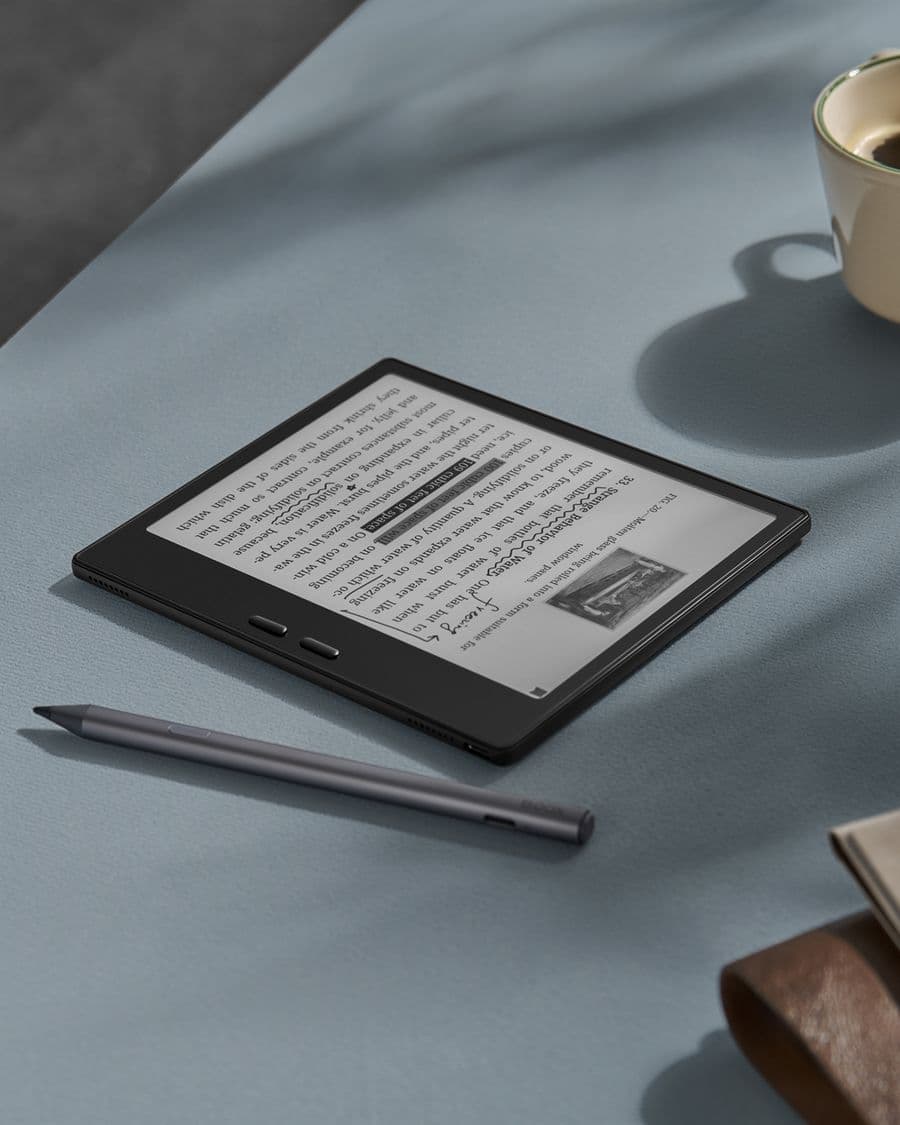
Everything below the glass is the same on both current models: an octa-core processor, 4 GB of memory, 64 GB of storage plus a microSD slot, a 2,300 mAh battery, Android 13 with Google Play, a warm and cold front light, a speaker and microphone for audiobooks, and a USB-C port that doubles as an audio output. Both weigh about 195 g, both accept the optional InkSense and InkSense Plus stylus, and both have the page-turn buttons on the wide bezel. The older Page shares the size and the buttons with less inside.
| Screen | What sets it apart | Best for | |
|---|---|---|---|
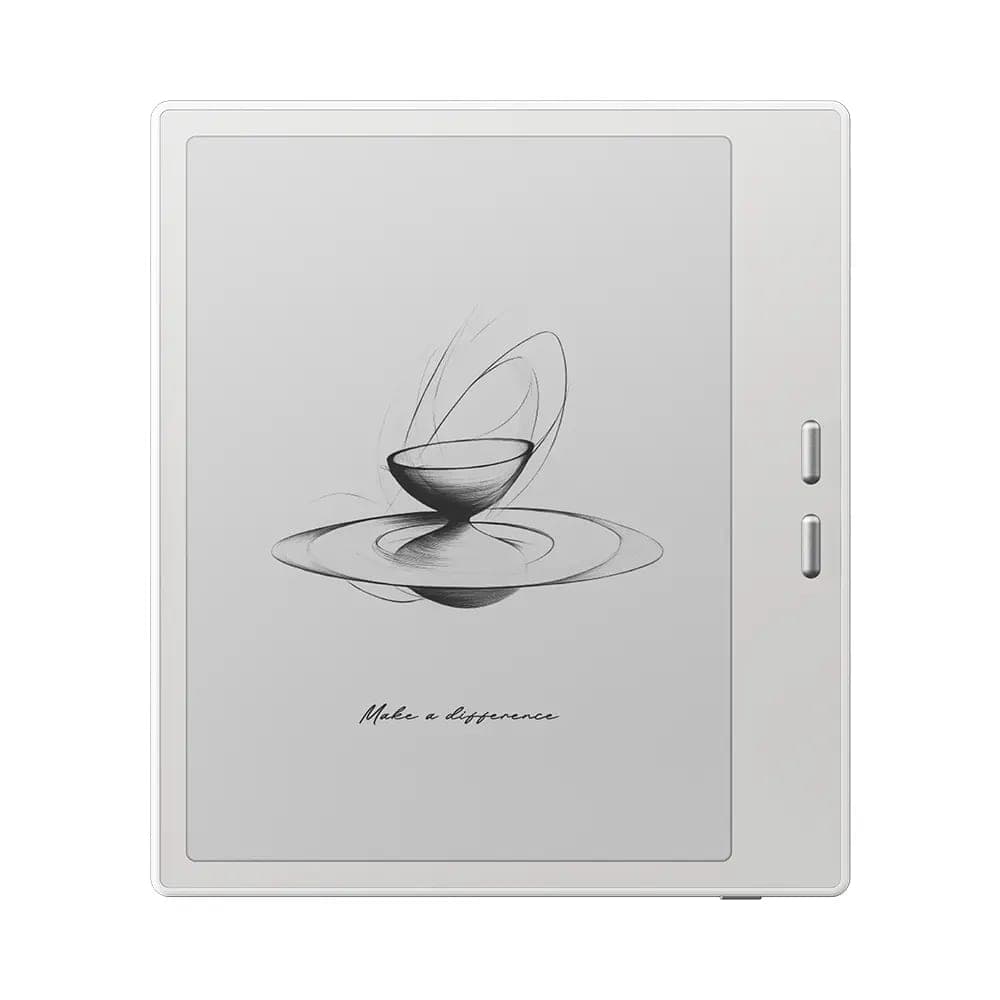
| BOOX Go 7 | Black and white, 300 ppi | The brightest page; black or white body | Novels, articles, pure text |
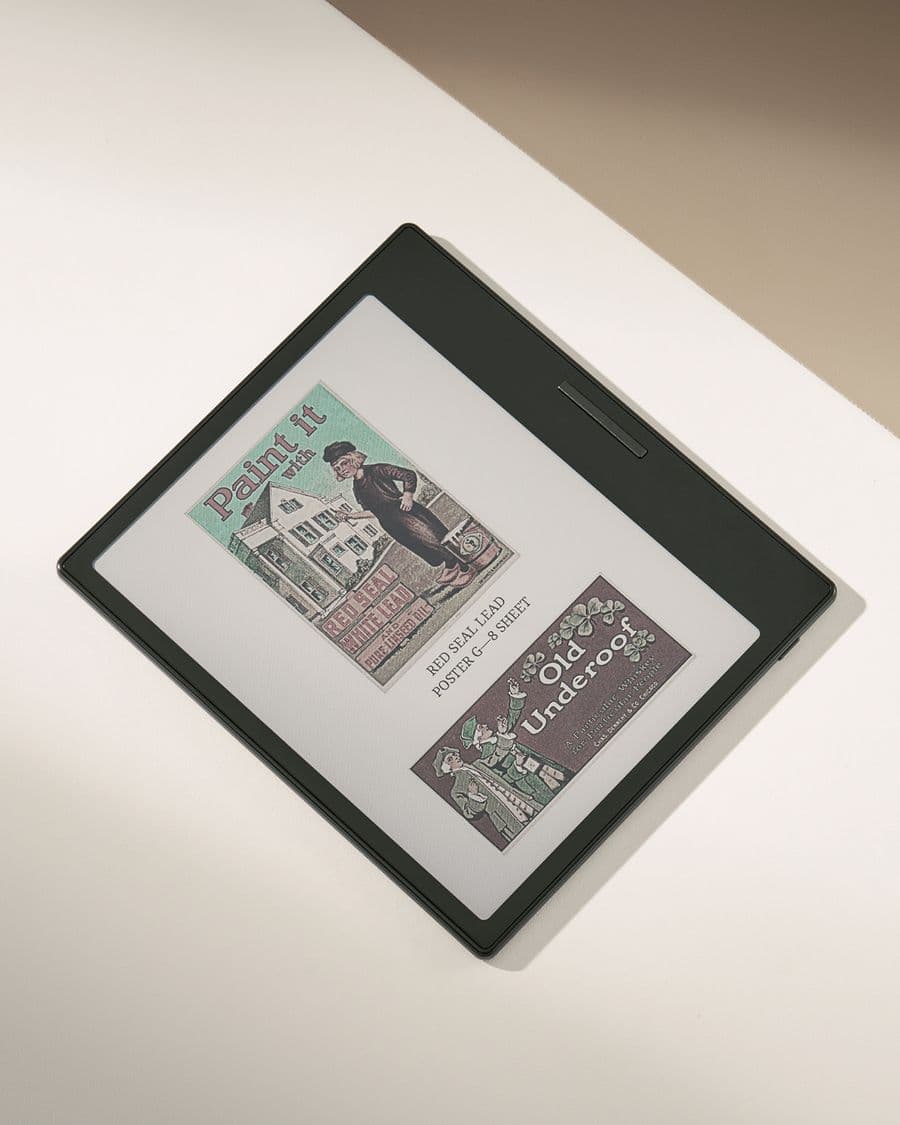
| BOOX Go Color 7 (Gen II) | Colour (Kaleido 3), 300 ppi text | Colour, water-repellent design | Comics, manga, magazines, colour documents |
| BOOX Page | Black and white, 300 ppi | Earlier model: 3 GB, no stylus, lower price when in stock | Reading only |
The screen-by-screen breakdown, how colour E Ink behaves with real pages and whether it is worth the difference are on one page: Go 7 versus Go Color 7 (Gen II). This guide stays at the series level.
How to choose
Pick the black-and-white Go 7 if most of what you read is text. It has the crispest letters and the brightest page of the two, which matters most for long sessions and for reading by the front light at night, and it is the model we recommend to anyone moving from a Kindle or Kobo who wants the same reading feel with an open app store behind it.
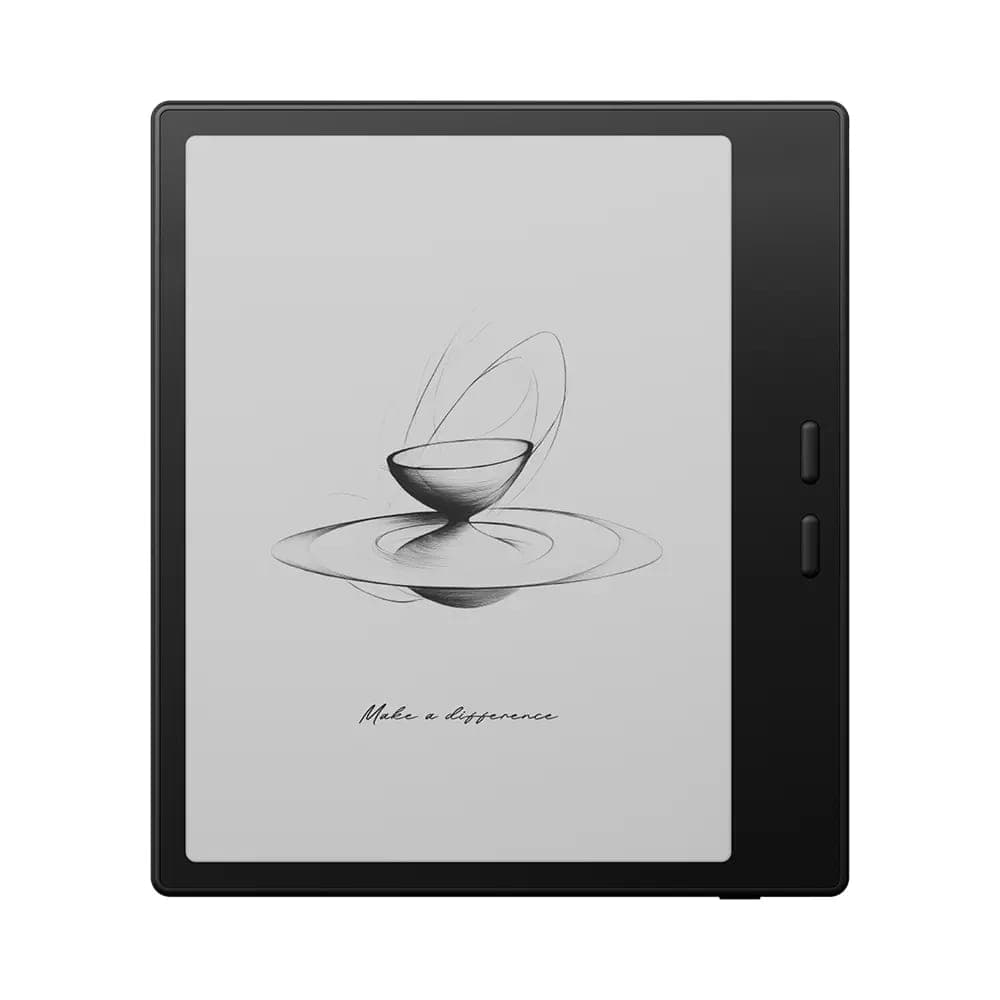 BOOX 7" Go 7 ( Black )$342.99
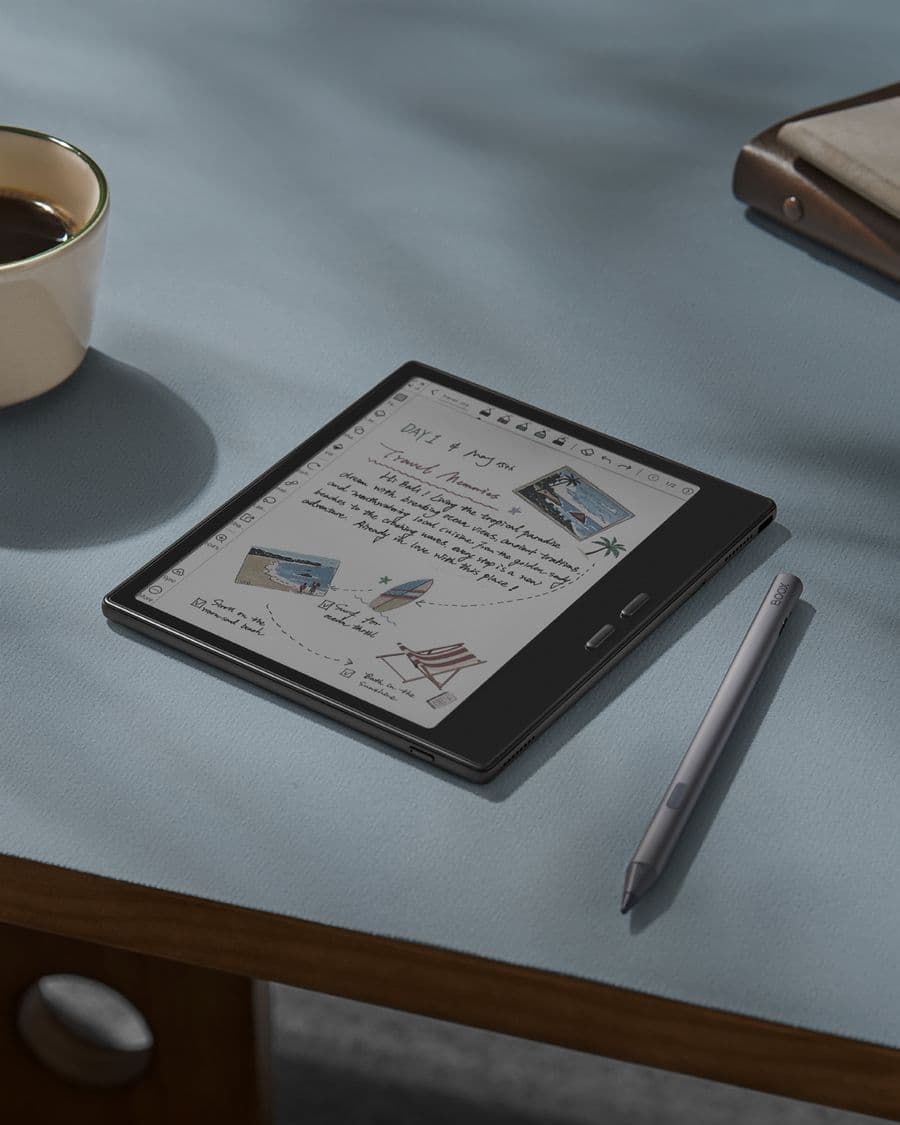
Pick the Go Color 7 (Gen II) if colour is part of what you read: comics and manga, magazines, illustrated children's books, textbooks with colour figures, or notes you highlight in several colours. BOOX also lists a water-repellent design for this model, meant for splashes and light rain rather than immersion. What colour E Ink gives up to get there is covered in the comparison linked above.
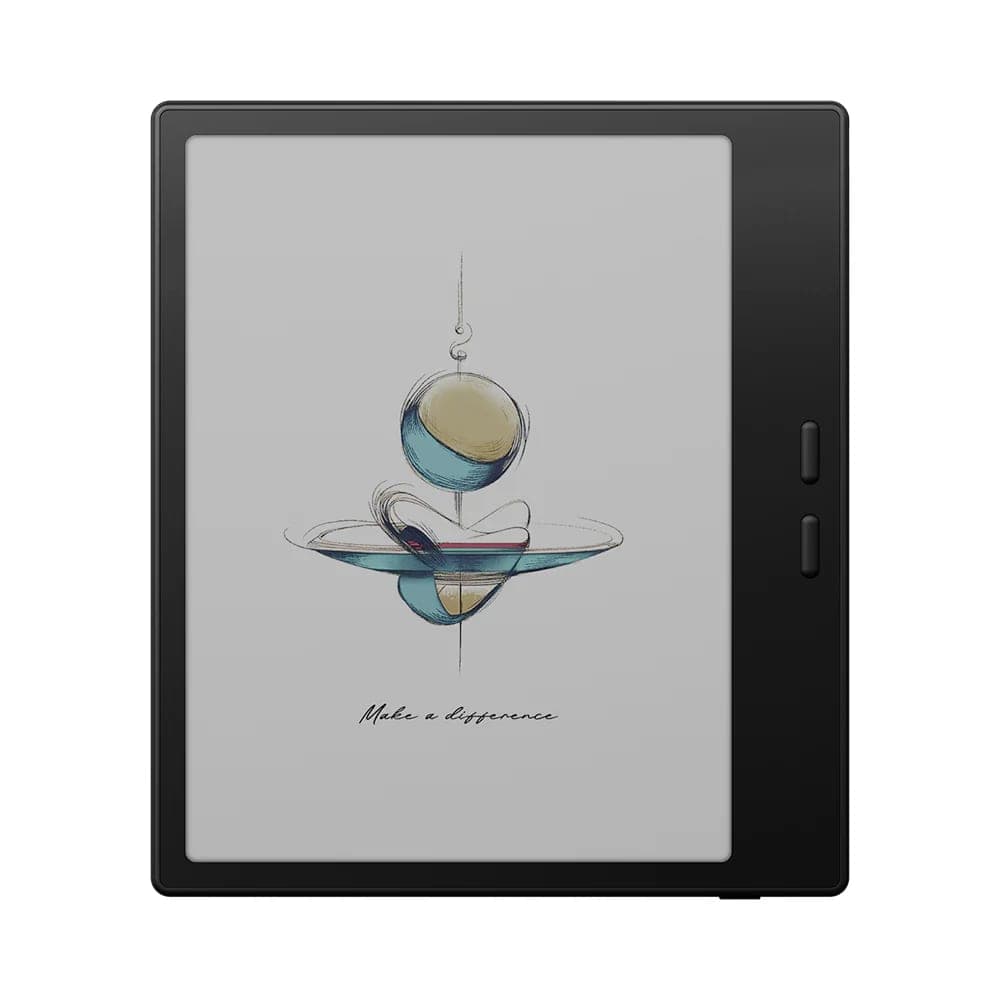 BOOX 7" Go Color 7 - Gen II (Black)$369.99
Writing on a 7-inch screen
Both models take the InkSense and InkSense Plus stylus, sold separately. At this size the stylus is for annotation: underlining, margin notes, a quick list, a signature on a PDF. It works well for that, and the page-turn buttons keep one hand free. It is not the device for full pages of handwriting; that is what the Go 10.3 is for. Our stylus and notes guide covers the pen settings once you have one.
Where the Page fits
Before the Go 7, BOOX's 7-inch reader was the Page: the same size and page-turn buttons, 3 GB of memory, 32 GB of storage, Android 11 and no stylus support. It remains a good reading-only device when it is in stock, and it appears occasionally as an open-box unit. If you are choosing today between a Page and a Go 7 at similar prices, the Go 7 is the better buy: more memory, newer Android, and the option to write later.
What a 7-inch Android reader does that a Kindle cannot
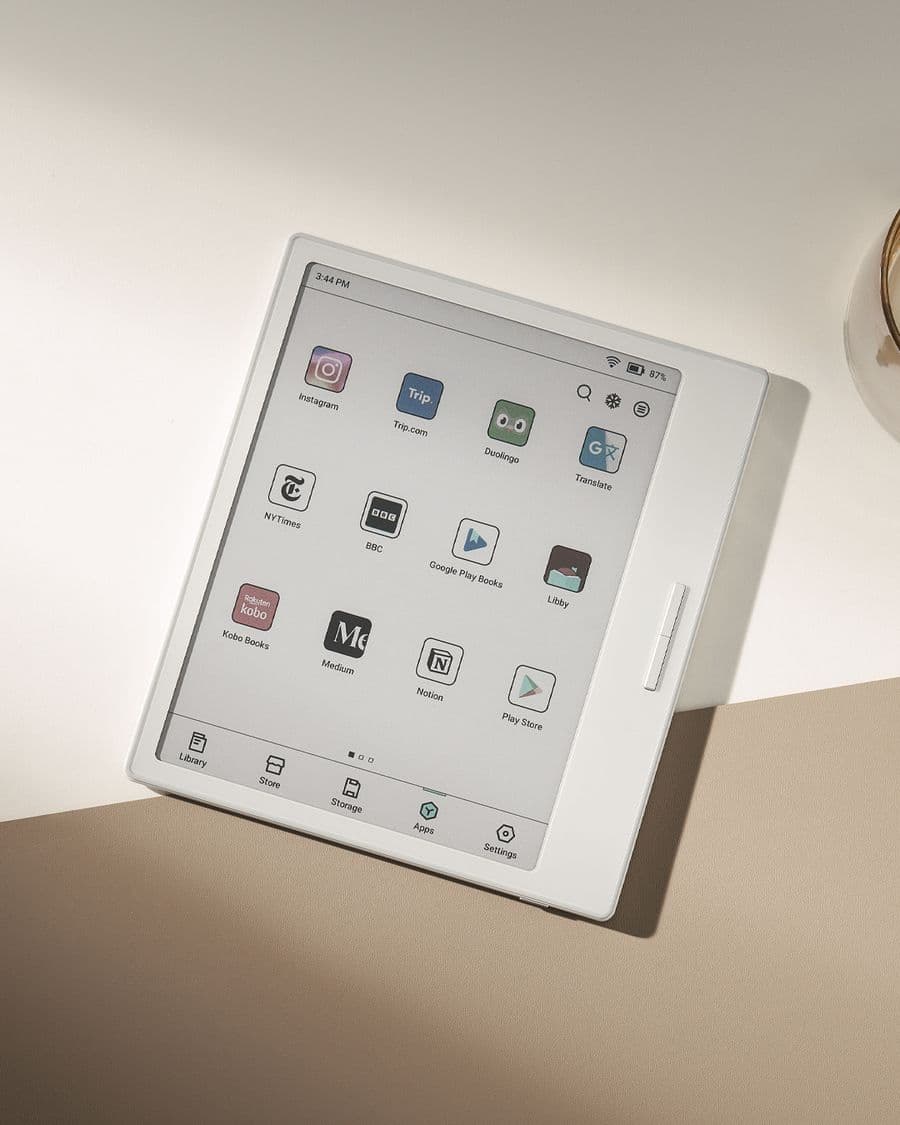
The Go 7 line runs apps rather than a locked store:
- Kindle, Kobo and Libby run side by side, with your purchases and library loans staying inside each app.
- EPUB, PDF, CBZ and CBR files open in the built-in reader with no conversion.
- Cloud folders in Google Drive or Dropbox can act as your bookshelf.
- Audiobooks play through the built-in speaker or a USB-C headset.
The trade-off is that Android wants a little setup. Our guides on setting up a new BOOX, refresh modes and battery life cover the settings that matter, and they apply to both models.
Between the Go 6 and the Go 10.3
Seven inches is the size most people settle on once they have tried both neighbours. The Go 6 is smaller and lighter, fits a jeans pocket, and suits readers who never write. The Go 10.3 is a notebook: a full page of handwriting and comfortable PDFs, at the cost of pocketability. The Go 7 is the reader that also annotates. All three are on the desk in our Oakville showroom if you want to hold them in turn.
Cases and accessories
Both models share the same magnetic case, which folds into a stand and wakes the screen when opened, and the same stylus. If you plan to write, buy the InkSense Plus with the device; if you only read, a case is the accessory that earns its keep.
Buying in Canada
Every Go 7 we sell is a genuine BOOX unit from an authorized dealer, with the full BOOX manufacturer warranty, free shipping anywhere in Canada from our Oakville location, and our 30-day return policy on new units. Open-box units are inspected, include a free case, and are final sale at a lower price. If you cannot decide between the two screens, come and put a comic and a novel on each; that usually settles it.
Frequently asked questions
Which Go 7 should I buy?
The Go 7 for novels, articles and library books; the Go Color 7 (Gen II) for comics, manga, magazines and colour documents. They share everything except the screen. Our Go 7 versus Go Color 7 (Gen II) comparison walks through the screen trade-offs in detail.
Can I write on the Go 7?
Yes, on both models, with the BOOX InkSense or InkSense Plus stylus, which is optional and sold separately. Seven inches suits margin notes, highlights and short lists rather than full pages of handwriting; for that, look at the Go 10.3.
Does the Go 7 have page-turn buttons?
Yes. Both models have physical page-turn buttons on the wider side bezel, plus a power button. The bezel doubles as a grip for one-handed reading, and the buttons can be remapped in the settings.
Can I read Kindle, Kobo and Libby books on a Go 7?
Yes. Both models run Android 13 with Google Play, so the Kindle, Kobo and Libby apps install as they would on a phone and your purchases and library loans stay inside each app. Our guide on Kindle, Kobo and Libby on BOOX covers the settings that make each one read well on E Ink.
What is the BOOX Page, and should I consider it instead?
The Page is the earlier 7-inch BOOX reader: the same size and page-turn buttons, but with 3 GB of memory, 32 GB of storage, Android 11 and no stylus support. It is a fine reading-only device when it is in stock; the Go 7 is the same idea with more memory, newer Android and the option to write.
Are open-box Go 7 units a good deal?
Usually, yes. Open-box units are inspected, come with a free case, and sell below the new price. They are final sale, so read the listing before you buy. Both the Go 7 and the Go Color 7 (Gen II) appear as open-box units from time to time.