
BOOX Go 6: compact e-reader, big library
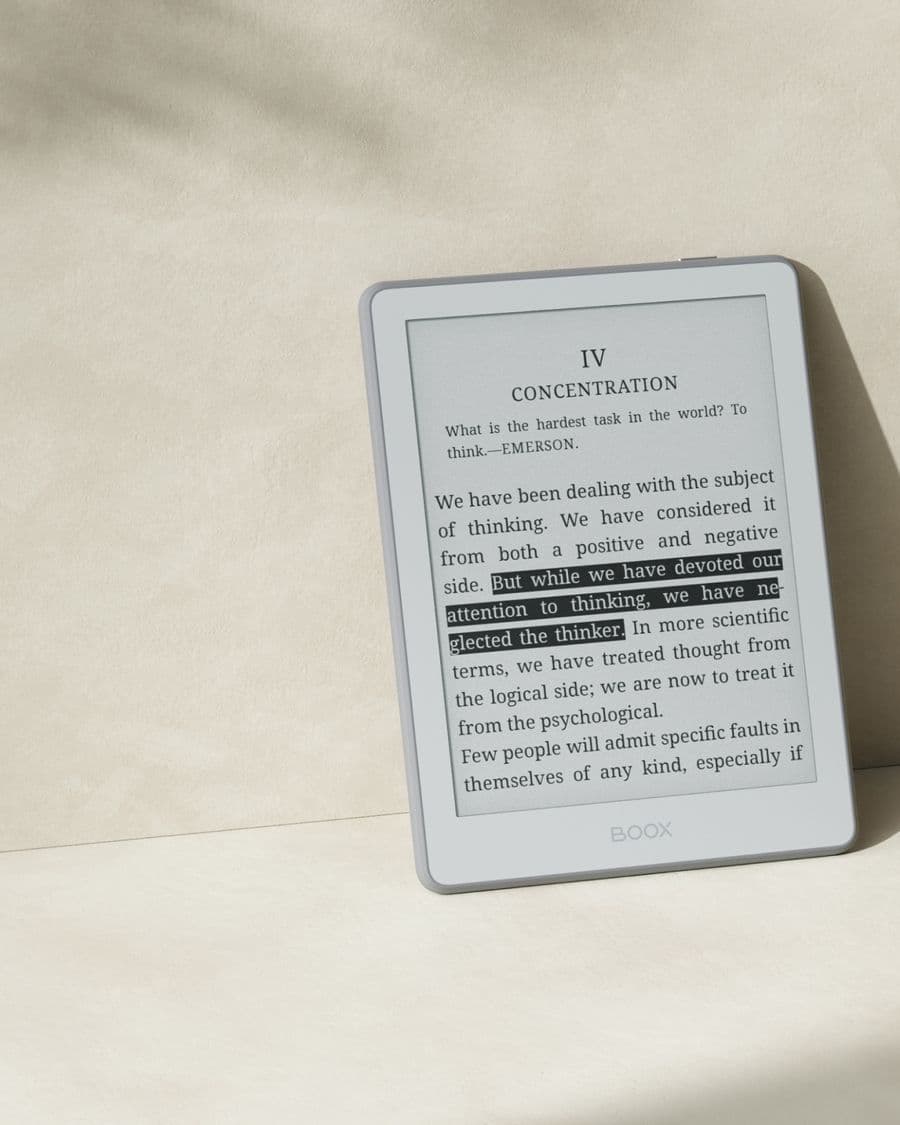
The Go 6 packs a crisp 6″ E Ink display into a light, colourful body. Because it runs Android, you're not locked to one bookstore: Kindle, Kobo, Libby, and your own files all live together. Available in the original Go 6 and the upgraded Go 6 Gen II, in multiple colours.
Open-box deals in this series
![BOOX 6" Go 6 Black [Open Box] + Free Case](/_next/image?url=%2Fproducts%2Fboox-6-go-6-black-open-box-free-case.jpg&w=3840&q=75&dpl=dpl_8EHcNFn7ryikkwQcRXUFS5k6Ub8e)
![BOOX 6" Go 6 (Gen II) (Custard)-[Open Box] + Free Case](/_next/image?url=%2Fproducts%2Fboox-6-go-6-gen-ii-custard-open-box-free-case.jpg&w=3840&q=75&dpl=dpl_8EHcNFn7ryikkwQcRXUFS5k6Ub8e)
![BOOX 6" Go 6 White [Open Box] + Free Case](/_next/image?url=%2Fproducts%2Fboox-6-go-6-white-open-box-free-case.jpg&w=3840&q=75&dpl=dpl_8EHcNFn7ryikkwQcRXUFS5k6Ub8e)
BOOX Go 6 buying guide: original or Gen II?
The Go 6 is BOOX's smallest reader that still gives you a full Android tablet underneath. That combination is the whole point: a pocket-sized E Ink screen that is not tied to one bookstore. This page walks through the two generations we sell, what separates them, and how to choose between colours, new and open-box, and the Go 6 and its bigger sibling.
Two generations, one idea
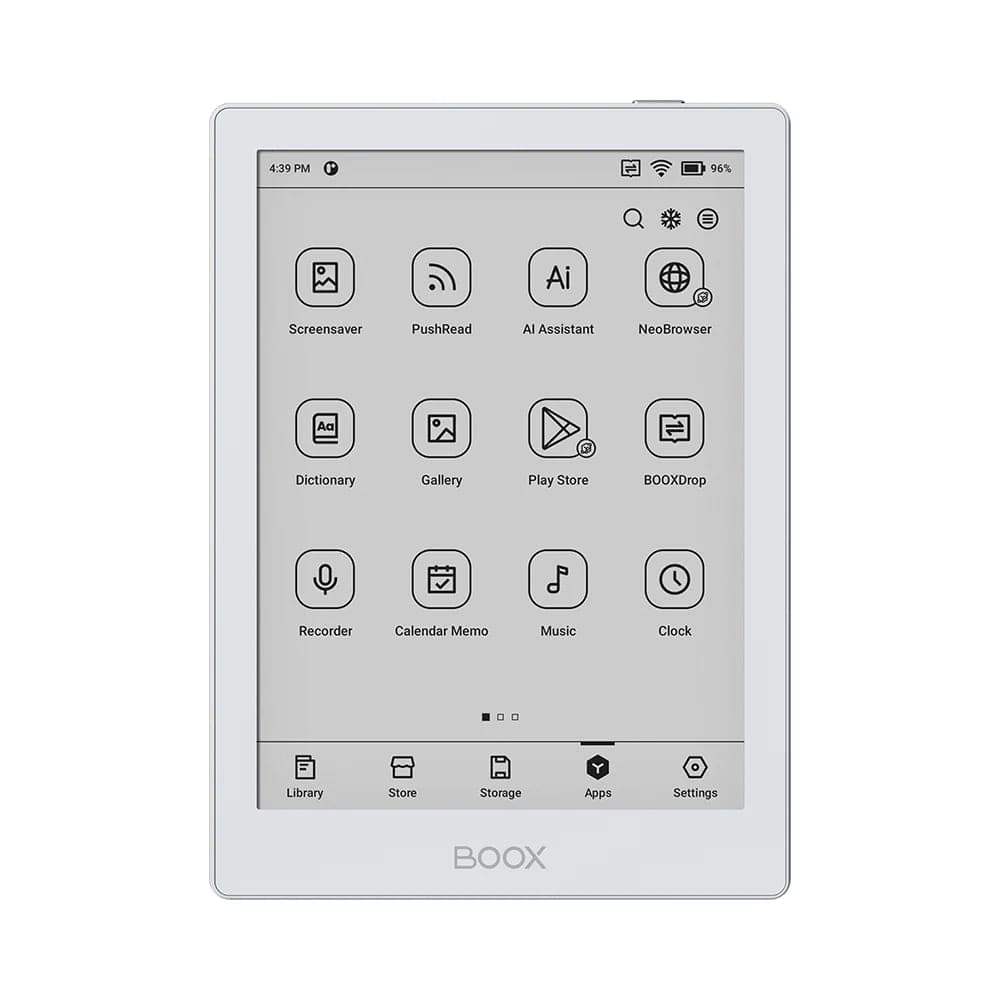
Both versions share the same footprint: a 6-inch monochrome E Ink display in a light, thin body that fits a jacket pocket. Both run Android with Google Play, so the reading apps you already use install like they would on a phone. Both have an adjustable warm and cold front light for reading in bed.
The differences sit in memory, stylus support and colour.
| BOOX Go 6 (original) | BOOX Go 6 (Gen II) | |
|---|---|---|
| Screen | 6″ monochrome E Ink, 1448 × 1072, 300 ppi | 6″ monochrome E Ink |
| Front light | Warm and cold, adjustable | Warm and cold, adjustable |
| Memory | 2 GB | 3 GB |
| Storage | 32 GB | 32 GB |
| Android | 11, with Google Play | 11, with Google Play |
| Stylus | Not supported | BOOX InkSense Plus (optional, sold separately) |
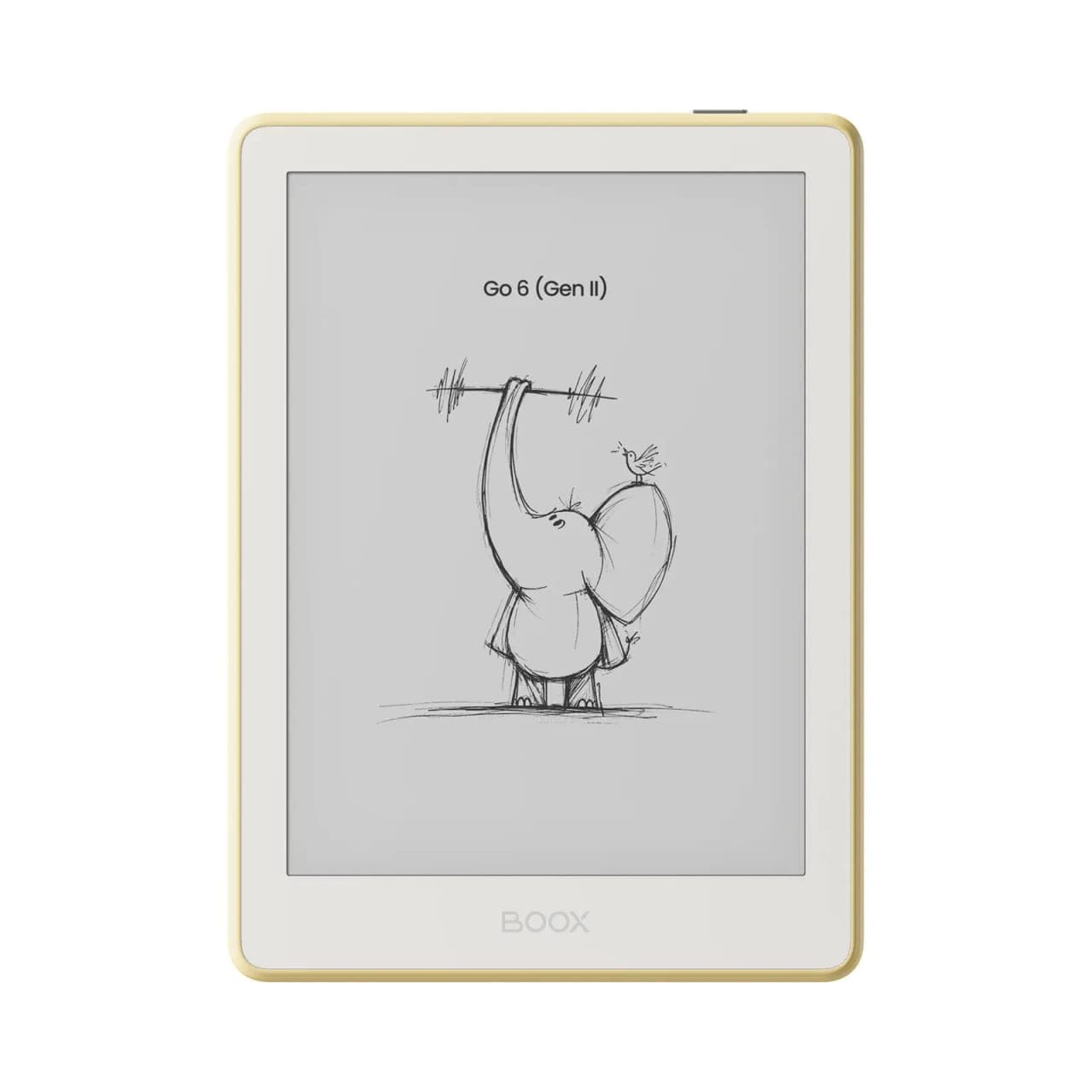
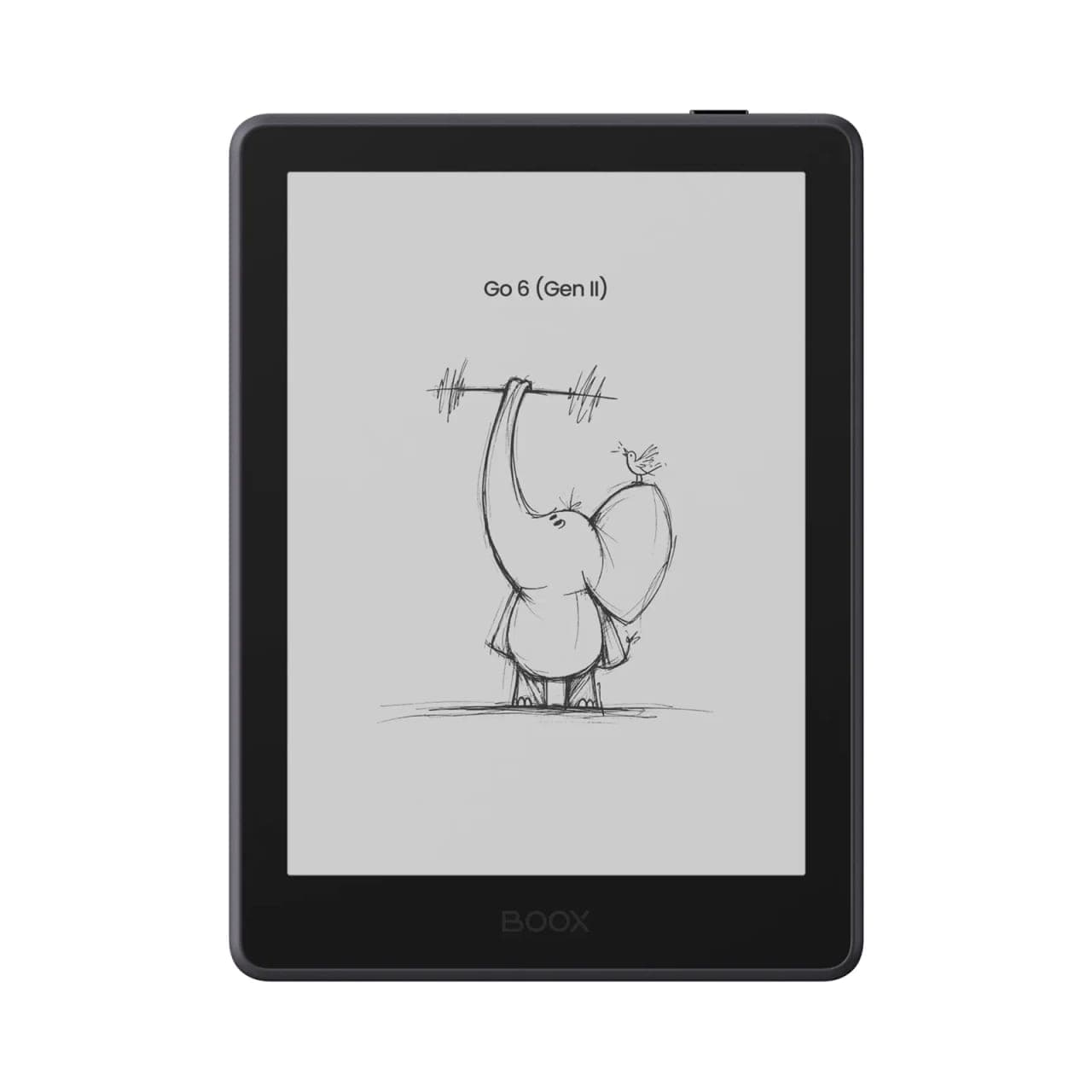
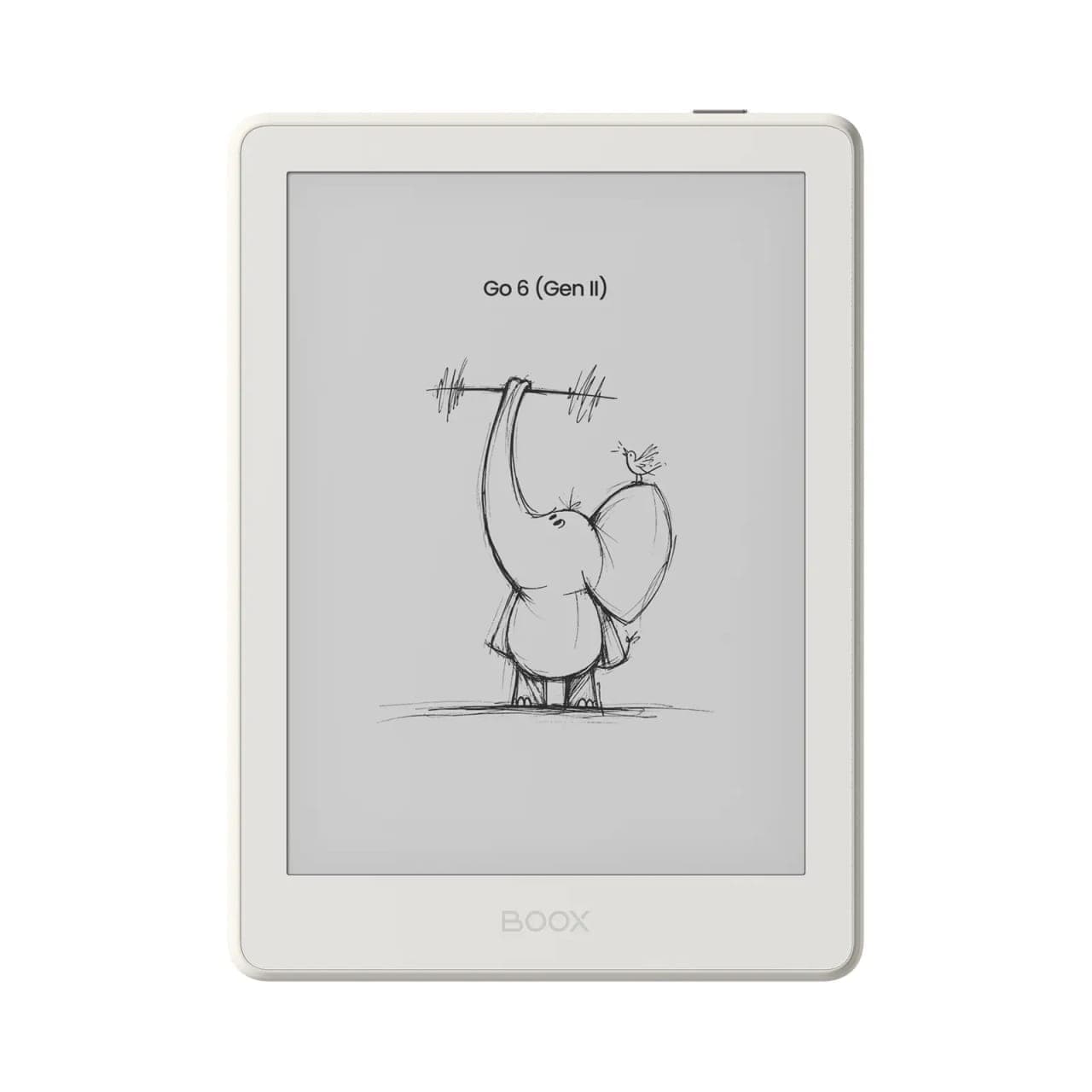
| Colours | Black, White | Custard, Plum, Shell, Stone |
| Best for | Reading | Reading and short handwritten notes |
The extra gigabyte of memory in Gen II is felt in app switching and in heavier apps such as Libby and the Kindle app, which reload less often. Stylus support is the headline change: Gen II is the first 6-inch BOOX you can write on.
Who the original Go 6 still suits
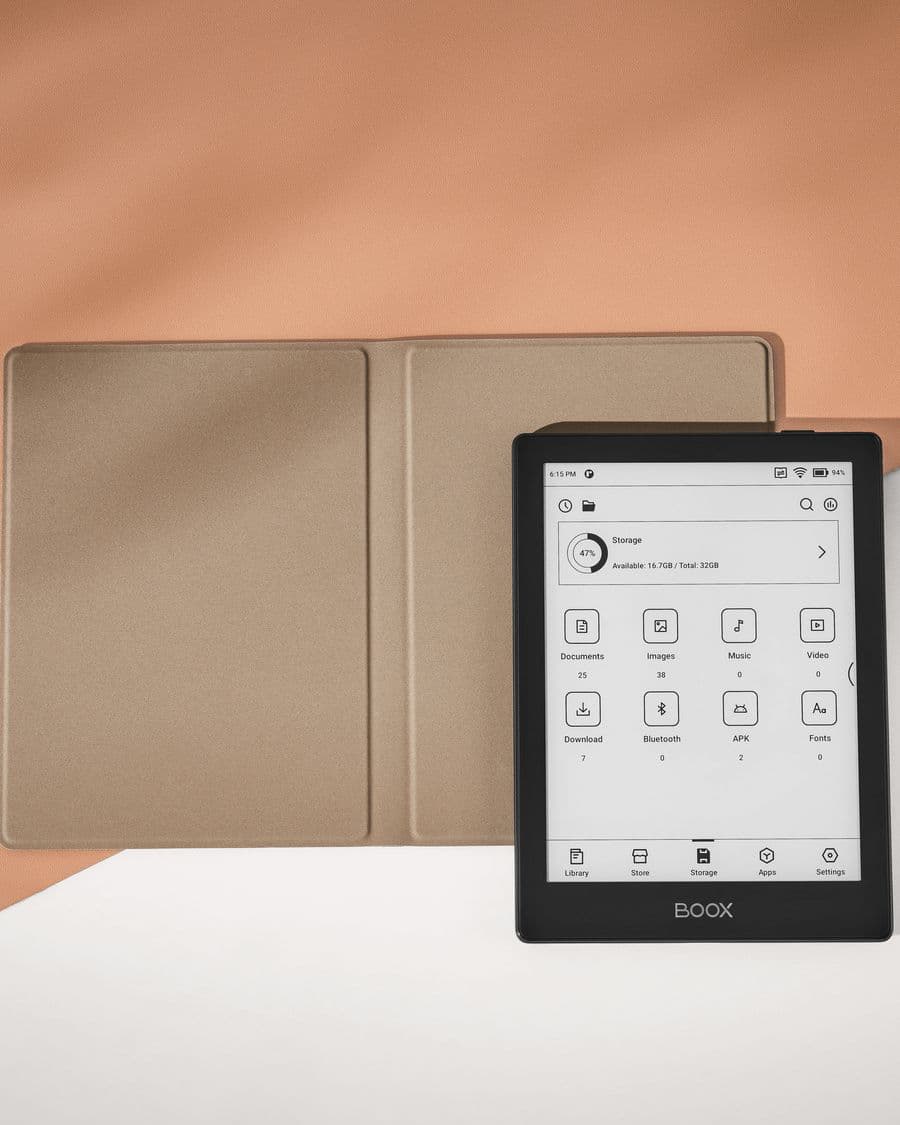
If you read novels and the occasional article and never plan to write on the screen, the original Go 6 does the job at a lower price. Its 300 ppi panel renders text as crisply as any current e-reader, and 32 GB of storage holds more books than most people finish in a lifetime. We stock it new in black and white, and it appears regularly as an open-box unit with a free case, which is the lowest-cost route into an Android e-reader in Canada.
 BOOX 6" Go 6 (Black)$209.99
Who should step up to Gen II
Choose Gen II if any of these apply:
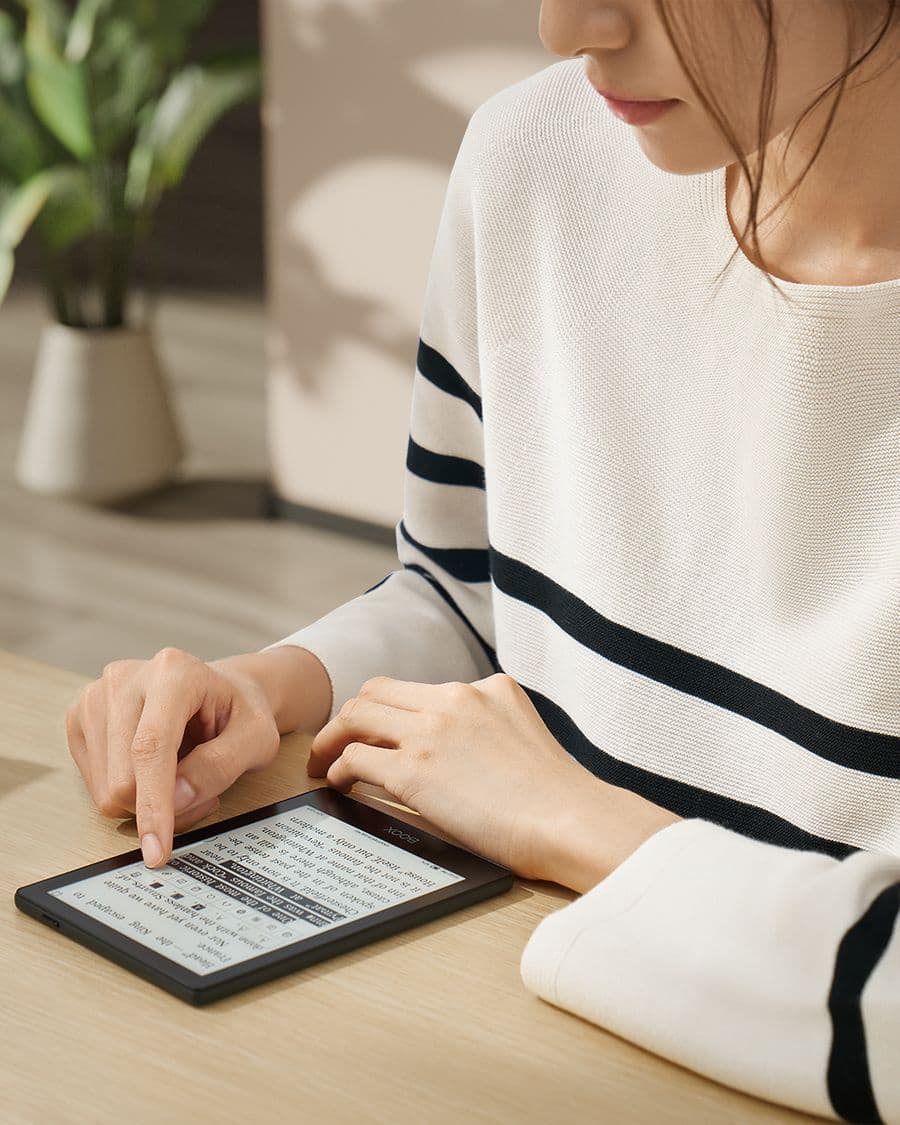
- You want to annotate what you read. The optional InkSense Plus stylus lets you underline, write in margins and keep quick notes without carrying a second device.
- You keep several reading apps open. The move from 2 GB to 3 GB is not dramatic on paper, but it is the difference between apps resuming where you left them and apps restarting.
- You care what it looks like. The four Gen II colours are proper colours, not two shades of grey, and the finish is what you notice every time you pick it up.
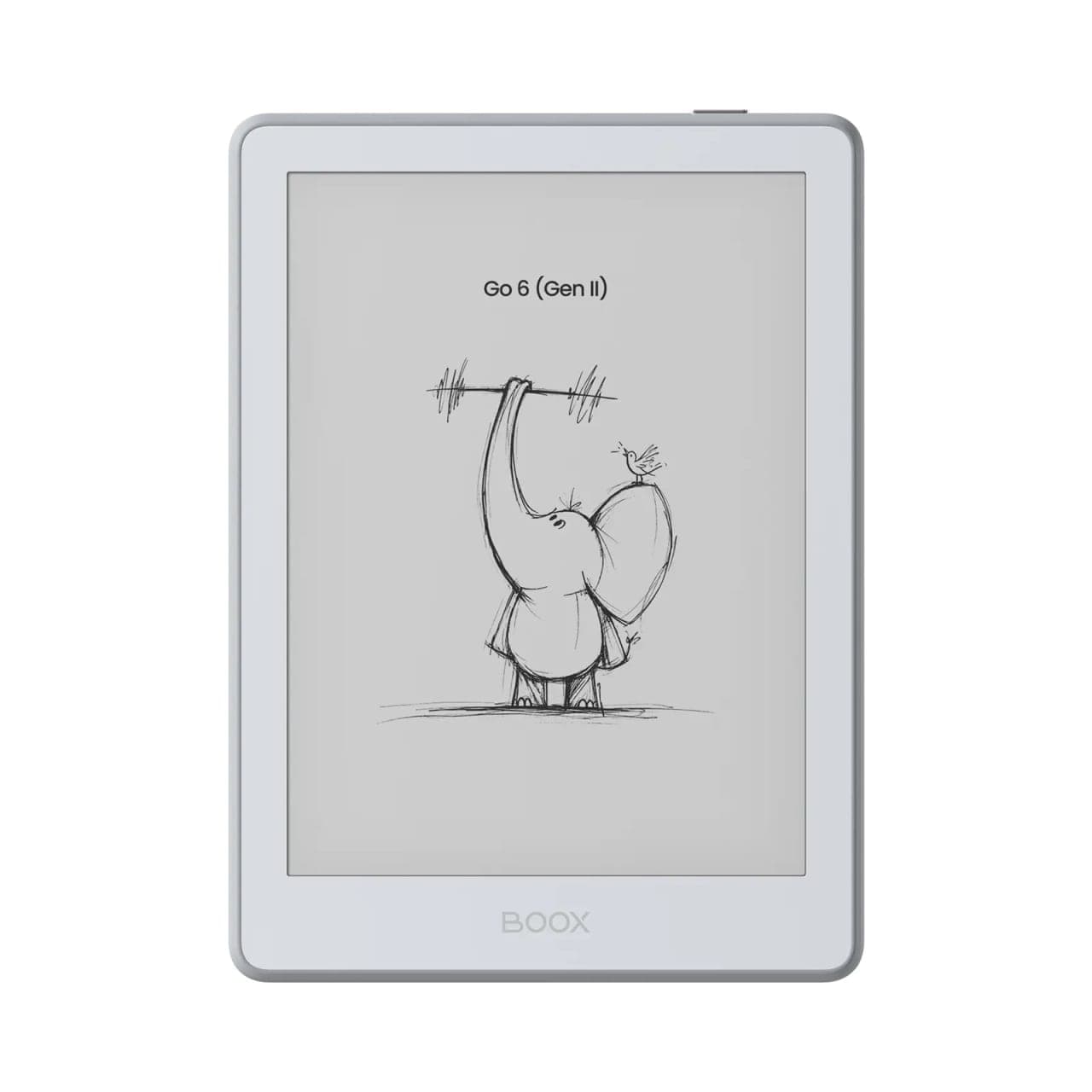 BOOX 6" Go 6 (Gen II) (Stone)$262.99
Colour guide for Gen II
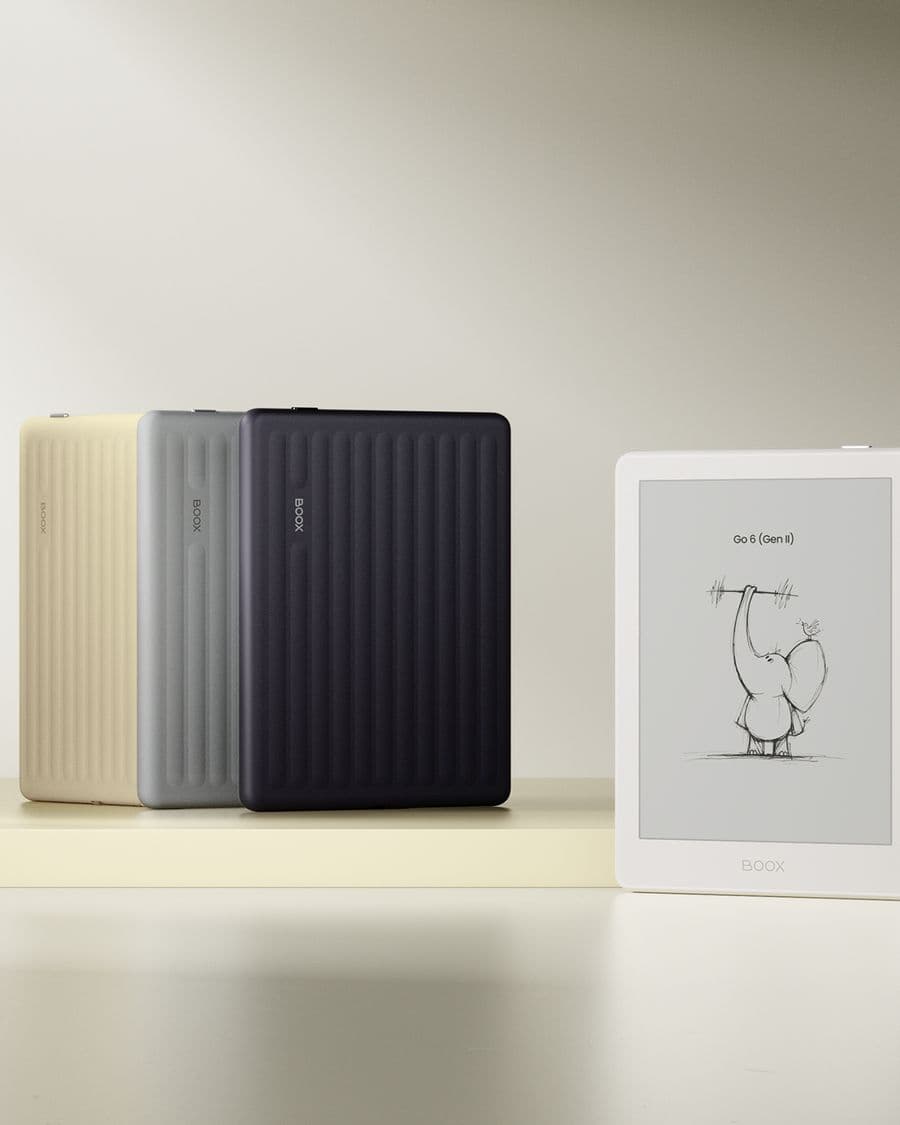
All four colourways are the same device at the same price, so this is a taste decision.
- Stone: a cool mid grey. The safest choice if you want the reader to disappear into a bag or a desk.
- Shell: an off-white with a hint of warmth. Shows fingerprints least and photographs best.
- Custard: a soft yellow. The friendliest of the four and the easiest to spot on a cluttered table.
- Plum: a deep purple. The one people ask about in the showroom.
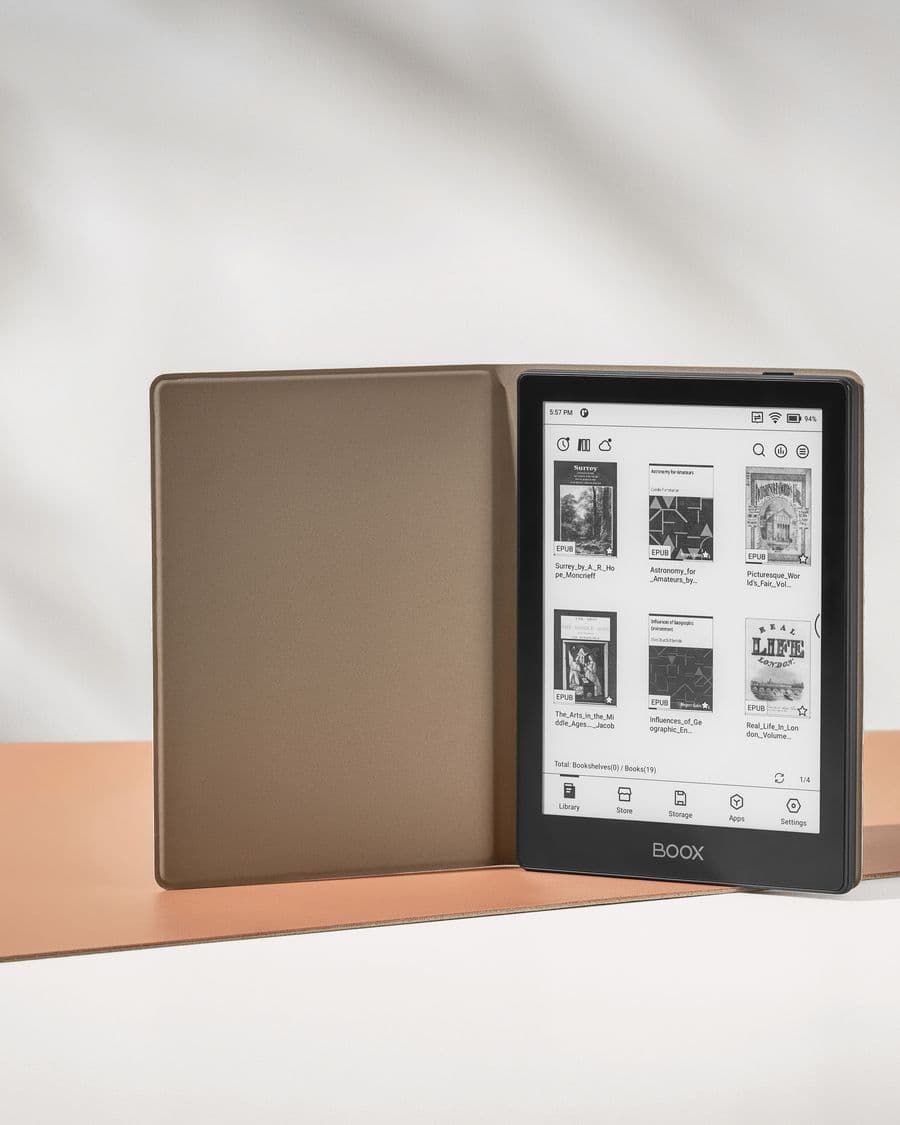
Every colour takes the same Go 6 Gen II magnetic case, so you can pair a bright body with a plain cover or the reverse.
What a 6-inch Android reader does that a Kindle cannot
The Go 6 line runs the apps rather than a locked store. In practice that means:
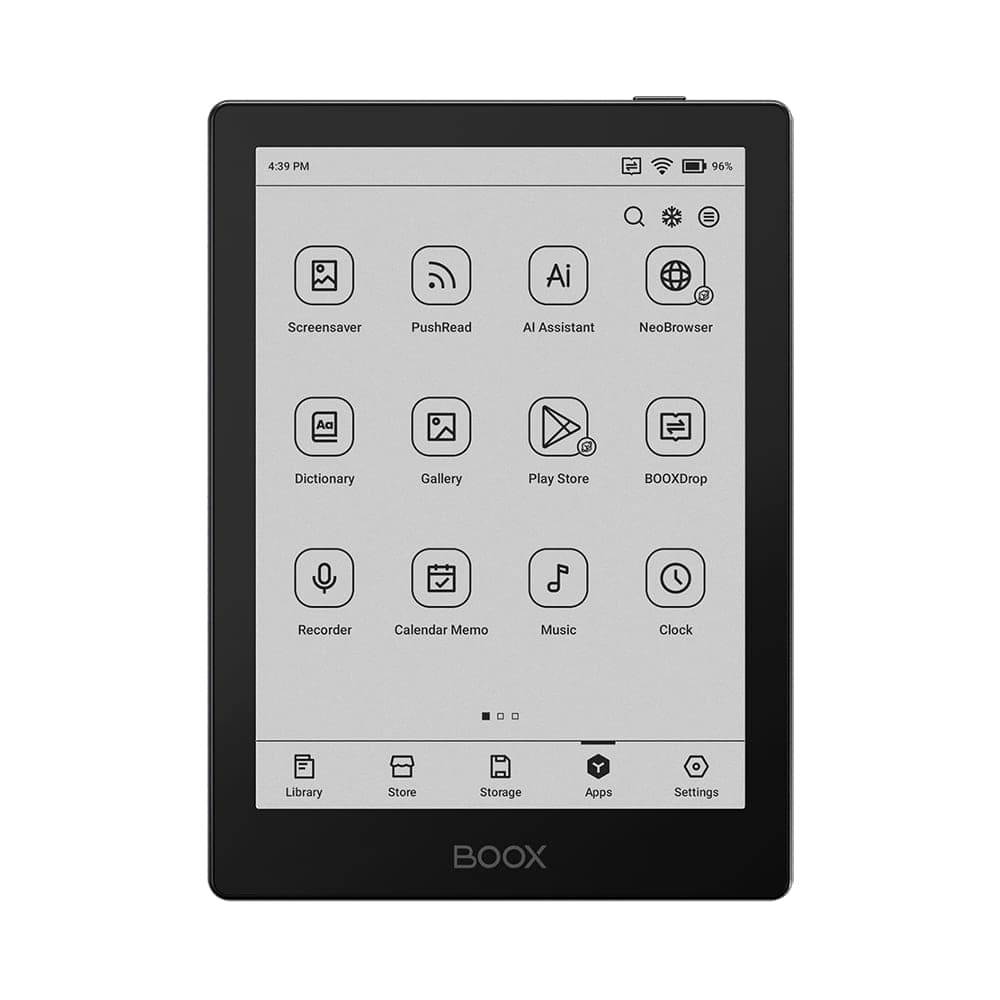
- Kindle, Kobo and Libby run side by side, with your purchases and library loans staying inside each app.
- EPUB, PDF and comic files open in the built-in NeoReader, with no conversion step.
- Cloud storage is built into the Library, so a folder in Google Drive or Dropbox can be your bookshelf.
- Other reading apps, including news, RSS and web readers, install from Google Play.
The trade-off is that Android needs a little management. Our guides on setting up a new BOOX, refresh modes and battery life cover the settings that matter, and they apply to both Go 6 generations.
Where the Go 6 stops and the Go 7 begins
Six inches is a phone-sized page. It is ideal for fiction and for reading on the move, and it is the size most people mean when they say "e-reader". It is small for PDFs, textbooks and full-page handwriting. If your reading leans that way, the BOOX Go 7 adds an inch of screen, more memory and storage, and stylus support on every unit, while still fitting in a coat pocket. Both are on the desk in our Oakville showroom if you want to hold them side by side.
Buying in Canada
Every Go 6 we sell is a genuine BOOX unit from an authorized dealer, ships free anywhere in Canada from our Oakville location, and new units carry our 30-day return policy. Open-box units are inspected, include a free case, and are final sale at a lower price. If you are unsure which generation or colour to choose, ask us or book a showroom visit; comparing them in hand usually settles it in a minute.
Frequently asked questions
Is the Go 6 Gen II a big upgrade over the original Go 6?
It is a meaningful one for note takers and a modest one for pure readers. Gen II adds stylus support (the InkSense Plus, sold separately), moves from 2 GB to 3 GB of memory, and comes in four colours instead of two. Screen size, storage and Android version are the same, so if you only read, the original Go 6 remains a very good buy, especially as an open-box unit.
Can I read Kindle, Kobo and Libby books on a Go 6?
Yes. Both generations run Android with Google Play, so you install the Kindle, Kobo and Libby apps from the store and sign in as you would on a phone. Your purchases and library loans stay inside those apps. Our guide on Kindle, Kobo and Libby on BOOX covers the per-app settings that make each one read well on E Ink.
Does the Go 6 have a warm front light?
Yes. Both the original Go 6 and the Gen II have an adjustable front light with warm and cold tones, so you can read in the dark and shift towards amber at night.
Can I write on the Go 6?
Only on the Gen II, and only with the BOOX InkSense Plus active stylus, which is optional and sold separately. The original Go 6 has a touch screen but no stylus support. Six inches is small for long handwritten notes; think margin notes and quick lists rather than full pages.
Which Go 6 Gen II colour should I choose?
All four are the same device at the same price, so pick the one you will enjoy holding. Stone and Shell are the quiet, neutral options; Custard and Plum are the warm ones that stand out on a desk. Cases are available for the whole line if you want to change the look later.
How does the Go 6 compare with the Go 7?
The Go 7 is the next size up: a 7-inch screen with more memory and storage, and stylus support on every unit. Choose the Go 6 if pocketability matters most; choose the Go 7 if you want more page on screen or plan to write regularly.
Are open-box Go 6 units a good deal?
Usually, yes. Open-box units are inspected, come with a free case, and sell below the new price. They are final sale, so check the listing details before you buy. They are the cheapest way into the BOOX ecosystem.