
BOOX Note Air: the 10.3-inch colour notebook
A 10.3″ colour E Ink screen, a stylus in the box and a full Android tablet underneath: big enough for a real page of handwriting or an A4 PDF, calm enough to read on for hours.
BOOX Note Air buying guide: the 10.3-inch colour notebook
The Note Air is the BOOX people buy when a reader is not enough. A 10.3-inch colour E Ink screen, a stylus in the box, and a full Android tablet underneath: big enough for a real page of handwriting or an A4 PDF, light enough to carry all day, and calm enough to read on for hours. Two models share that body today. This page explains what the line is for, how the two differ at a glance, and what comes with it in Canada.
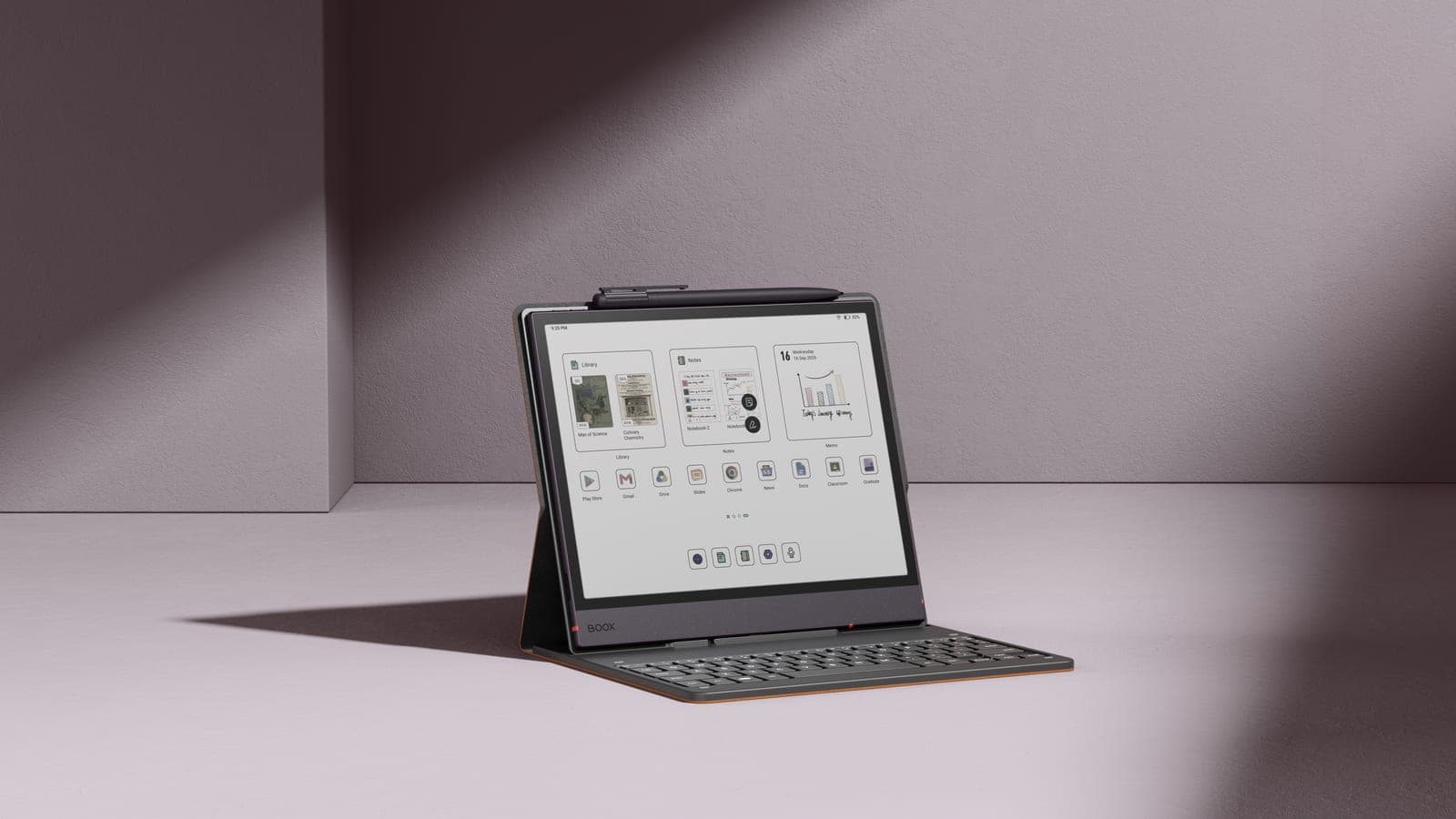
The Note Air lineup
The two current models share almost everything: the same 10.3-inch Kaleido 3 colour screen, 6 GB of memory, 64 GB of storage with a microSD slot that takes up to 2 TB, a 3,700 mAh battery, a warm and cold front light, a fingerprint reader in the power button, and the BOOX Pen3 stylus in the box. What separates them sits underneath the glass.
| Platform | What sets it apart | Best for | |
|---|---|---|---|
| BOOX Note Air6 C | Android 16, 4 nm octa-core | Live transcription, newer Bluetooth, the longer support runway | A first colour tablet, lectures and meetings |
| BOOX Note Air5 C | Android 15 | The same screen and writing feel, often at a lower price | Reading, annotating and handwriting |
The spec-by-spec breakdown, what the newer chip actually changes and whether the upgrade is worth paying for live on one page: Note Air6 C versus Note Air5 C. This guide stays at the series level.
How to choose
Buy the Note Air6 C if this is your first colour E Ink tablet. On a device you expect to keep for years, starting a year later on Android is worth more than it sounds, because app compatibility is usually what ends a tablet's useful life rather than the screen. It is also the only one of the two that can transcribe a lecture or a meeting while you write.
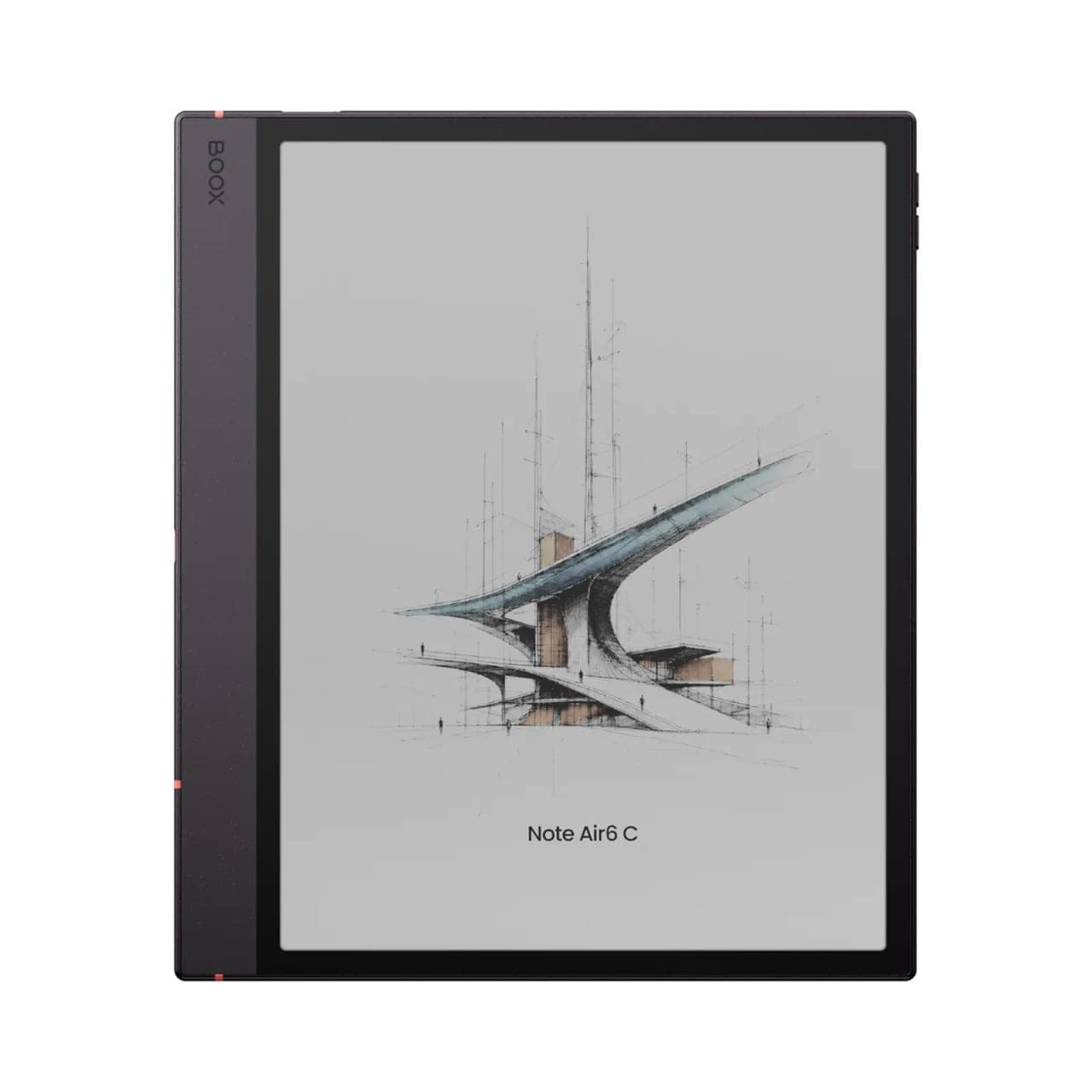 BOOX Note Air6 C 10.3"$769.99
Stay with the Note Air5 C if you already own one and your work is reading, marking up and handwriting. It is the same panel, the same writing feel and the same stylus, and it will be supported for years yet. The head-to-head comparison sets out exactly what you would and would not gain by moving up.
Writing on a 10.3-inch screen
Ten inches is the size where an E Ink tablet stops being a reader that takes notes and becomes a notebook. A full page of handwriting fits without scrolling, a marked-up A4 PDF stays readable, and two pages sit side by side in split view when you are taking notes from a source.
The Pen3 in the box has 4,096 pressure levels and tilt, and the textured screen gives the friction that makes handwriting feel controlled rather than slippery. In the Notes app you get seven brush types with adjustable width and colour, shape tools for straight lines, rectangles, circles and polygons, and a lasso for moving a selection, converting handwriting to text or sending a line to your calendar.
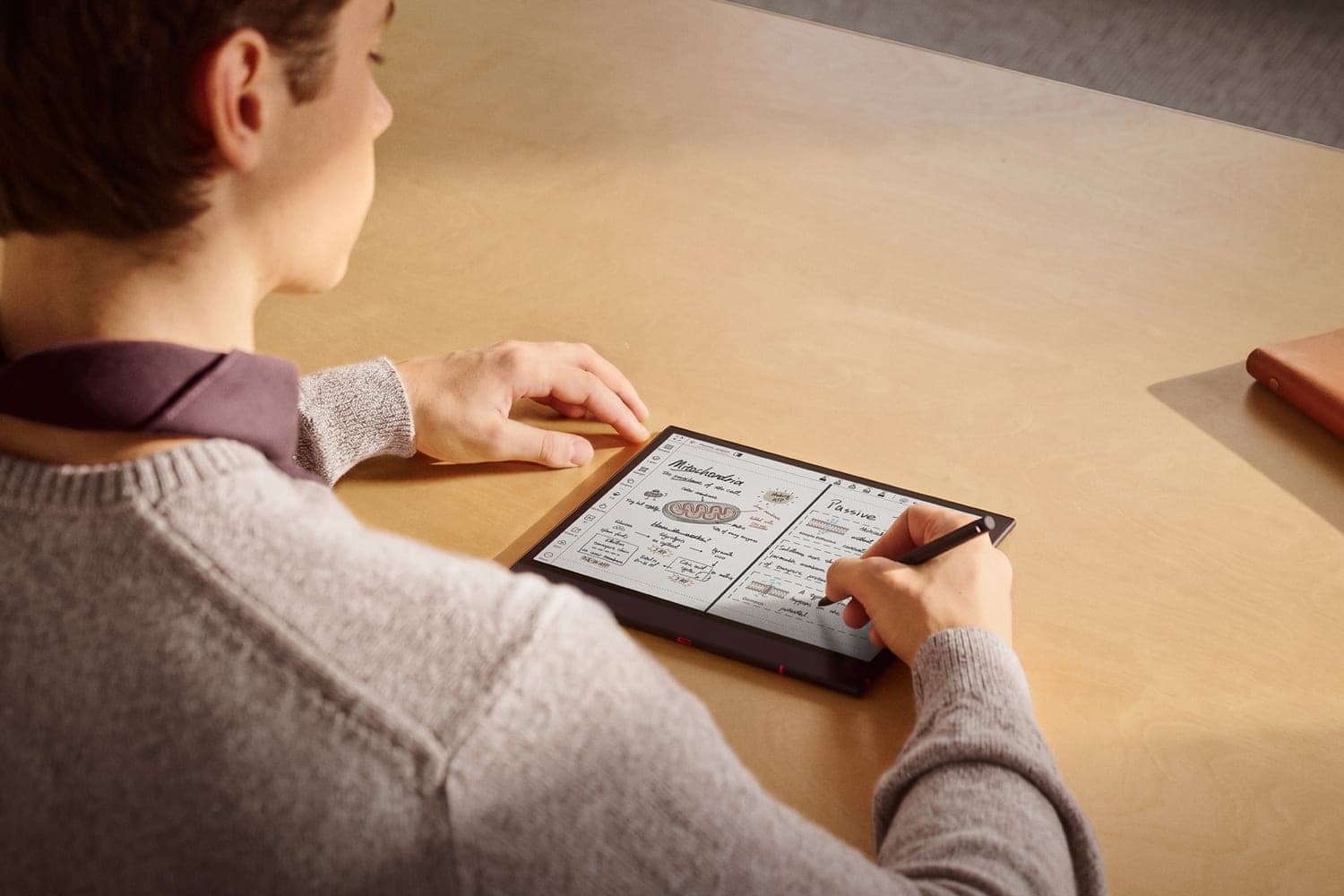
Our stylus and notes guide covers the pen settings and the handwriting-to-text options once you have one in your hand.
Recording a lecture while you write
This is the Note Air6 C's own feature, and the clearest reason to pick it over the Air5 C. Talk Insights records and transcribes in real time in more than 20 languages, then summarises what was said into notes you can export as PDF or text. Canada is a supported region, in English and in French. You can write by hand on the same page while it runs, and Focus Mode hides the scrolling transcript if watching it distracts you.
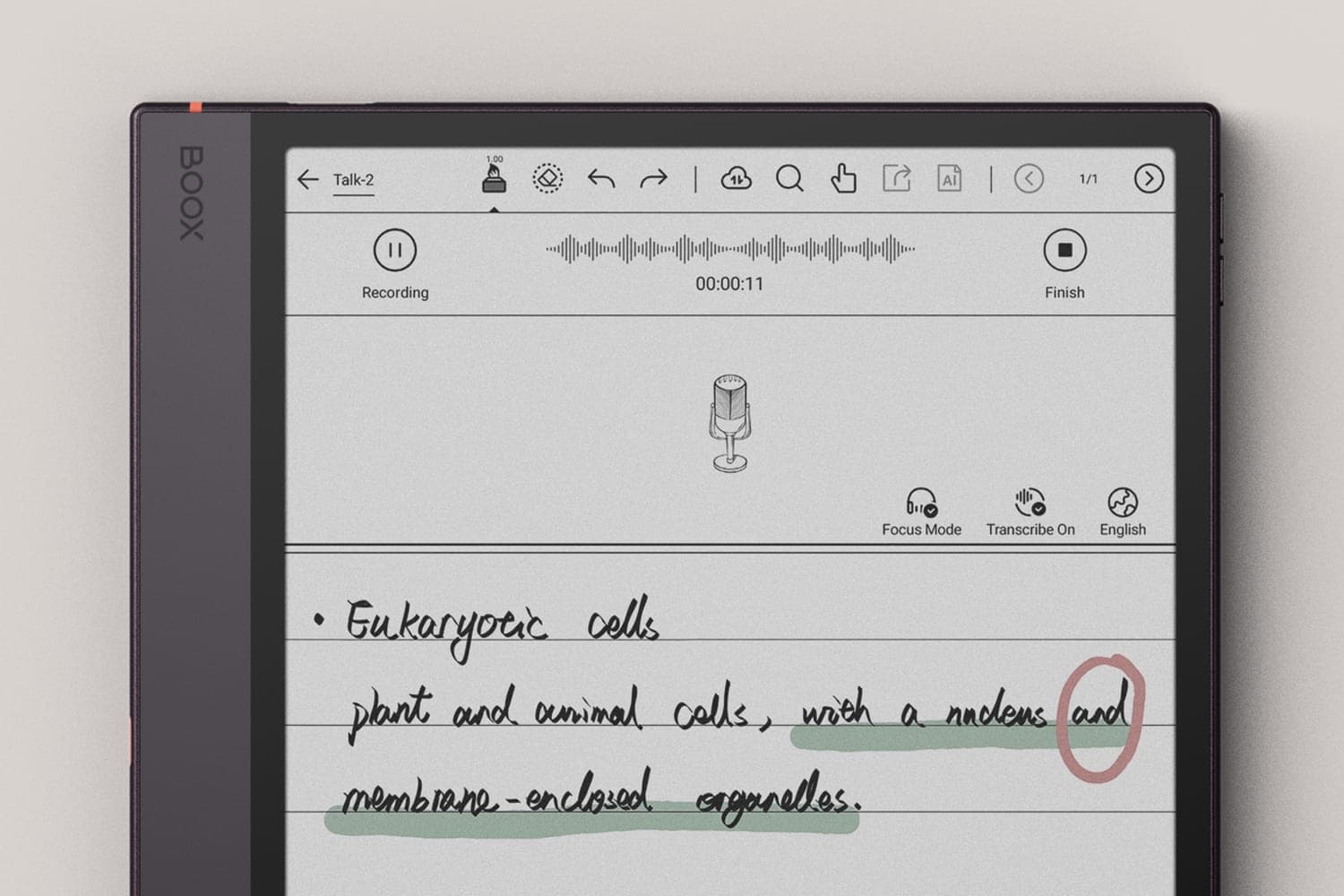
It needs the latest firmware and a network connection, and it is switched on under Settings, Lab Features. The Note Air5 C cannot gain it in an update.
Reading and marking up documents
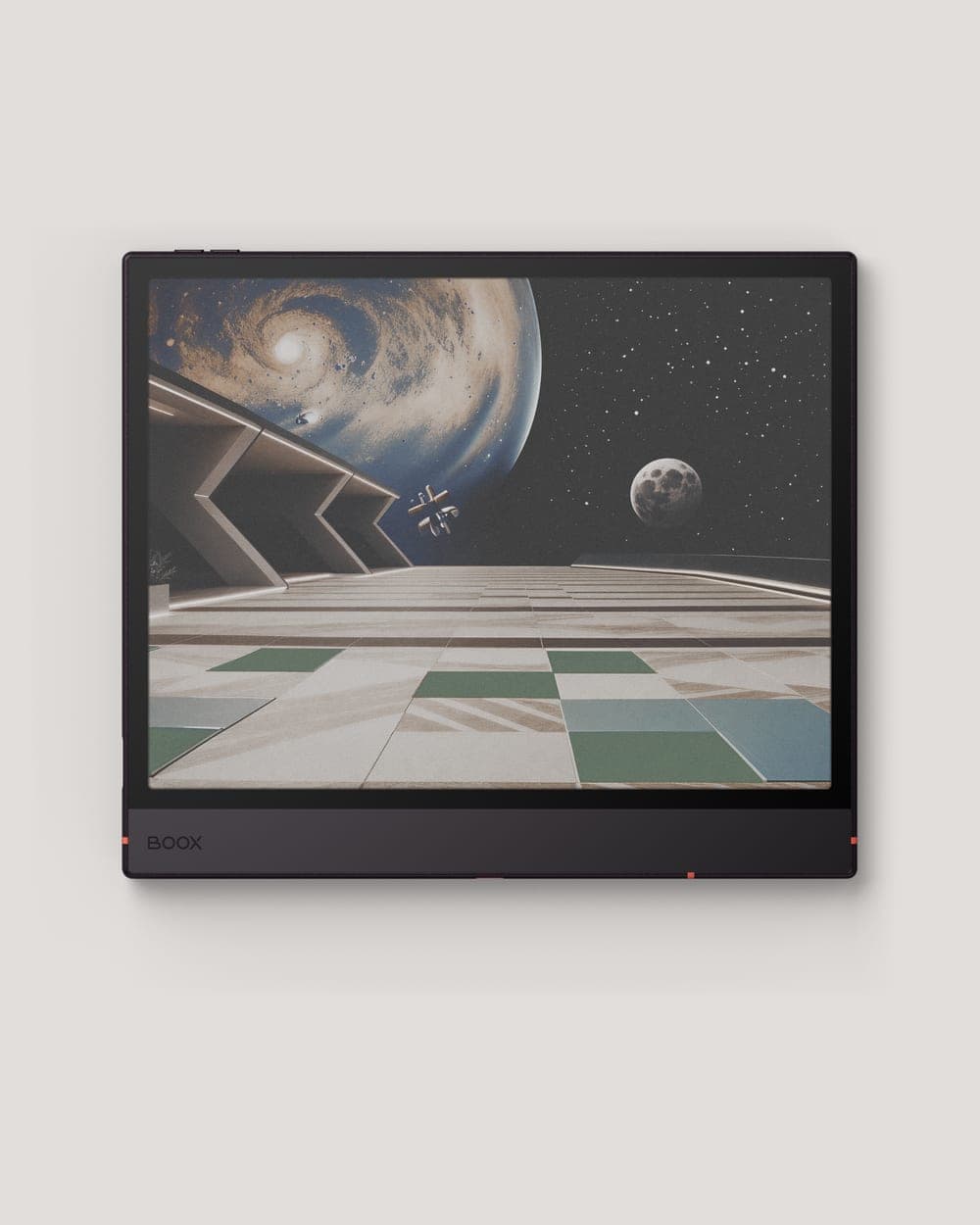
The Note Air reads 26 formats, including PDF, EPUB, DOCX, MOBI, AZW3, CBZ and CBR, so a mixed library of books, papers and comics opens without converting anything first. Colour is what earns its keep here: highlights in different colours actually mean different things, charts and figures in a paper are legible, and an illustrated textbook looks like the printed one.
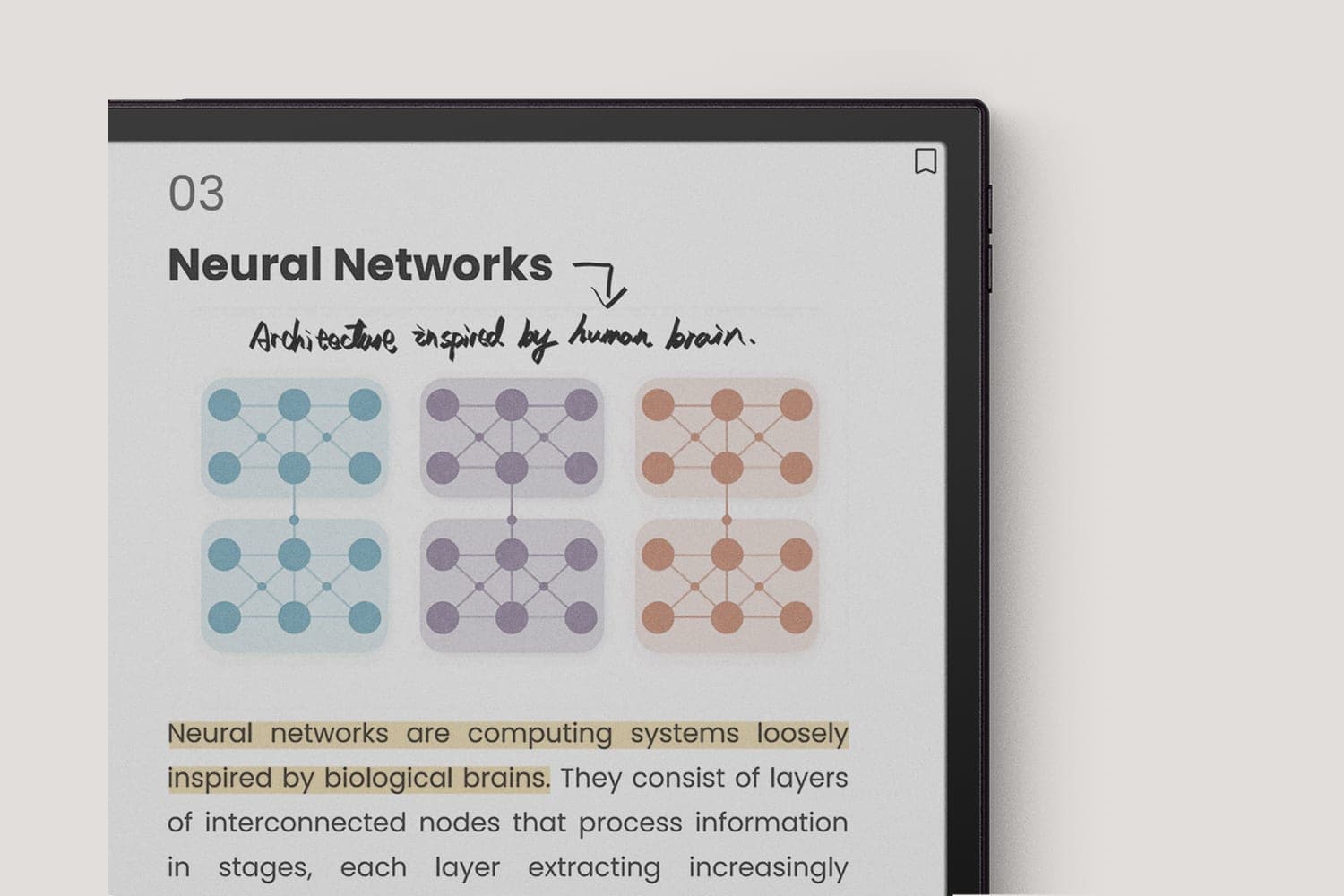
Inside the reader you can highlight, underline and write in the margin directly on the page, adjust fonts, margins and layout, and switch to dark mode for reading at night. Our guide on annotating PDFs on BOOX covers getting your marked-up copies back off the device.
Multitasking, apps and sync
Both models run Android with the Google Play Store, so Kindle, Kobo, Libby, OneNote, Google Drive, Chrome and the rest install as they would on a phone. That is the practical difference between a Note Air and a closed e-reader: your reading and your work live on the same device.
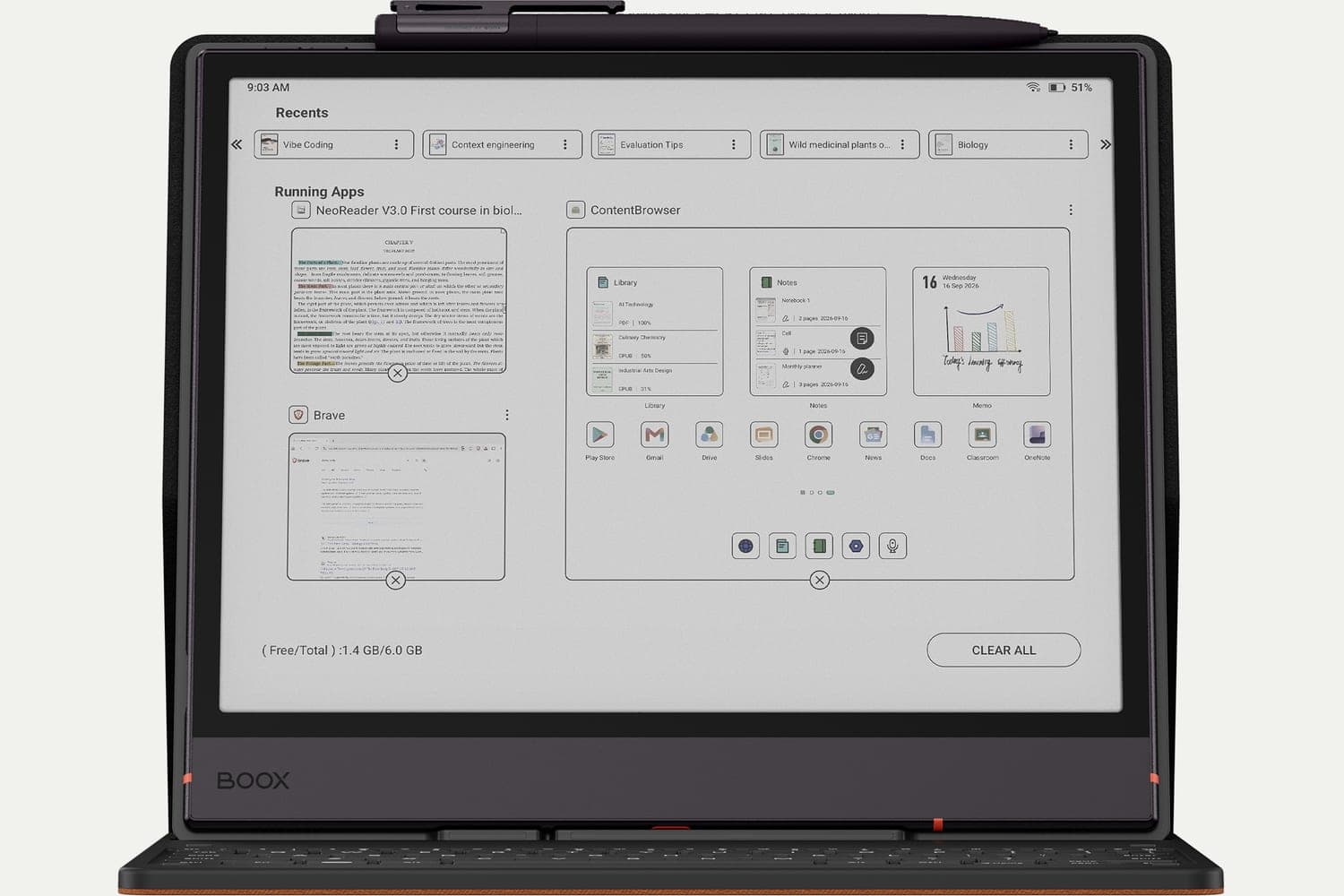
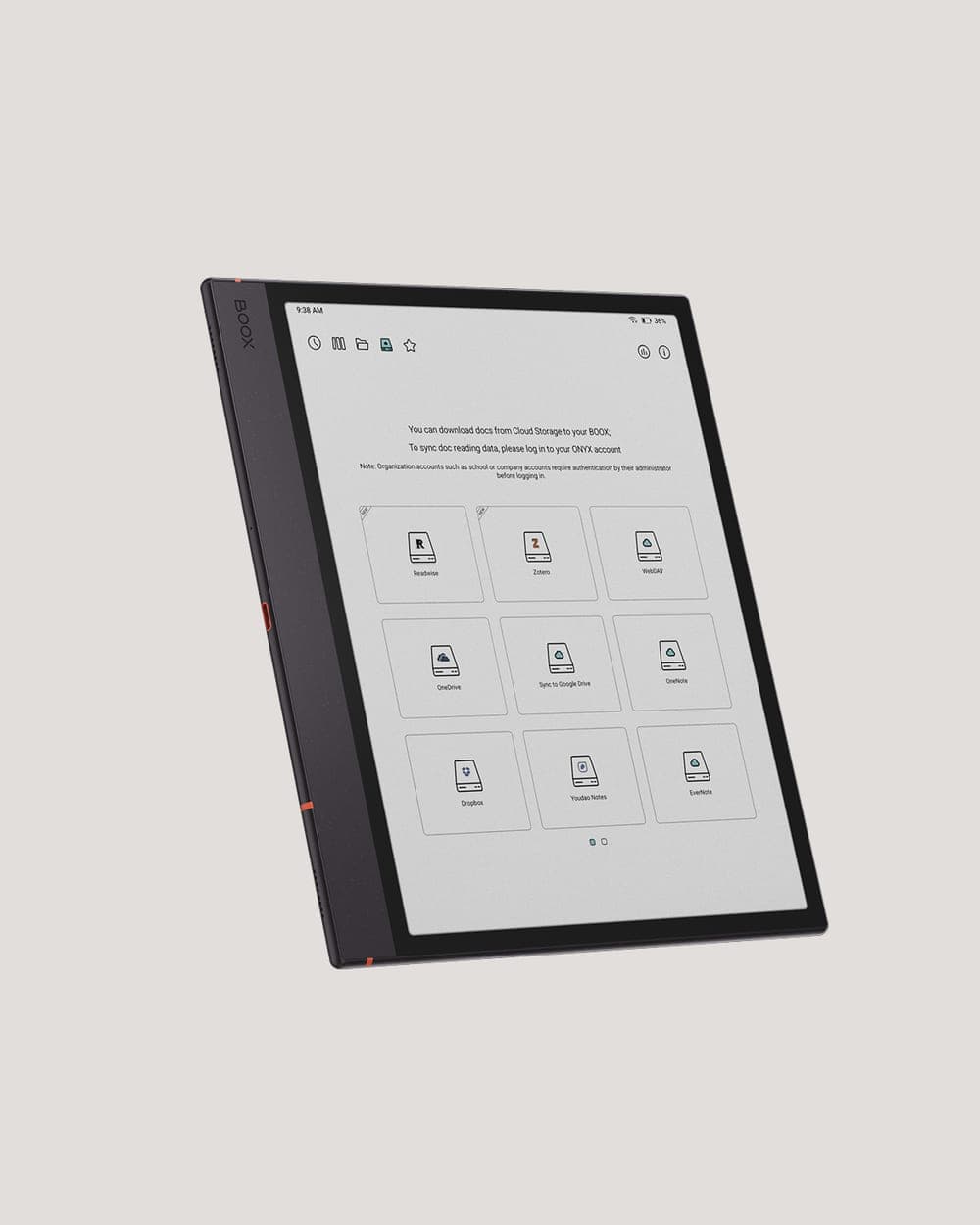
Notes and annotations sync to the free 10 GB of Onyx cloud storage that comes with a BOOX account, and BOOXDrop moves files between the tablet and a computer or phone over your own network. Third-party services including Google Drive, Readwise and Zotero connect directly. Our guides on cloud storage and transferring books cover the setup.
Where the Note Air sits in the BOOX range
The Note Air is the middle of the note-taking line, and the size most people settle on. The Go 10.3 is the same page size in black and white for less money, and is the better buy if colour does nothing for what you read. The Note Max is 13.3 inches, which is a desk device for full-size documents and drawings rather than something you carry every day; our Note Air5 C versus Note Max comparison covers that choice. Below it, the Go 7 and Palma are readers that happen to take notes rather than notebooks.
All of them are on the desk in our Oakville showroom if you want to hold them in turn.
Cases, keyboard and stylus
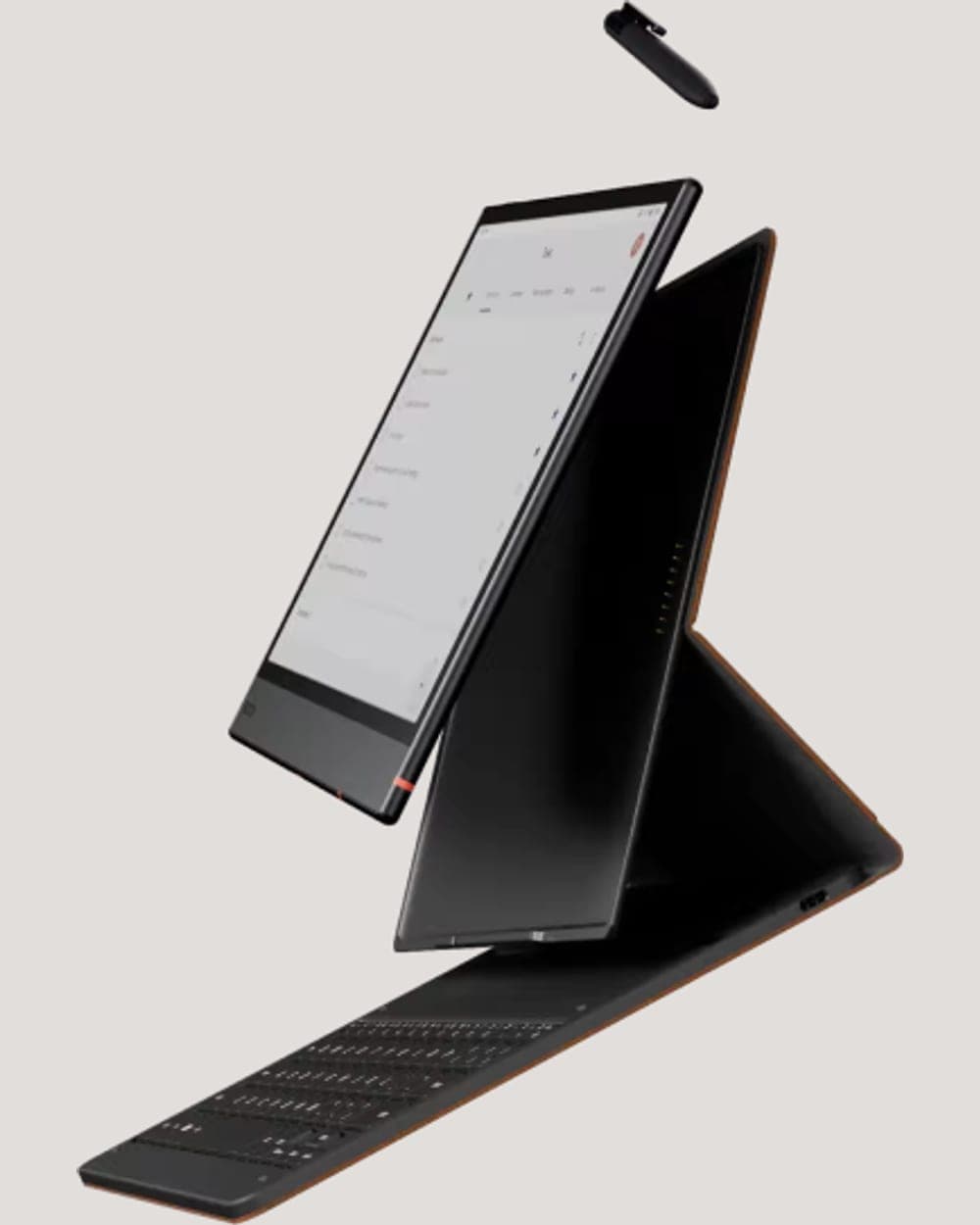
The magnetic folio case has a single-fold design that stands the tablet in portrait or landscape, which matters more than it sounds once you are typing or reading at a desk. It comes in Umber and Graphite.
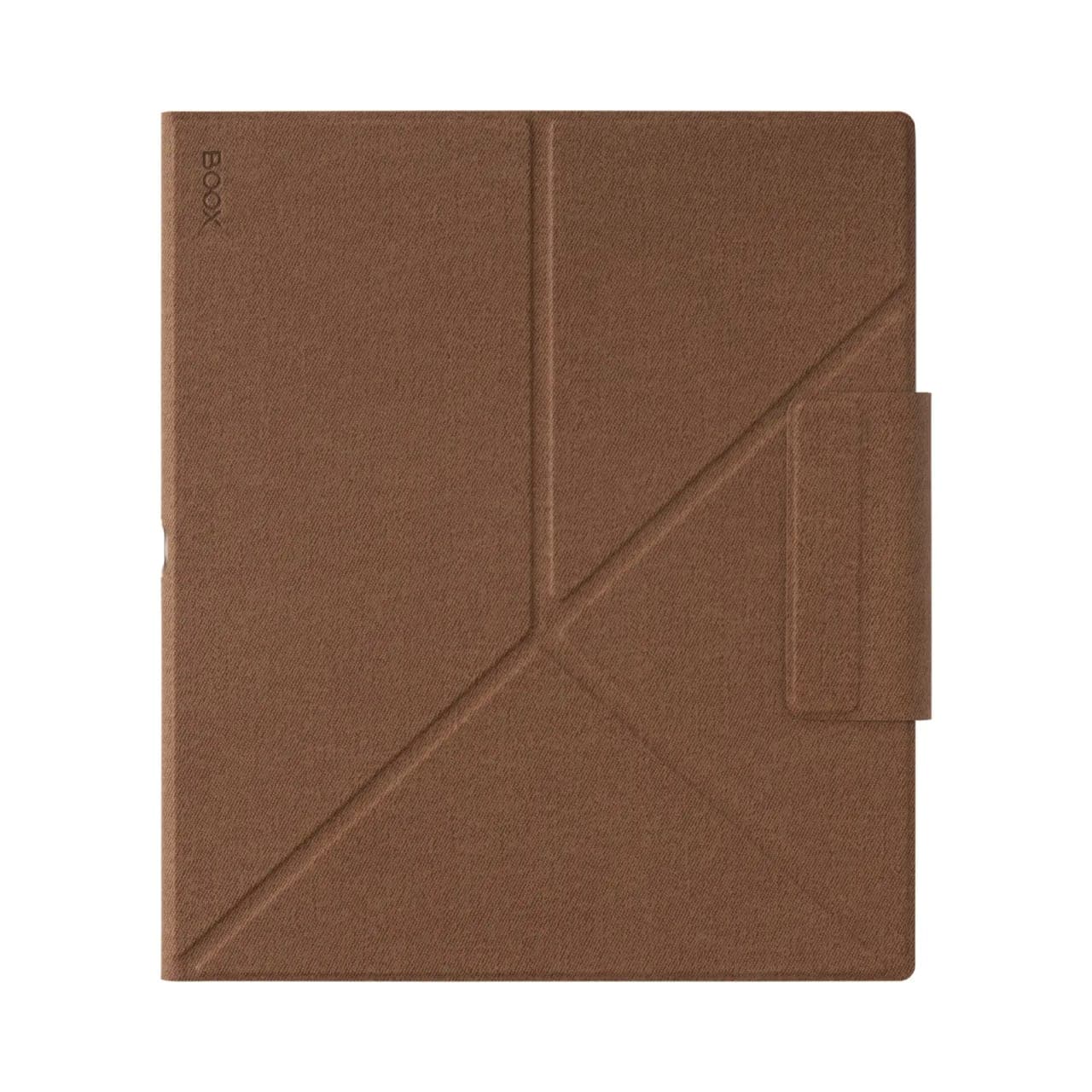 Note Air6 C Magnetic Case (Umber)$71.39
The magnetic keyboard cover connects over pogo pins rather than Bluetooth, so there is nothing to pair or charge, and it carries a USB-C port that charges the tablet through the cover. It turns the Note Air into a quiet drafting machine for emails, essays and meeting minutes.
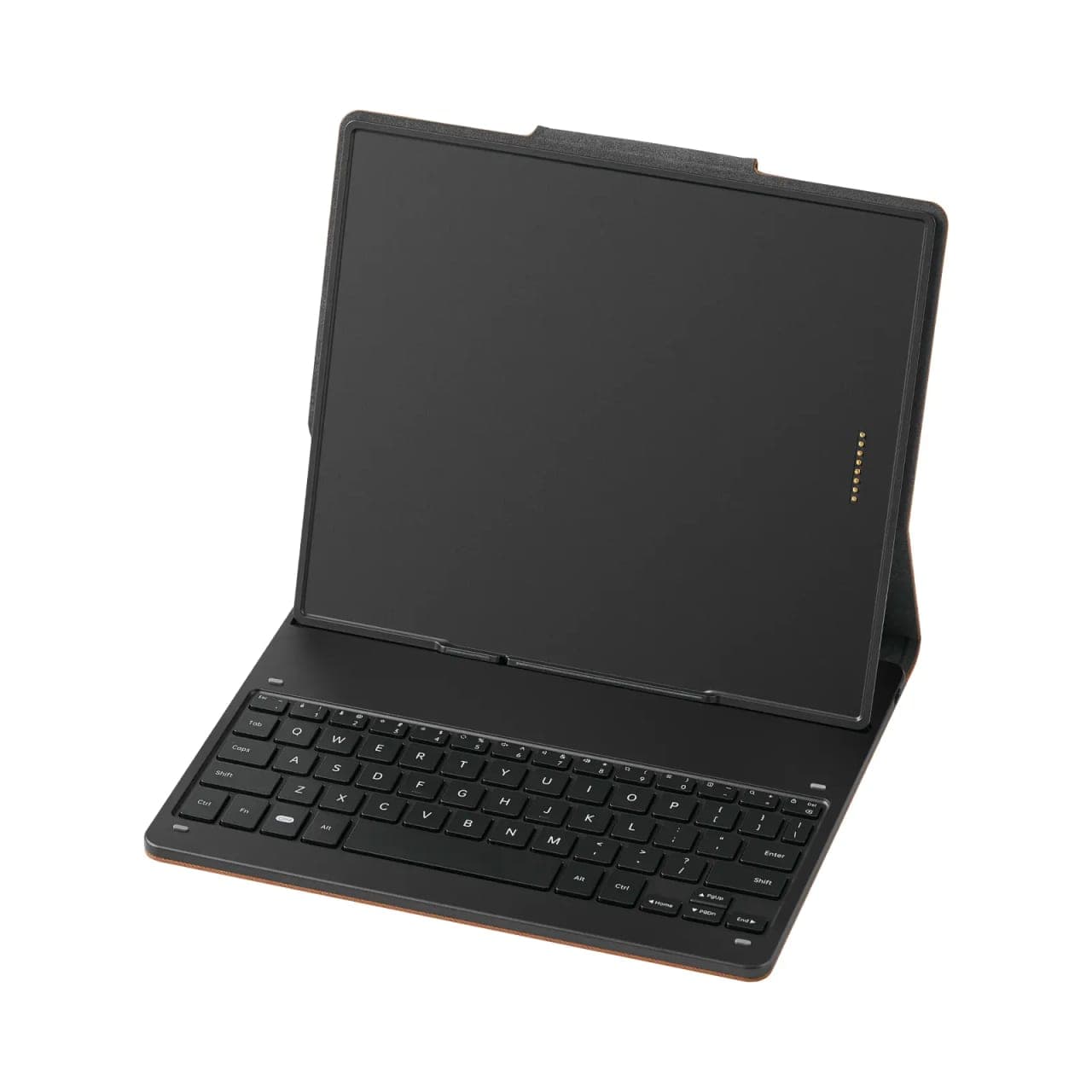 Note Air6 C Magnetic Keyboard Cover$153.99
Both the case and the keyboard cover fit the Note Air5 C as well as the Air6 C. One thing worth knowing: the screen protector fitted to the Note Air is part of how the writing feels, so BOOX does not recommend removing it.
A closer look
Three things the spec sheet does not show: how the keyboard cover folds into a stand, what 4,096 colours look like on an E Ink panel, and how much of your existing setup the tablet connects to on its own.
Buying in Canada
Every Note Air we sell is a genuine BOOX unit from an authorized dealer, with the full BOOX manufacturer warranty and our Canadian team as your single point of contact on any claim. Free shipping anywhere in Canada from our Oakville location, and a 30-day return policy on new devices.
If you are still weighing colour against black and white, our device finder narrows it in four questions, and everything in the range is on the desk at our Oakville showroom if you would rather decide with one in your hands.
Frequently asked questions
Which Note Air should I buy?
The Note Air6 C if you are buying your first colour E Ink tablet or you record lectures and meetings, because live transcription is the one feature the Air5 C cannot gain by updating. The Note Air5 C remains a capable choice for reading, annotating and handwriting. Our Note Air6 C versus Note Air5 C comparison goes through the trade-offs properly.
Is the stylus included?
Yes. Both the Note Air6 C and the Note Air5 C ship with the BOOX Pen3 in the box, with 4,096 pressure levels and tilt support. There is no extra stylus to buy before you can write, which is not true of every E Ink tablet at this size.
What comes in the box?
The tablet, the BOOX Pen3 stylus with spare nibs, a USB-C cable and the paperwork. The magnetic folio case and the magnetic keyboard cover are sold separately and both attach without pairing or charging.
Can I write on PDFs?
Yes, directly on the page. You can highlight, underline and write margin notes on PDFs and on 25 other formats including EPUB, DOCX, CBZ and CBR. Our guide on annotating PDFs on BOOX covers the export options once you have marked a document up.
Does the keyboard cover fit both models?
The magnetic keyboard cover and the folio case launched with the Note Air6 C fit the Note Air5 C as well. If you already own an Air5 C and only wanted the keyboard, you do not need a new tablet to get one.
Can I install Kindle, Kobo and Libby?
Yes. Both models run Android with the Google Play Store, so those apps install as they would on a phone and your purchases and library loans stay inside each app. Our guide on Kindle, Kobo and Libby on BOOX covers the settings that make each one read well on E Ink.
Is colour E Ink as sharp as black and white?
Not quite, and it is worth knowing before you buy. Text renders at 300 ppi, colour at 150 ppi, and the colour filter makes the background slightly darker than a monochrome panel. For charts, highlights and illustrated documents the trade is worth it. For plain novels, a black and white reader is the brighter page.