
Blog
Guides, tips, and news from Canada's BOOX specialists.
 Tips & tricksBOOX Firmware V4.3: What's New and How to Get ItBOOX firmware V4.3 adds Dual Notes, Talk Insights transcription, new Memo tools, book-cover screensavers and an assignable stylus button. Here is what changed.
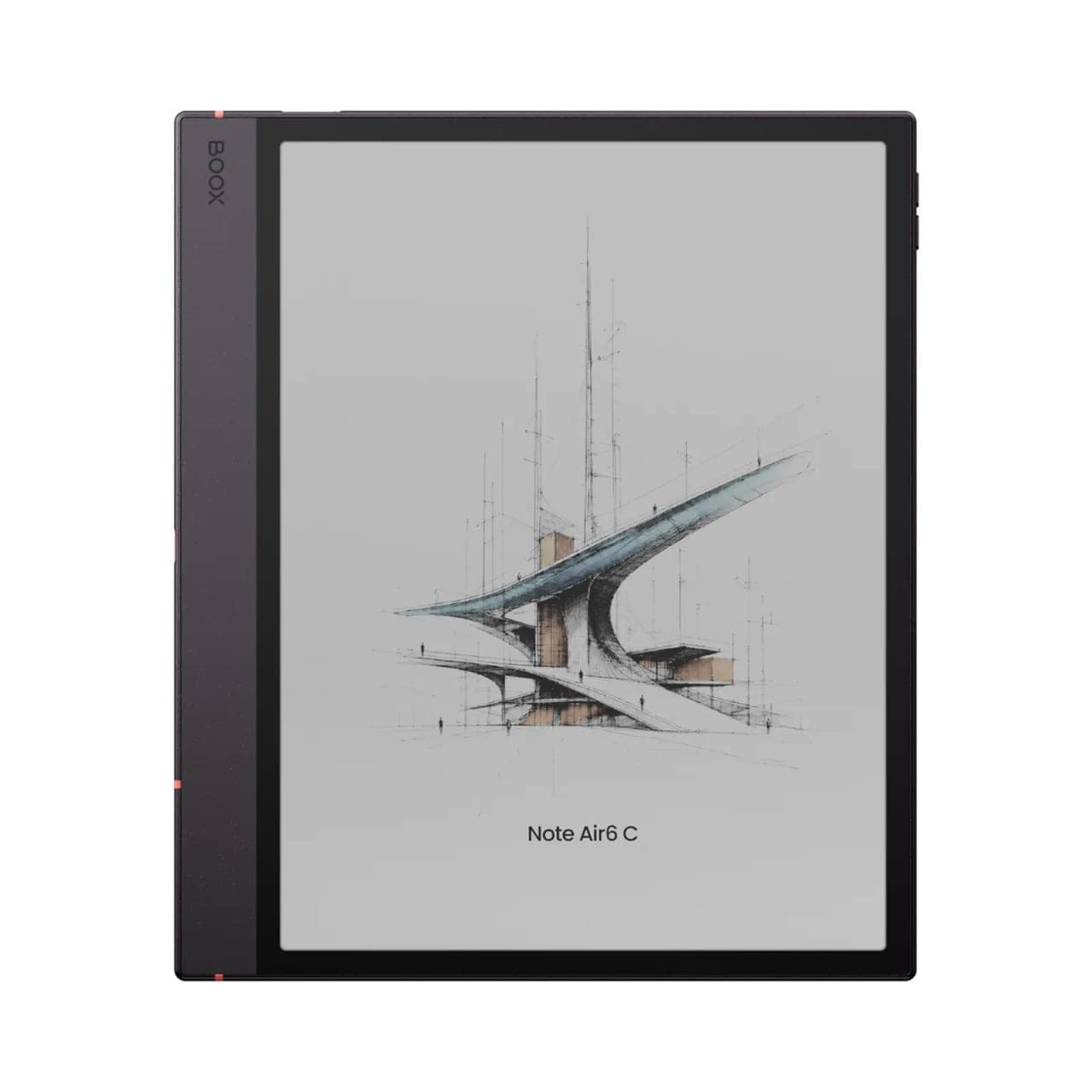 Device spotlightsMeet the BOOX Note Air6 C: Colour Notes With Android 16The Note Air6 C keeps the 10.3 inch Kaleido 3 screen and adds Android 16, a 4 nm octa-core chip, Bluetooth 6.0 and live transcription. Here is what changed.
 Buying guidesWhat Is E Ink? Electronic Paper Explained in Plain LanguageHow E Ink displays work, why they look like real paper, the difference between E Ink and e-paper, and where the technology is heading in 2026.
 Buying guidesE Ink Tablets Explained: What They Are and Who They Are ForWhat an E Ink tablet actually does, how it differs from an iPad and from a basic e-reader, and how to choose the right size and screen.
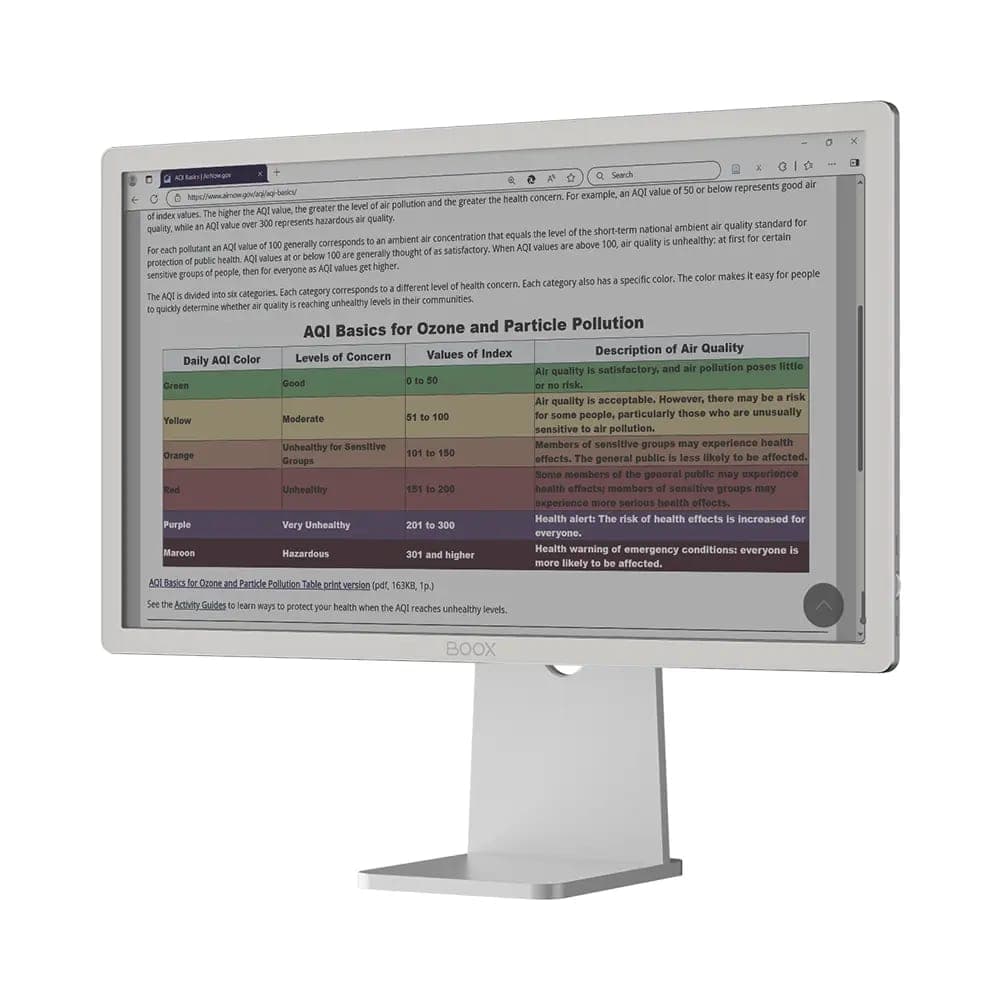 Buying guidesE Ink Computer Monitors: How They Work and Who Needs OneWhy writers, developers, and screen-fatigued professionals are adding an E Ink computer monitor to the desk, what to expect, and how to set one up.
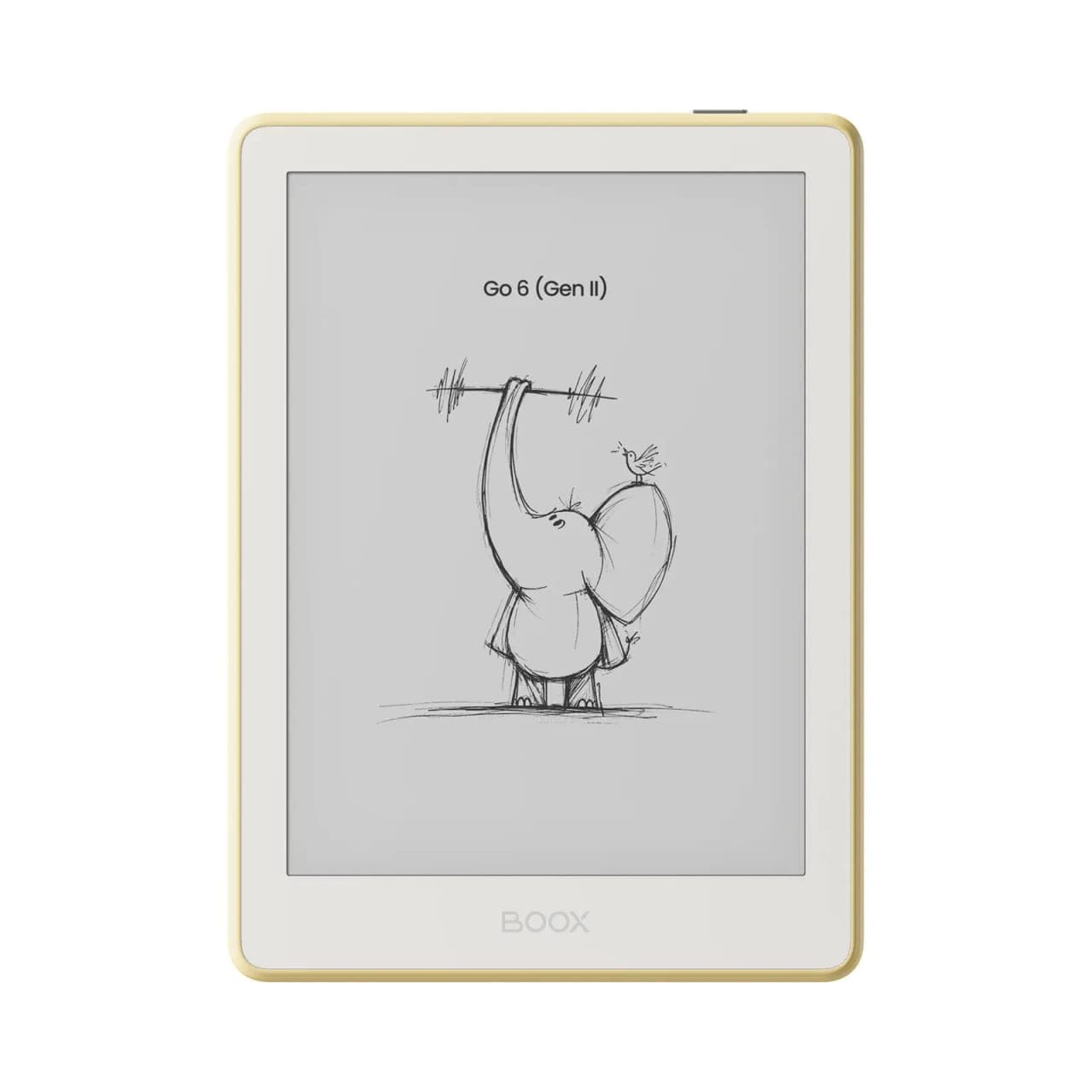 Device spotlightsMeet the BOOX Go 6 (Gen II): A Small Reader With Real PersonalityThe Go 6 Gen II packs a crisp 6-inch 300 ppi screen and open Android into a pocketable reader that comes in four colours. Here is who it suits best.
 Tips & tricksWhy You Might See Spots or Ghosting on E Ink DevicesGhosting and spots on E Ink screens explained: why they happen, which are normal, settings that help, and when a mark is worth a support call.
- Tips & tricksOvercome Scrolling Addiction: A Solution Found in E-PaperWhy swapping your phone for an E Ink device is the most practical digital detox there is, and which BOOX readers make the switch painless.
- Buying guidesThe BOOX Holiday Gift Guide: An E Ink Device for Everyone on Your ListFrom pocket readers for commuters to a 25-inch E Ink monitor for the person who has everything, here is our holiday matchmaking guide to BOOX.
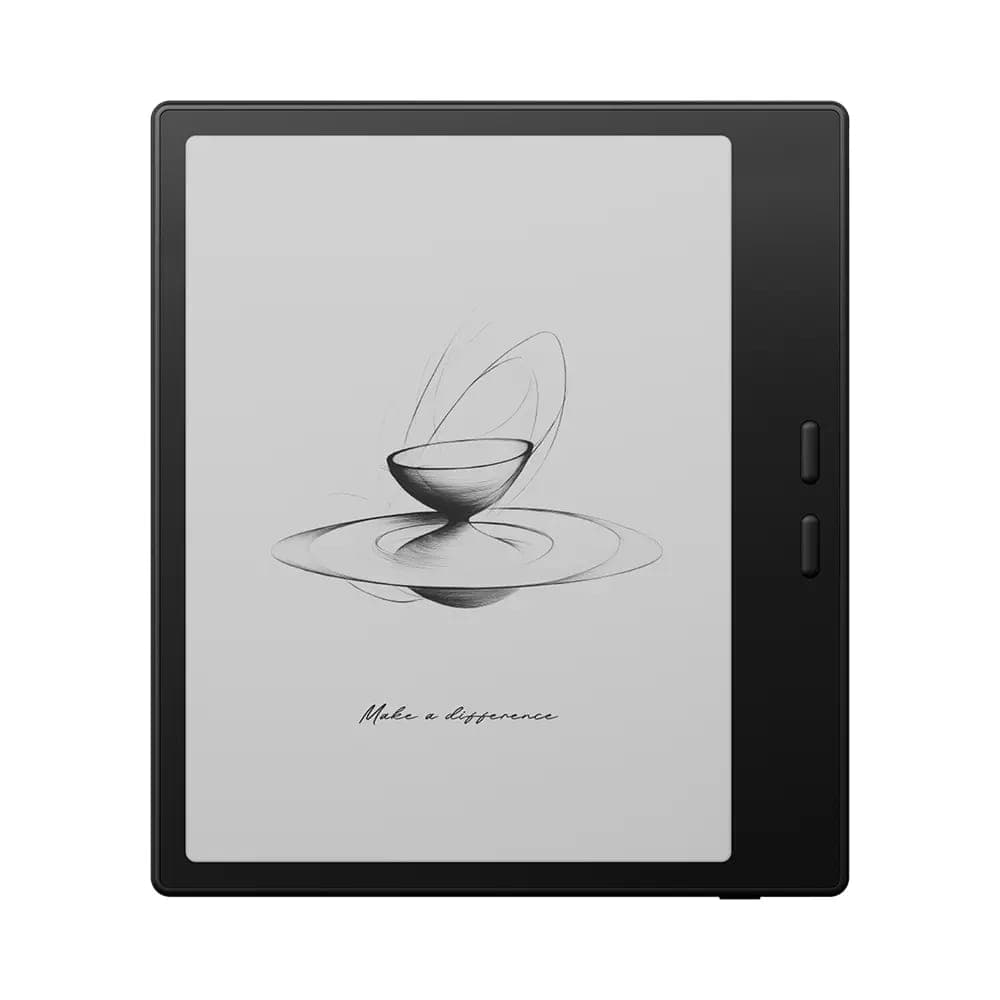 Device spotlightsIntroducing the BOOX Go 7 Series: Portable E-Readers for Joy Beyond ReadingThe Go 7 line pairs a 7-inch 300 ppi screen with page-turn buttons and open Android, and the Go Color 7 Gen II adds colour E Ink for comics and manga.
- Buying guidesBOOX for Students: Efficient Academic Reading and Note-TakingHow students use BOOX tablets for textbook PDFs and papers: annotation, split-screen notes, exporting highlights, and picking the right screen size.
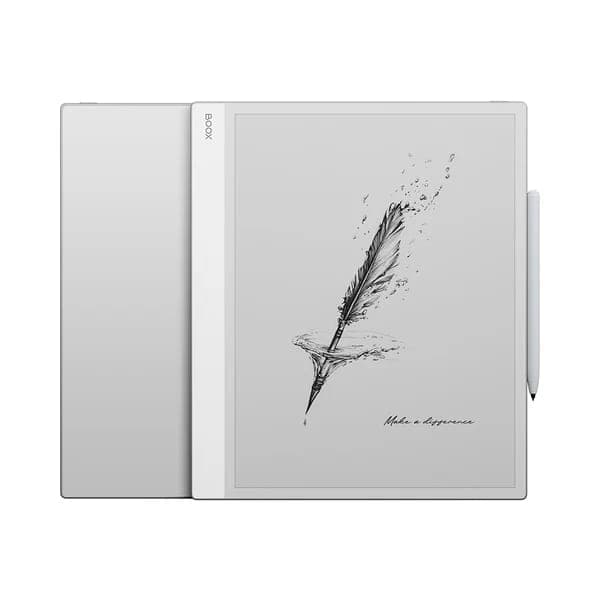 Device spotlightsBOOX Note Max 13.3: The E Ink Tablet Built for ProfessionalsFull-page PDFs at 300 ppi, pressure-sensitive stylus markup, and a keyboard case option make the 13.3-inch Note Max a serious tool for document work.
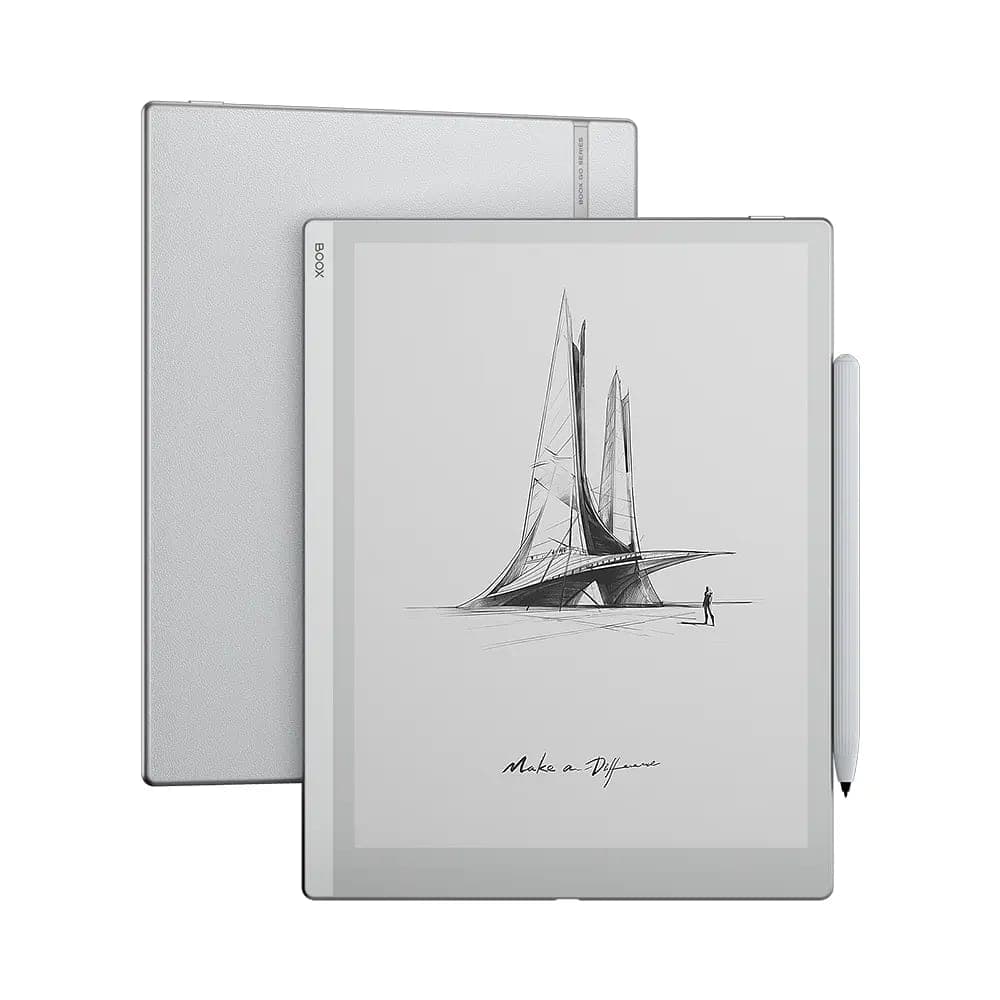 Tips & tricksWork and Travel with BOOX: The E Ink Companion for Life on the MoveWeeks of battery, sunlight-readable screens, and offline libraries: how BOOX E Ink devices earn a place in your commute, carry-on, and cottage bag.
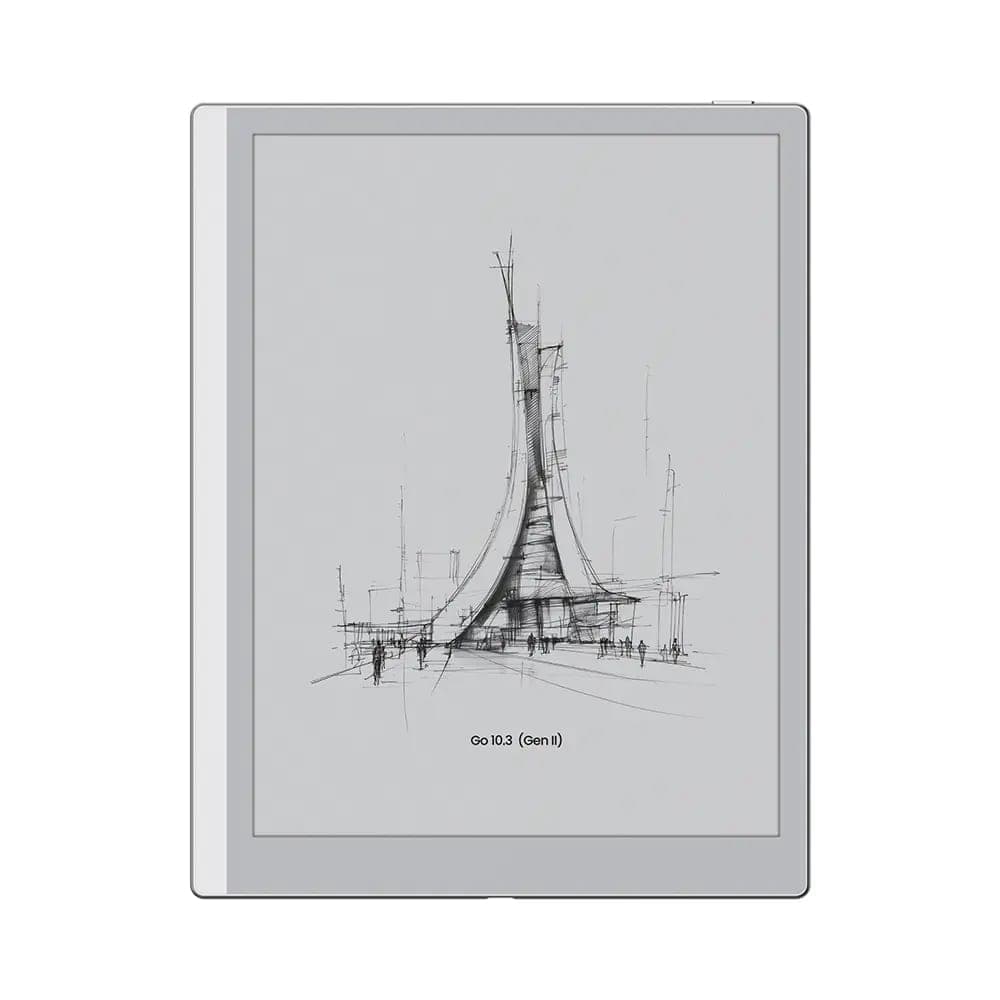
- Device spotlightsMeet the BOOX Go Series: Reading and Writing, Done RightFrom the pocketable Go 6 to the notebook-size Go 10.3, here is how to pick the right size in BOOX's simplest, most focused line of E Ink devices.
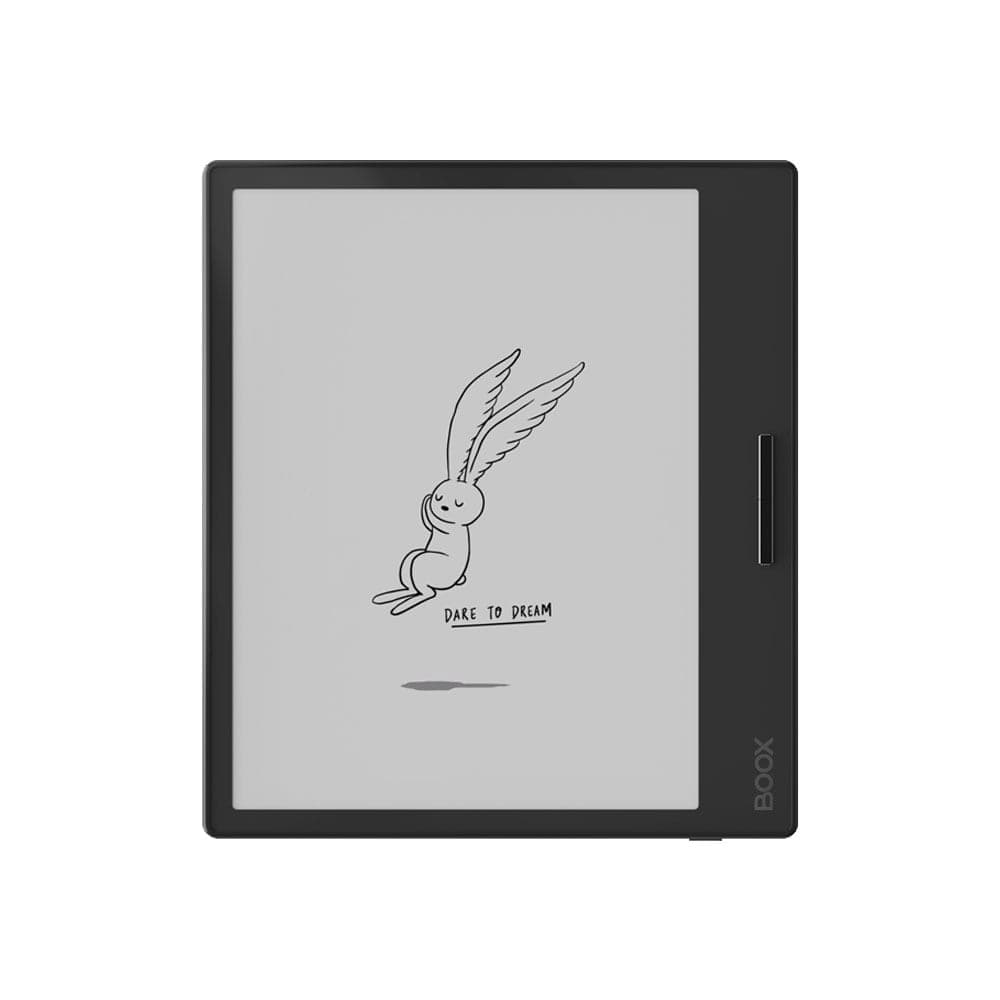 Device spotlightsDive Into the Future of Reading With the BOOX Page E-ReaderThe BOOX Page pairs a sharp 7-inch 300 ppi screen with real page-turn buttons and open Android. A love letter to readers who miss physical controls.
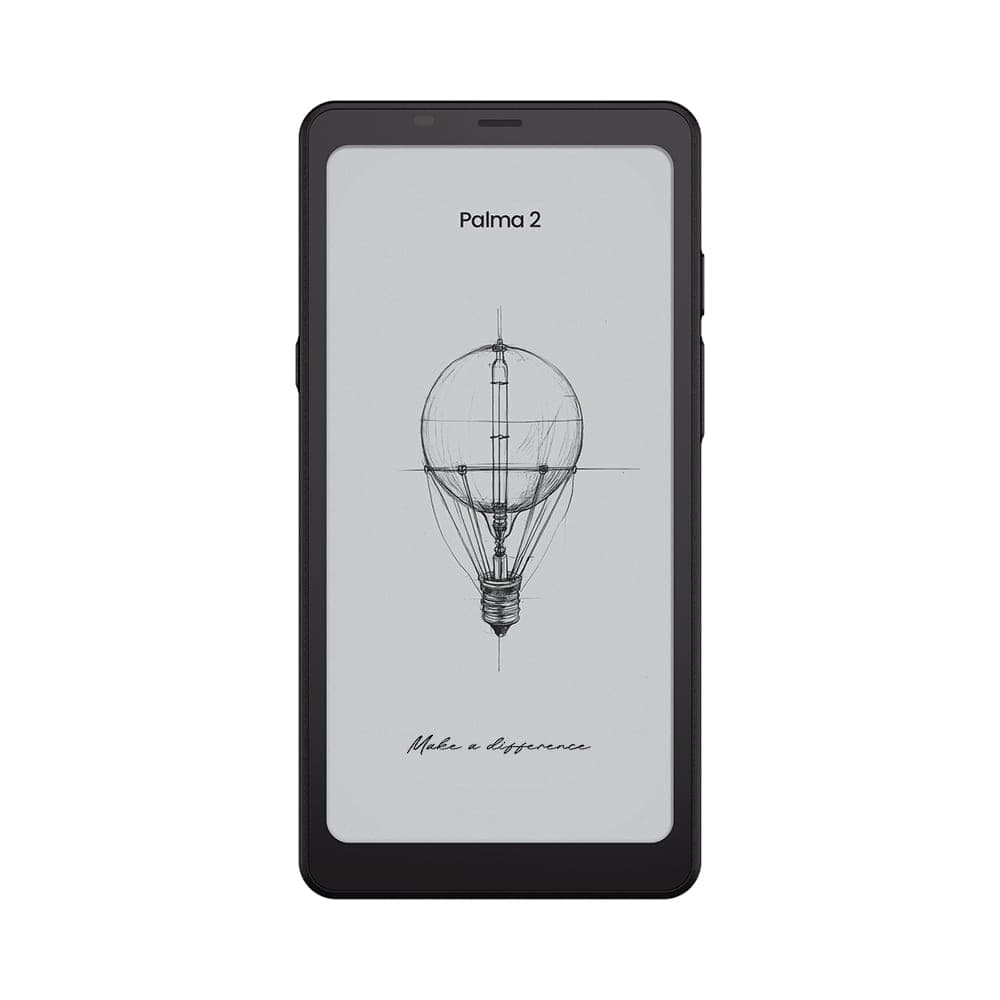
- Device spotlightsDiscover the BOOX Palma: A Reader Shaped Like Your PhoneWhy a phone-shaped E Ink reader makes sense, how the BOOX Palma 2 fits into daily life, and how to choose between Palma 2 and Palma 2 Pro.
- Tips & tricksReadwise Reader on E Ink: The Perfect Home for Your Saved ArticlesHow to run Readwise Reader, Pocket, and Instapaper on BOOX E Ink devices: install steps, display settings, refresh modes, and the best readers for it.