
Tips & tricks
Why You Might See Spots or Ghosting on E Ink Devices
You turn a page and a faint shadow of the previous page lingers. Or you notice a small patch that looks slightly darker than the rest of the screen. Is your e-reader broken? Almost always, no. Here is an honest look at what is happening inside an E Ink screen, what is normal, and what genuinely deserves a support call.
How E Ink actually works
For the full picture of what E Ink is and how it differs from a regular screen, see our E Ink explainer. In short: an E Ink panel is made of millions of microscopic capsules filled with black and white pigment particles. An electric charge pulls white particles to the surface where you want white, and black particles where you want black. Once the particles are in place, they stay put with no power at all, which is why the screen holds an image even when the device is off, and why battery life is measured in weeks rather than hours.
The catch: physically moving pigment particles is not as tidy as switching a pixel on glass. A few particles can lag behind, and that is where ghosting comes from.
Ghosting: the faint echo of the last page
When a device turns a page, it usually updates only the parts of the screen that changed. That partial refresh is fast and pleasant to read with, but it can leave a faint residue of the previous image. This is ghosting, and every E Ink device on the market does it to some degree.
A full refresh fixes it: the screen flashes to black and back, resetting every capsule. BOOX devices let you control this. You can set a full refresh every set number of pages, trigger one manually, and choose a refresh mode per app. Text-heavy apps do well on the high-quality mode with an occasional full refresh; apps with lots of scrolling benefit from a faster mode, at the cost of a bit more ghosting. We walk through per-app settings in our guide to read-later apps on E Ink.
Spots, patches, and the front light
Not every mark is ghosting. A few other things people notice:
- Faint bright or dark patches under the front light. The front light is a row of tiny LEDs at the screen edge shining across the surface through a light guide. At certain brightness levels, mild unevenness is visible, especially near the edges. Devices with adjustable warm and cold lighting, such as the Note Air5 C, let you tune the tone until it looks natural.
- Temperature effects. E Ink particles move through fluid, and cold thickens that fluid. In a Canadian winter, a device left in a car may refresh sluggishly and ghost more until it warms up. This is temporary and harmless.
- A stationary dark or light spot that never changes. If a mark stays in the exact same place through multiple full refreshes, across different apps and pages, that could be pressure damage or a genuine panel defect.
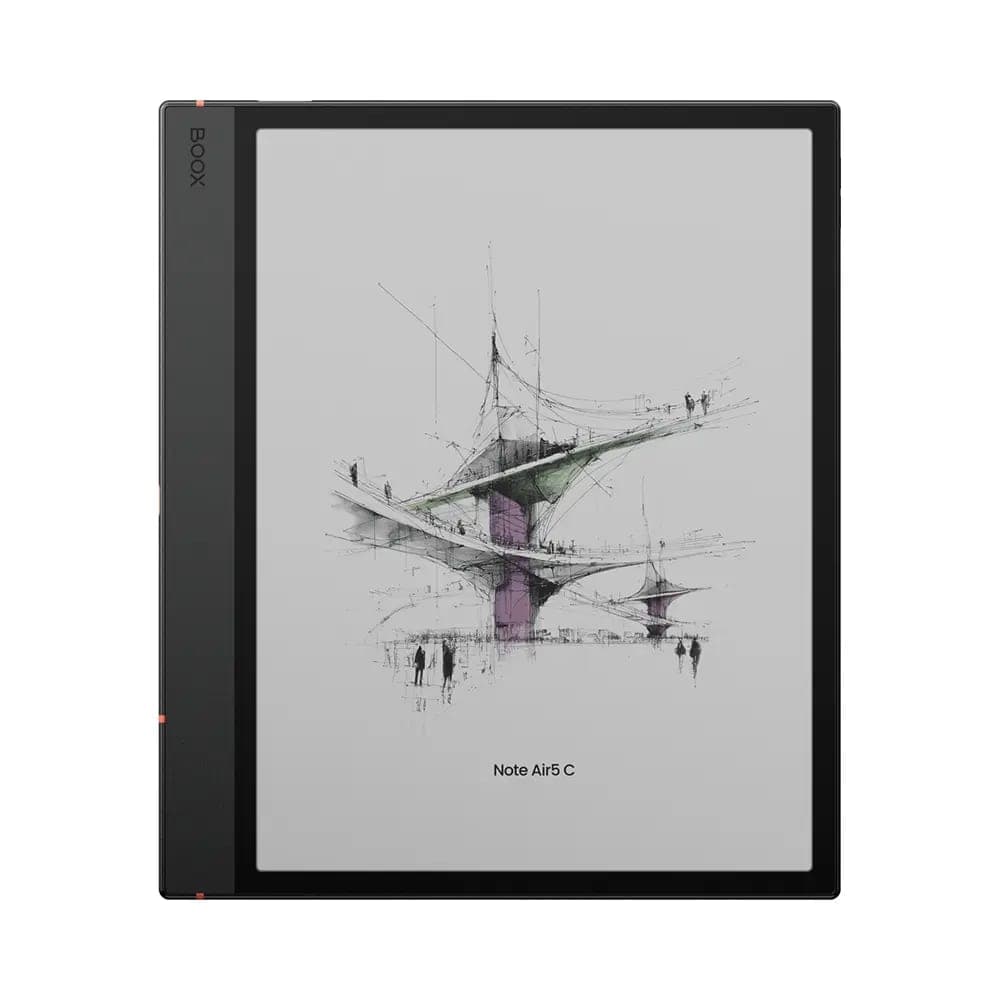 BOOX Note Air5 C 10.3"$699.99
Normal or a defect? A quick test
- Trigger a full refresh several times, or open a plain white page.
- If the mark fades or shifts with the content, it is ghosting. Adjust refresh settings and read on.
- If it sits in the same physical spot regardless of content, take a photo of the screen showing the mark.
Real panel defects are rare, and every new device we sell carries the full manufacturer warranty, which covers genuine screen defects. If your test points to a defect, contact us with your photo and order details and we will help you through the manufacturer warranty process. Our FAQ covers what the process looks like.
One more reassurance
Mild ghosting is not a sign your screen is wearing out. Capsules reset completely with every full refresh, and readers happily use these devices for many years. If anything, a device like the Go 7 shows how refined modern panels have become, with crisp 300 ppi text and ghosting you will mostly forget about.
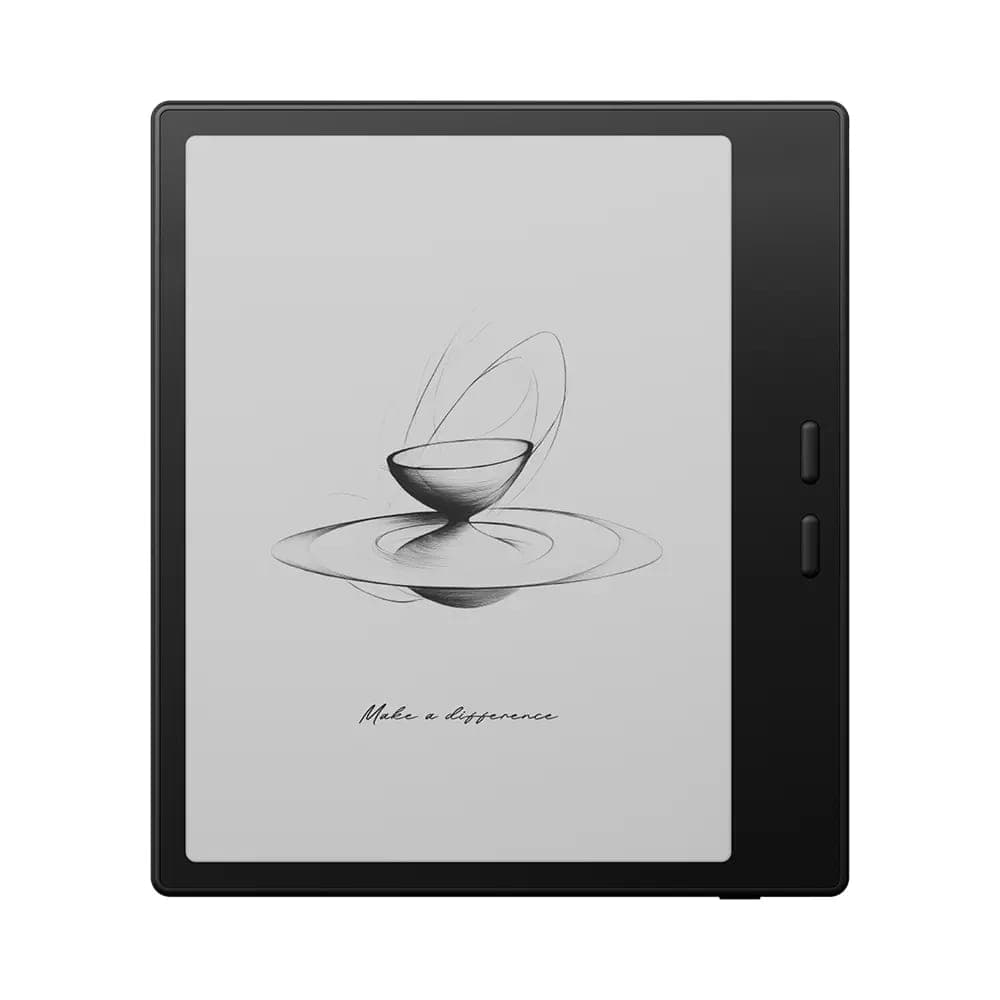 BOOX 7" Go 7 ( Black )$342.99
Come see a healthy screen
The easiest way to calibrate your expectations is to look at a properly working E Ink screen in person. Visit our Oakville showroom and we will happily demonstrate refresh modes on any device, or order online with free shipping across Canada.