
Buying guides
BOOX for Students: Efficient Academic Reading and Note-Taking
A semester of readings is brutal on both your eyes and your backpack. Printing costs add up, laptops invite distraction, and reading hundred-page PDFs on a phone is a special kind of misery. An E Ink tablet solves all three problems at once: a paper-like screen you can read for hours, a stylus for real annotation, and a whole degree's worth of documents in a device lighter than one textbook.
Annotate like it is paper, organize like it is digital
The core of academic reading is marking things up: underlining arguments, scribbling objections in margins, highlighting definitions you will need at exam time. BOOX note-taking tablets ship with a pressure-sensitive stylus, and writing on the screen has the friction and immediacy of pen on paper, without the permanence.
Open a journal article or textbook PDF and you can highlight passages, write directly in the margins, and jump between your marks later instead of flipping pages hunting for that one underlined paragraph. Because BOOX devices run Android, you are not locked into the built-in reader either: apps your program already uses, from reference managers to cloud storage, install from the Play Store.
Split-screen: read on one side, think on the other
The workflow that wins students over in our showroom is split-screen. Put the paper you are reading on one half of the display and a fresh notebook page on the other, and take structured notes while you read without switching windows. It reproduces the classic desk setup of book-plus-notebook on a single slab that fits in a small bag. On a 10.3 inch screen it works well in landscape; on 13.3 inches, each half is close to a full page.
Getting your annotations out
Notes locked inside a device are only half useful at exam time. BOOX makes it straightforward to get your work out: notebooks and annotated PDFs can be exported and shared through email or the cloud storage services you already use, so your marked-up readings end up in the same folders as your essays. If you keep highlights in a read-later app instead, that entire workflow runs on E Ink too, as we cover in our Readwise Reader guide.
Which size for which program?
10.3 inches is the sweet spot for most students. It shows a journal page at a comfortable size, handles split-screen, and stays light enough to carry to every lecture. The Go 10.3 (Gen II) is the streamlined pick: a 300 ppi screen, included stylus, and a thin, light body around 365 grams.
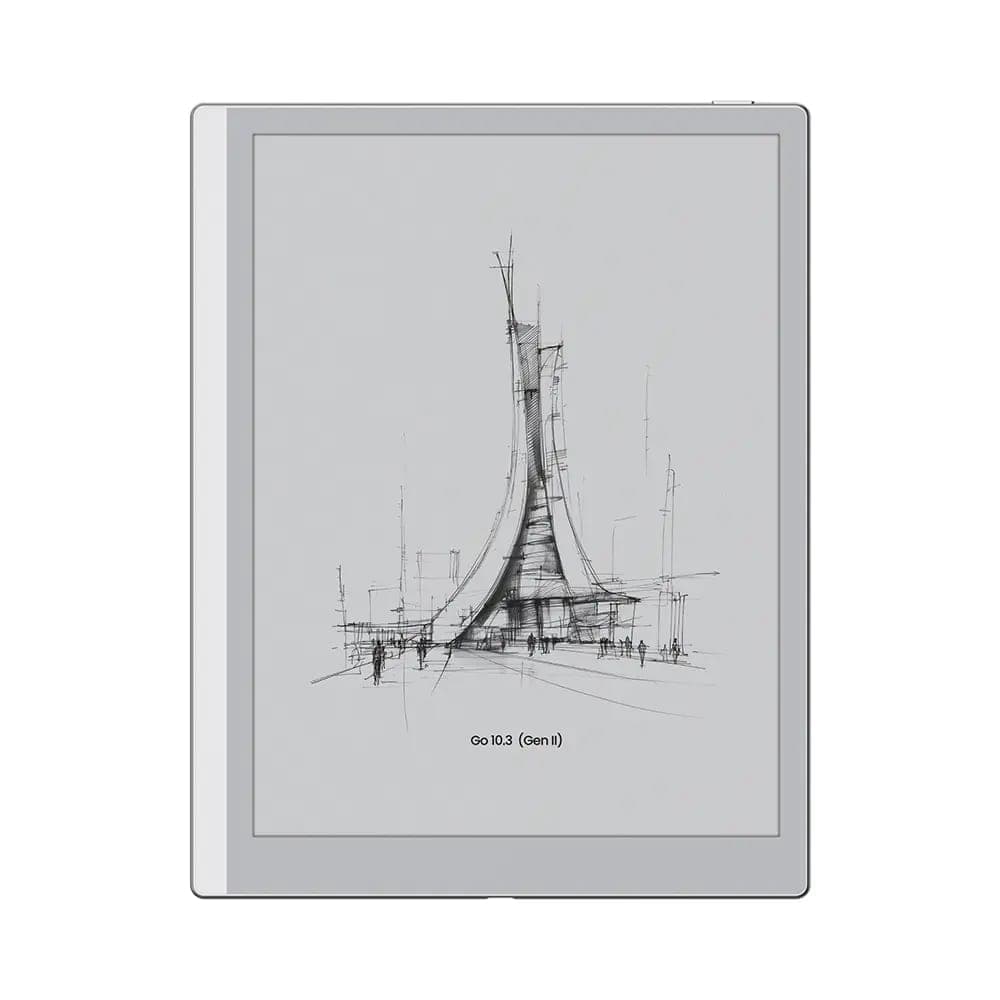 BOOX 10.3" Go 10 (Gen II)$547.99
If you study late or across every lighting condition on campus, the Note Air5 C adds an adjustable warm and cold front light plus a colour E Ink screen, which earns its keep the first time a professor's slides rely on colour-coded diagrams. It also takes a microSD card for a full degree's archive.
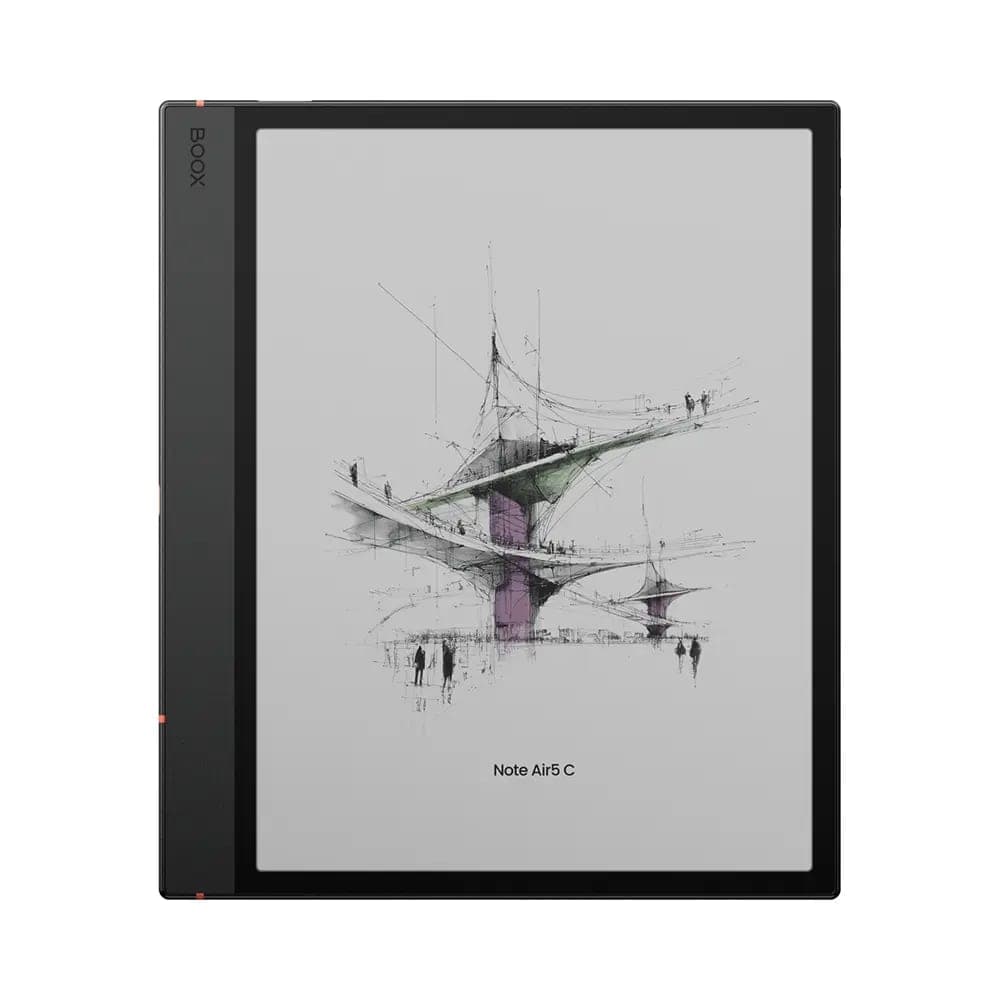 BOOX Note Air5 C 10.3"$699.99
13.3 inches is for dense PDFs. Engineering texts, legal casebooks, scanned readings with cramped two-column layouts: these want a screen that shows a full letter-size page without zooming. The Note Max delivers exactly that with a large 300 ppi display in a body around 615 grams, still far lighter than the textbooks it replaces. For colour on a large canvas, look at the Tab X series.
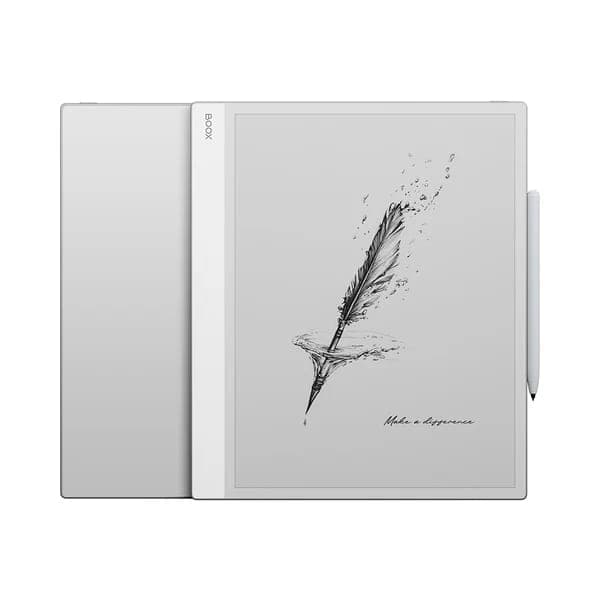 BOOX 13.3" Note Max$839.99
One honest caveat
E Ink refreshes more slowly than a laptop screen, and a faint afterimage between pages is normal behaviour, not a defect. It is a fair trade for eyes that do not burn after a four-hour reading session, but read our explainer on ghosting so you know what to expect.
Try it with your own readings
Bring one of your actual course PDFs to our Oakville showroom and mark it up on a 10.3 and a 13.3 inch screen side by side; the right size becomes obvious in minutes. Or order online with free shipping across Canada and 30-day returns on new devices.