
BOOX Go 6 : liseuse compacte, grande bibliothèque
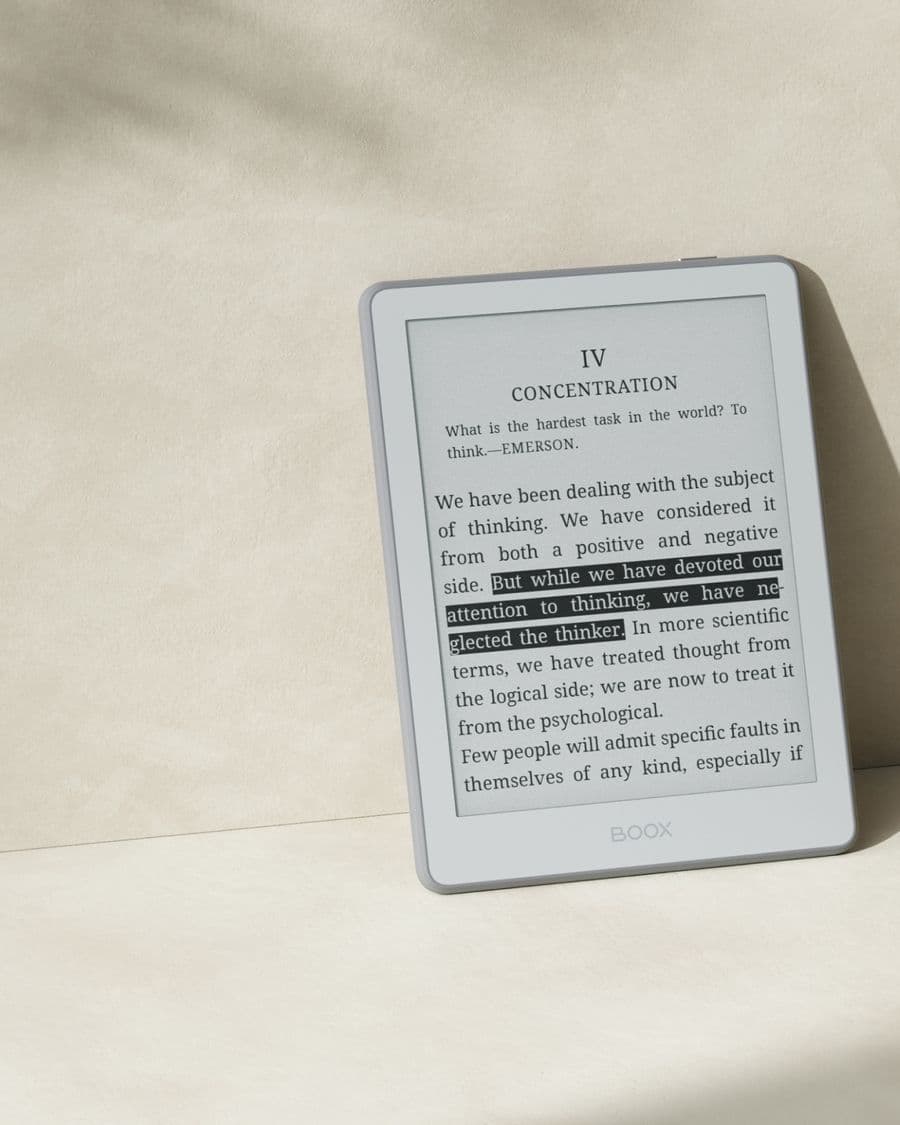
Le Go 6 loge un écran E Ink net de 6″ dans un boîtier léger et coloré. Grâce à Android, vous n'êtes lié à aucune librairie : Kindle, Kobo, Libby et vos propres fichiers cohabitent. Offert dans le Go 6 original et le Go 6 Gen II amélioré, en plusieurs couleurs.
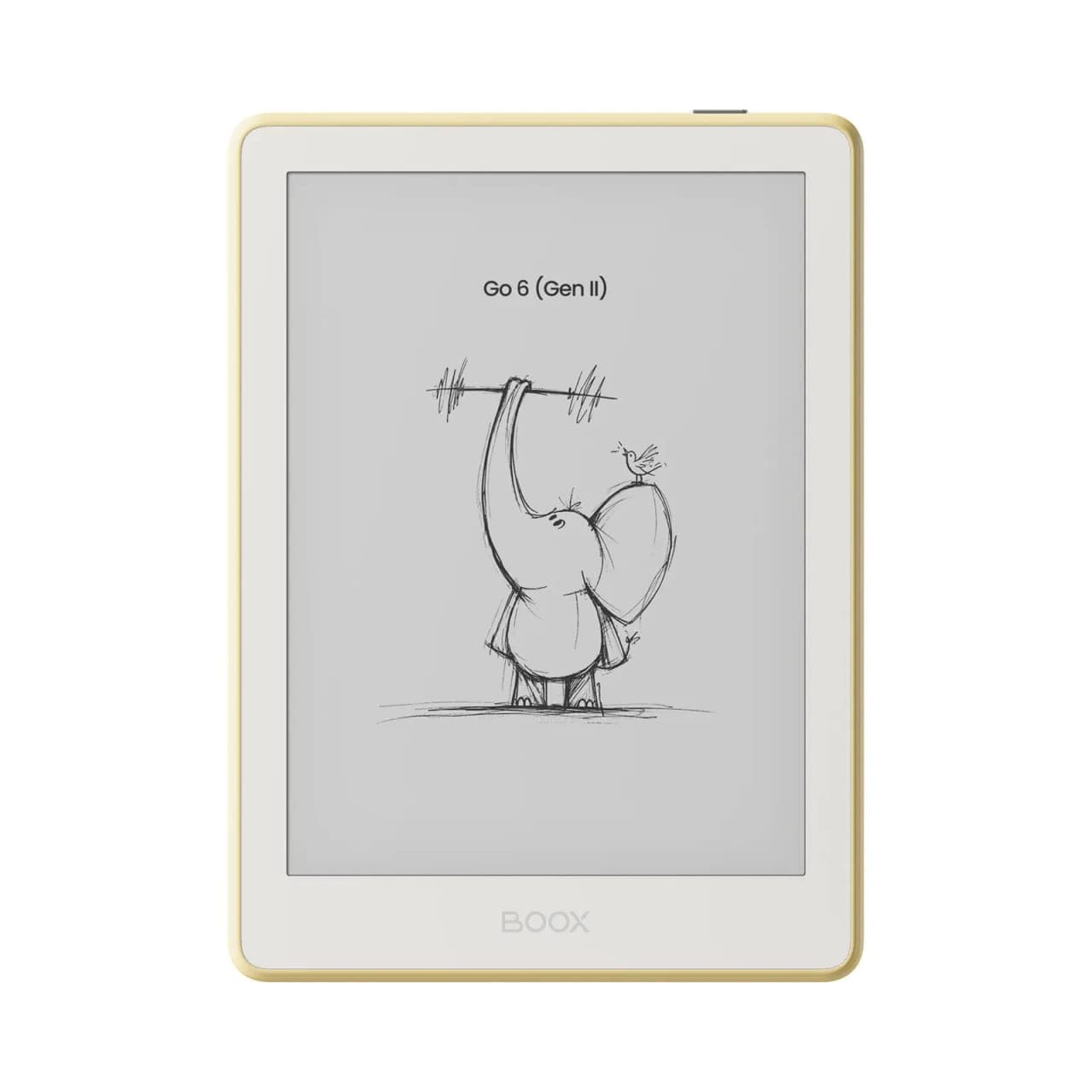
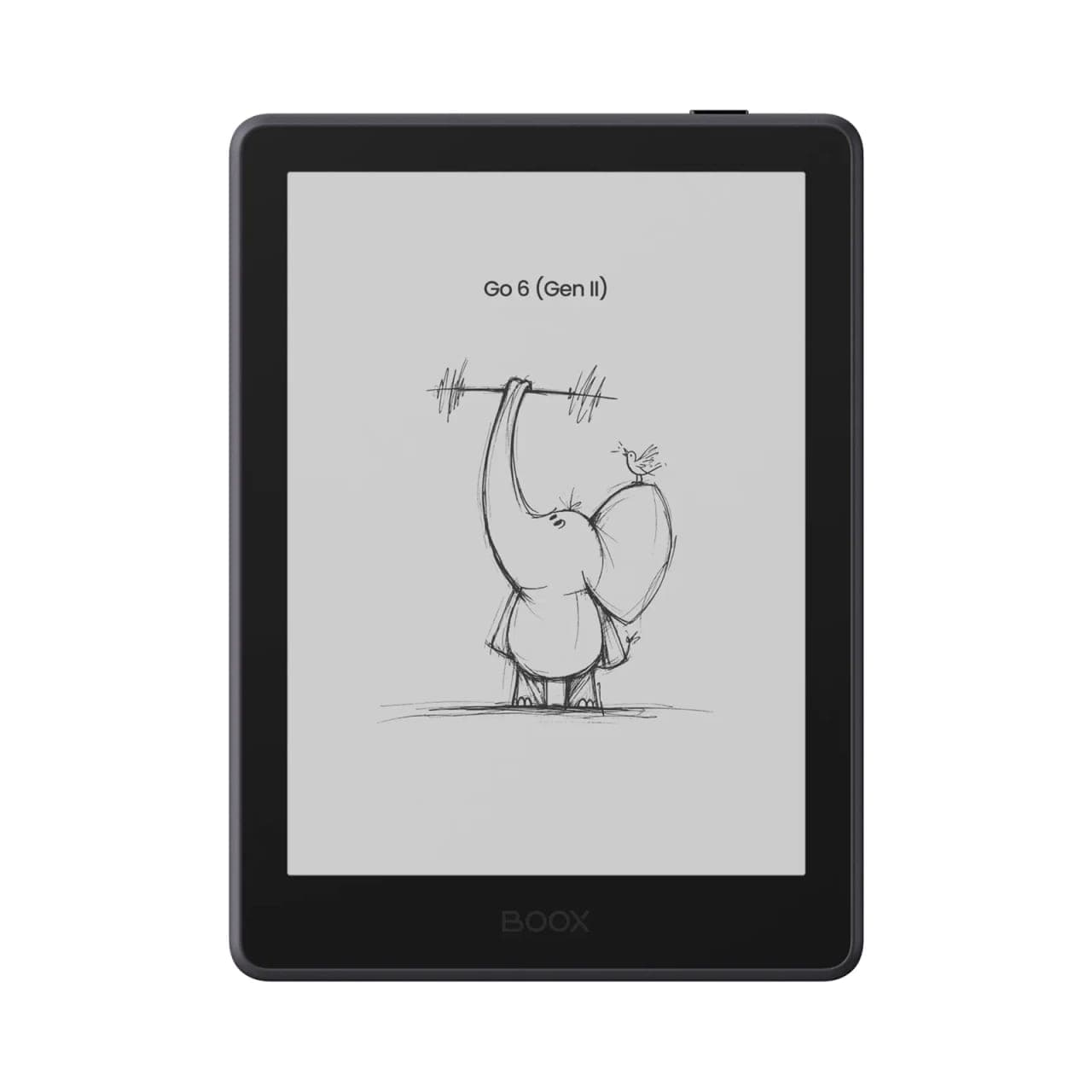
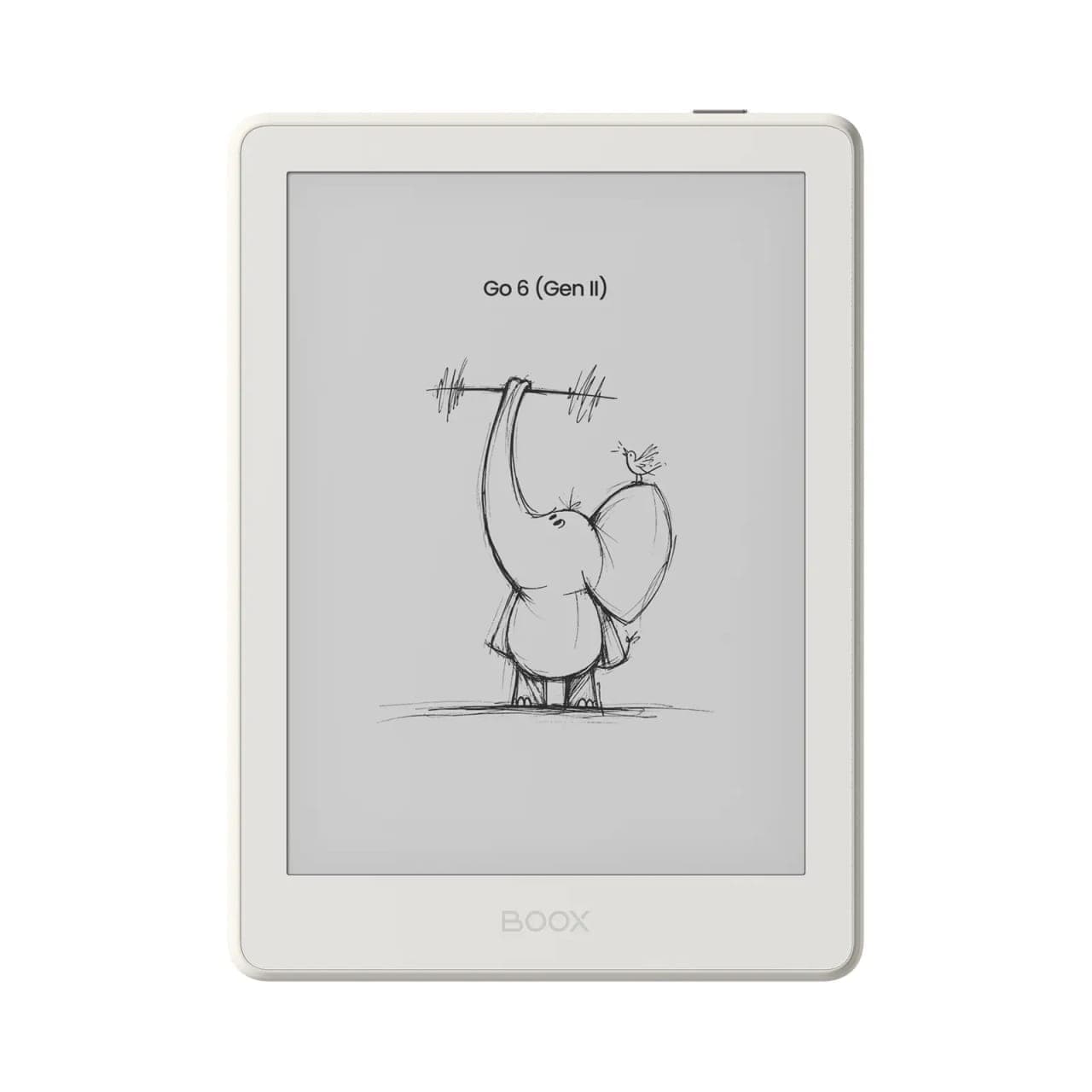
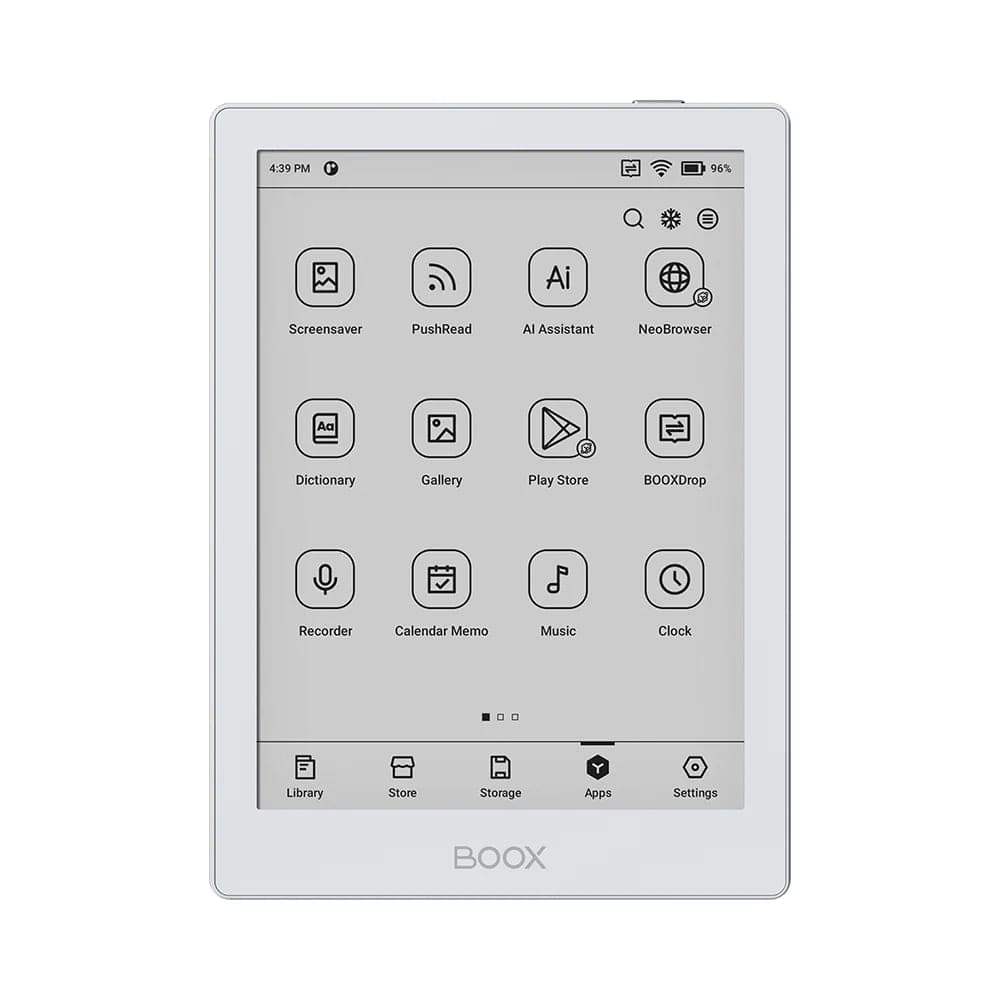
Aubaines boîte ouverte de cette série
![BOOX 6" Go 6 Black [Open Box] + Free Case](/_next/image?url=%2Fproducts%2Fboox-6-go-6-black-open-box-free-case.jpg&w=3840&q=75&dpl=dpl_8EHcNFn7ryikkwQcRXUFS5k6Ub8e)
![BOOX 6" Go 6 (Gen II) (Custard)-[Open Box] + Free Case](/_next/image?url=%2Fproducts%2Fboox-6-go-6-gen-ii-custard-open-box-free-case.jpg&w=3840&q=75&dpl=dpl_8EHcNFn7ryikkwQcRXUFS5k6Ub8e)
![BOOX 6" Go 6 White [Open Box] + Free Case](/_next/image?url=%2Fproducts%2Fboox-6-go-6-white-open-box-free-case.jpg&w=3840&q=75&dpl=dpl_8EHcNFn7ryikkwQcRXUFS5k6Ub8e)
Guide d'achat BOOX Go 6 : original ou Gen II?
Le Go 6 est la plus petite liseuse BOOX qui cache une vraie tablette Android. C'est tout l'intérêt : un écran E Ink format poche qui n'est lié à aucune librairie. Cette page passe en revue les deux générations que nous vendons, ce qui les distingue, et comment choisir entre les couleurs, le neuf et la boîte ouverte, le Go 6 et son grand frère.
Deux générations, une même idée
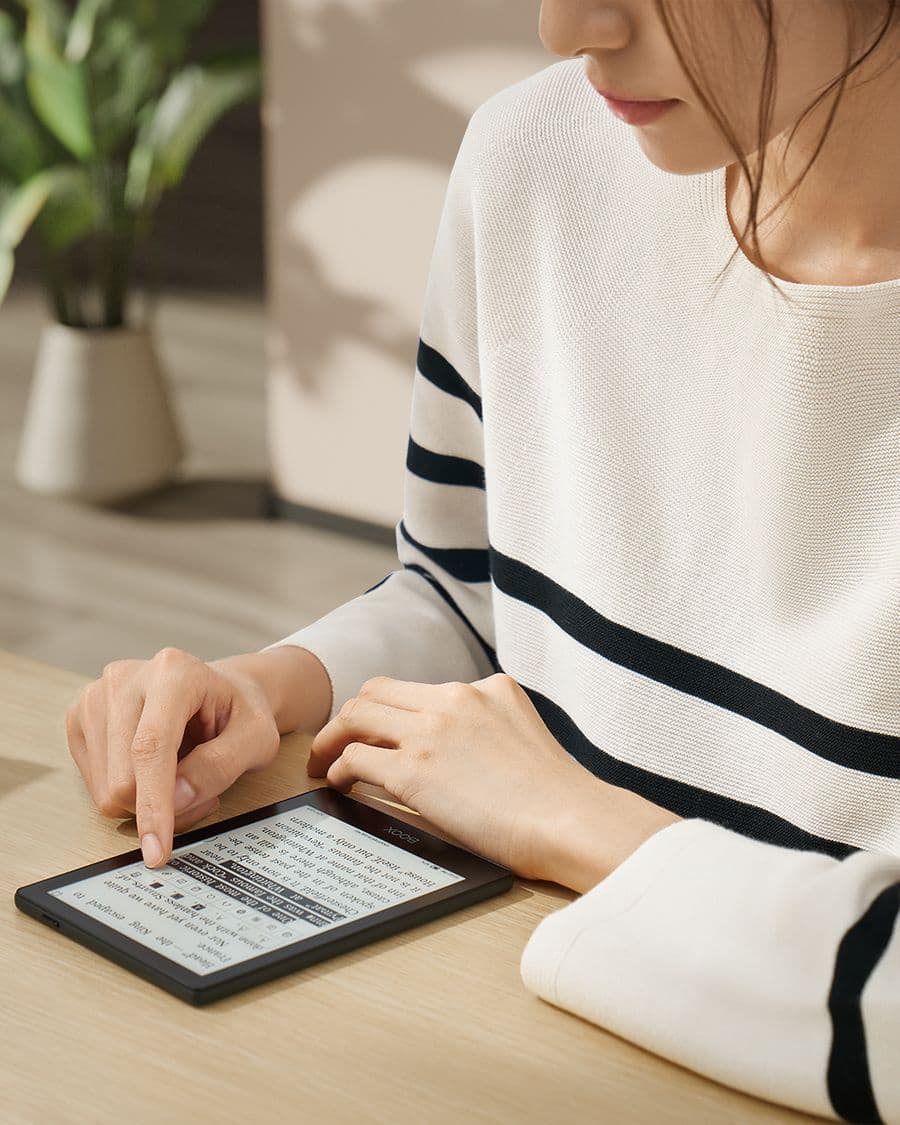
Les deux versions partagent le même gabarit : un écran E Ink monochrome de 6 pouces dans un boîtier léger et mince qui tient dans une poche de veste. Les deux tournent sous Android avec Google Play, donc vos applications de lecture s'installent comme sur un téléphone. Les deux ont un éclairage frontal réglable, chaud et froid, pour lire au lit.
Les différences se trouvent dans la mémoire, le stylet et les couleurs.
| BOOX Go 6 (original) | BOOX Go 6 (Gen II) | |
|---|---|---|
| Écran | E Ink monochrome 6″, 1448 × 1072, 300 ppp | E Ink monochrome 6″ |
| Éclairage frontal | Chaud et froid, réglable | Chaud et froid, réglable |
| Mémoire | 2 Go | 3 Go |
| Stockage | 32 Go | 32 Go |
| Android | 11, avec Google Play | 11, avec Google Play |
| Stylet | Non pris en charge | BOOX InkSense Plus (optionnel, vendu séparément) |
| Couleurs | Noir, Blanc | Custard, Plum, Shell, Stone |
| Idéal pour | La lecture | La lecture et les notes courtes |
Le gigaoctet de mémoire supplémentaire de la Gen II se sent au changement d'application et dans les applications plus lourdes comme Libby et Kindle, qui se rechargent moins souvent. Le stylet est le vrai changement : la Gen II est le premier BOOX de 6 pouces sur lequel on peut écrire.
À qui le Go 6 original convient encore
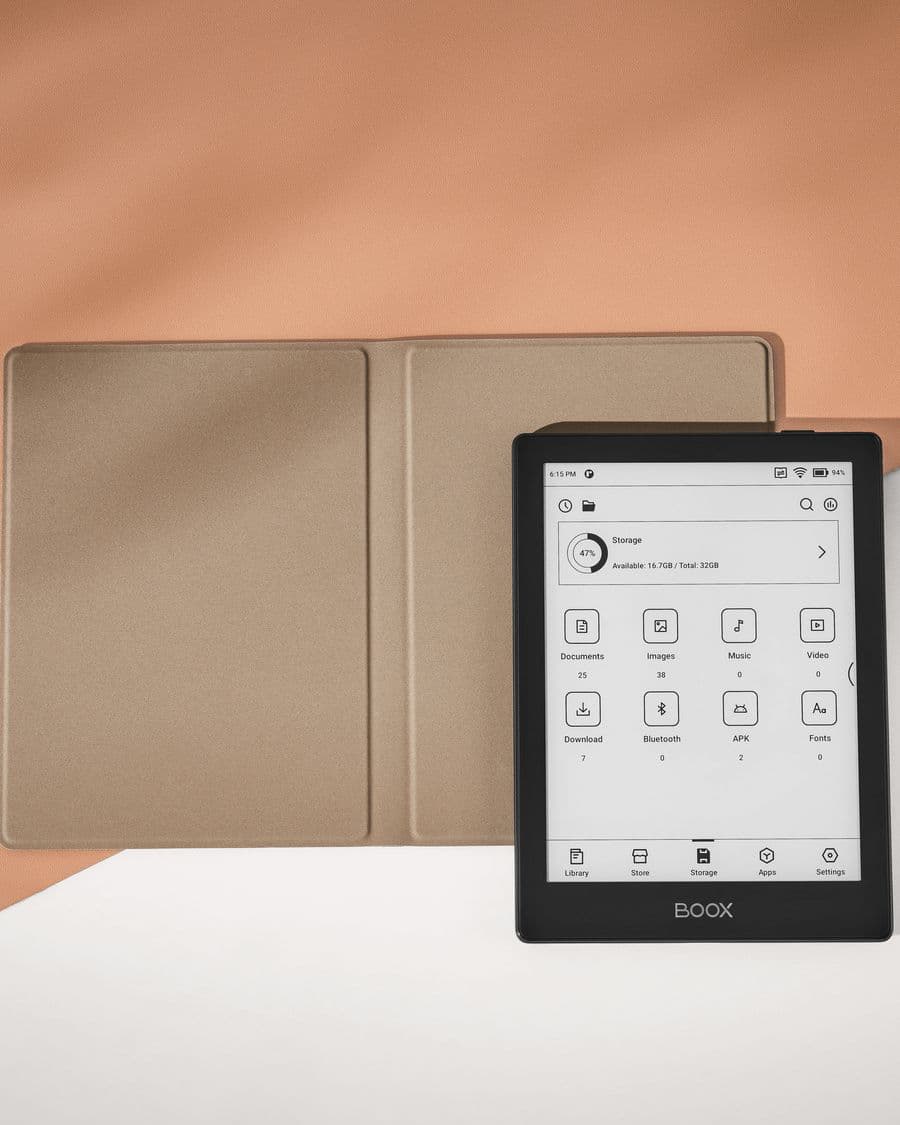
Si vous lisez des romans et parfois un article, sans jamais vouloir écrire à l'écran, le Go 6 original fait le travail à moindre prix. Sa dalle de 300 ppp affiche le texte aussi nettement que n'importe quelle liseuse actuelle, et 32 Go de stockage contiennent plus de livres que la plupart des gens n'en liront. Nous le stockons neuf en noir et en blanc, et il revient régulièrement en boîte ouverte avec un étui gratuit, ce qui en fait la voie la moins coûteuse vers une liseuse Android au Canada.
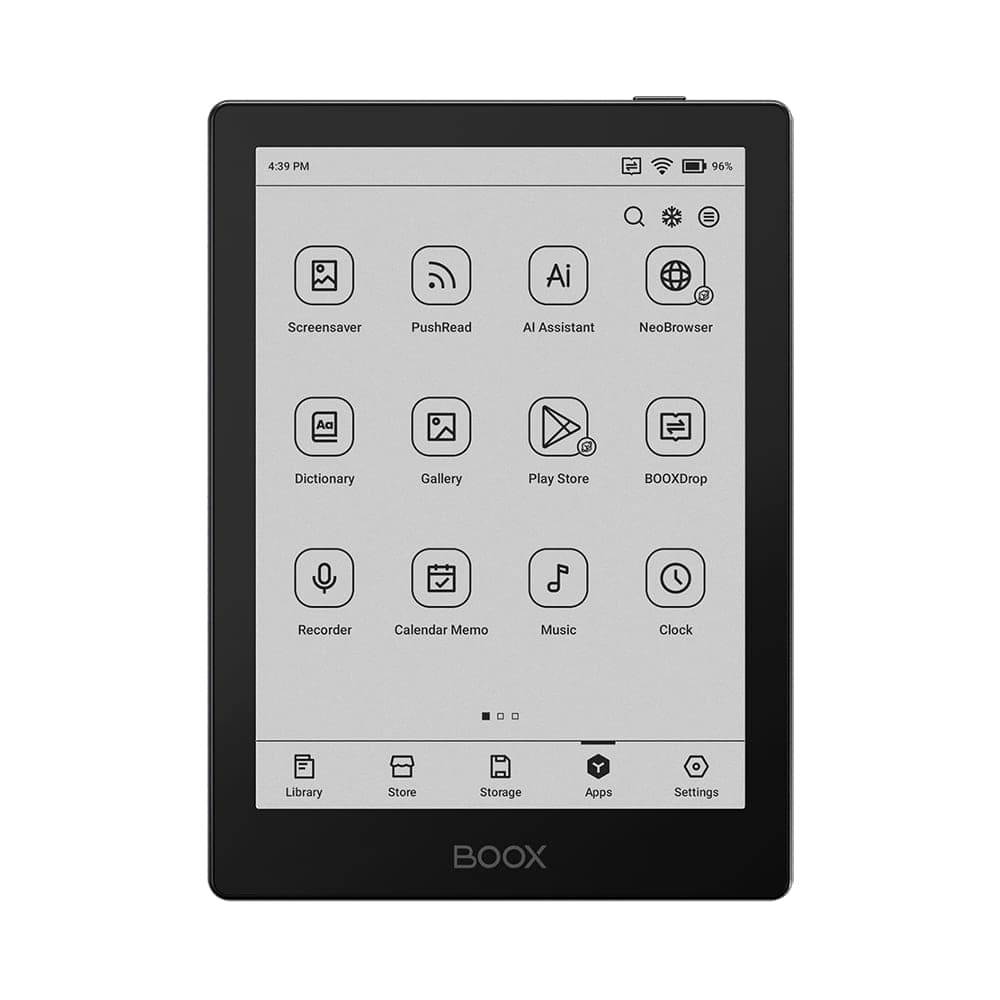 BOOX 6" Go 6 (Black)209,99 $
Qui devrait passer à la Gen II
Choisissez la Gen II si l'un de ces points vous parle :
- Vous voulez annoter ce que vous lisez. Le stylet InkSense Plus optionnel permet de souligner, d'écrire en marge et de prendre des notes rapides sans second appareil.
- Vous gardez plusieurs applications de lecture ouvertes. Passer de 2 Go à 3 Go paraît anodin, mais c'est la différence entre une application qui reprend où vous l'avez laissée et une application qui redémarre.
- L'allure compte pour vous. Les quatre couleurs de la Gen II sont de vraies couleurs, pas deux nuances de gris, et la finition se remarque à chaque prise en main.
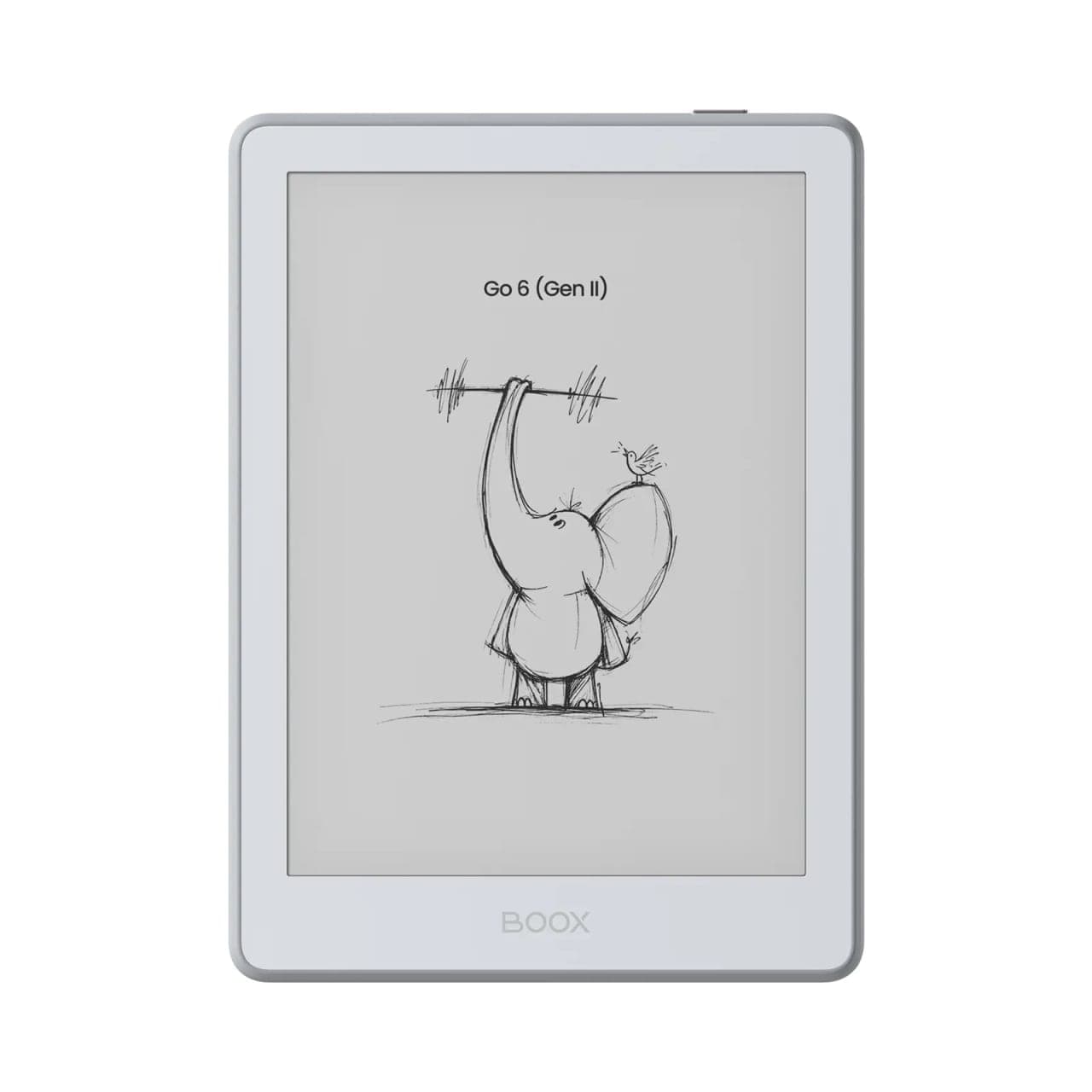 BOOX 6" Go 6 (Gen II) (Stone)262,99 $
Guide des couleurs de la Gen II
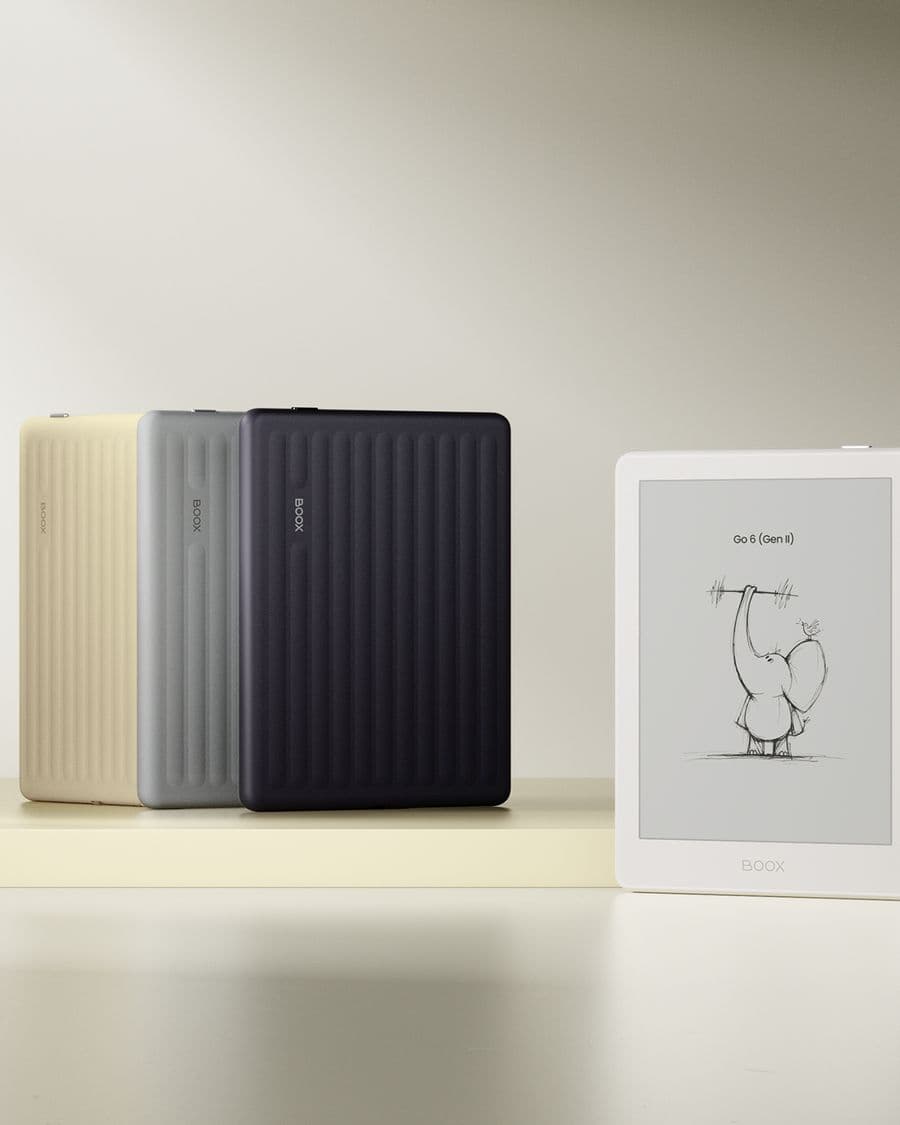
Les quatre déclinaisons sont le même appareil au même prix : c'est une question de goût.
- Stone : un gris moyen et froid. Le choix le plus sûr si vous voulez que la liseuse se fonde dans un sac ou sur un bureau.
- Shell : un blanc cassé légèrement chaud. Celui qui marque le moins les empreintes et qui photographie le mieux.
- Custard : un jaune doux. Le plus sympathique des quatre et le plus facile à repérer sur une table encombrée.
- Plum : un violet profond. Celui dont on nous parle en salle de montre.
Chaque couleur accepte le même étui magnétique Go 6 Gen II : vous pouvez marier un boîtier vif à une couverture sobre, ou l'inverse.
Ce qu'une liseuse Android de 6 pouces fait qu'un Kindle ne fait pas
La gamme Go 6 exécute les applications plutôt qu'une boutique fermée. Concrètement :
- Kindle, Kobo et Libby cohabitent, vos achats et vos emprunts restant dans chaque application.
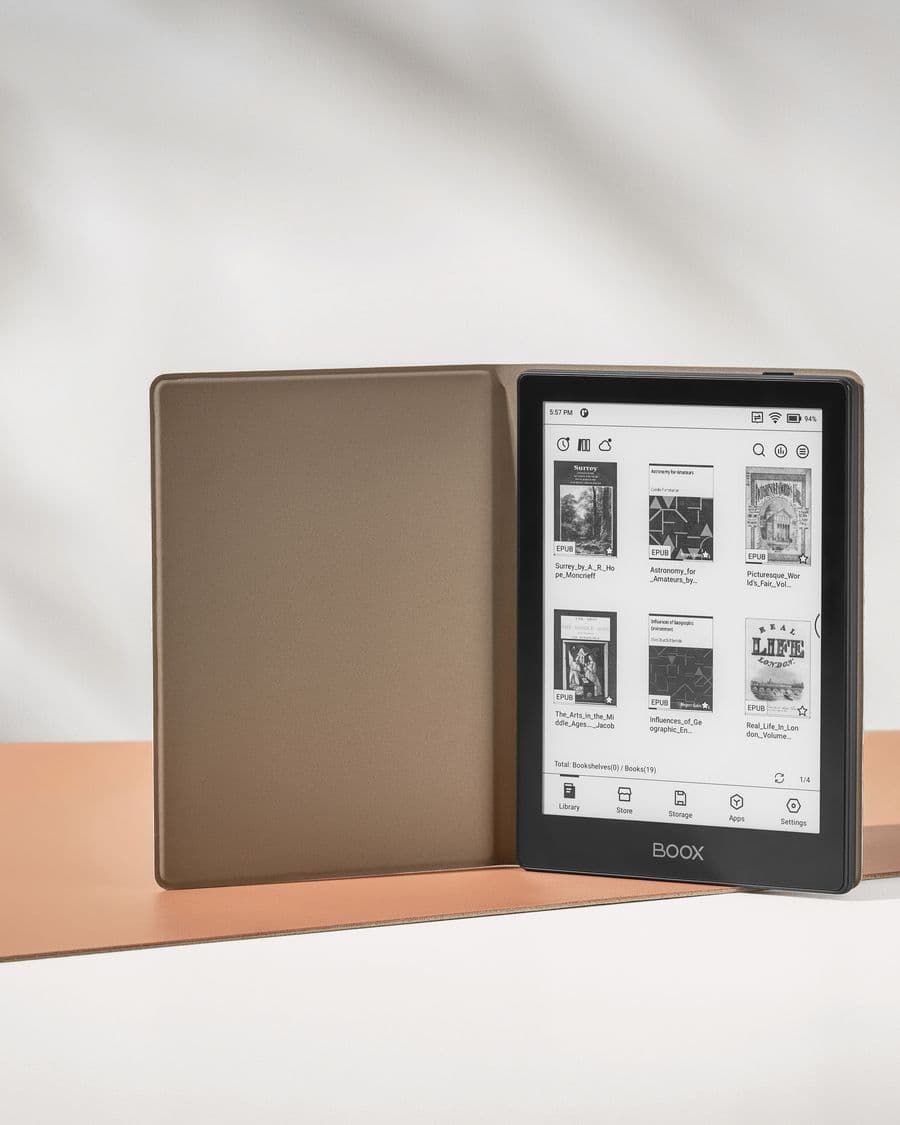
- Les fichiers EPUB, PDF et bandes dessinées s'ouvrent dans NeoReader, intégré, sans conversion.
- L'infonuagique est intégrée à la bibliothèque : un dossier Google Drive ou Dropbox peut servir d'étagère.
- D'autres applications de lecture, y compris actualités, RSS et lecteurs web, s'installent depuis Google Play.
En contrepartie, Android demande un peu d'entretien. Nos guides sur la configuration d'un nouveau BOOX, les modes de rafraîchissement et l'autonomie couvrent les réglages qui comptent, et ils s'appliquent aux deux générations de Go 6.
Où s'arrête le Go 6 et où commence le Go 7
Six pouces, c'est une page de la taille d'un téléphone. C'est idéal pour la fiction et la lecture en déplacement, et c'est le format que la plupart des gens ont en tête en disant « liseuse ». C'est petit pour les PDF, les manuels et l'écriture pleine page. Si vos lectures penchent de ce côté, le BOOX Go 7 ajoute un pouce d'écran, plus de mémoire et de stockage, et le stylet sur chaque unité, tout en tenant dans une poche de manteau. Les deux sont sur la table de notre salle de montre d'Oakville si vous voulez les comparer en main.
Acheter au Canada
Chaque Go 6 que nous vendons est un appareil BOOX authentique d'un détaillant autorisé, expédié gratuitement partout au Canada depuis Oakville, et les unités neuves bénéficient de notre politique de retour de 30 jours. Les unités en boîte ouverte sont inspectées, incluent un étui gratuit et sont en vente finale à prix réduit. Si vous hésitez entre les générations ou les couleurs, écrivez-nous ou réservez une visite en salle de montre : les comparer en main tranche généralement en une minute.
Questions fréquentes
Le Go 6 Gen II est-il une grosse amélioration par rapport au Go 6 original?
Importante pour ceux qui prennent des notes, modeste pour ceux qui ne font que lire. La Gen II ajoute la prise en charge du stylet (InkSense Plus, vendu séparément), passe de 2 Go à 3 Go de mémoire et se décline en quatre couleurs plutôt que deux. La taille d'écran, le stockage et la version d'Android sont identiques. Si vous ne faites que lire, le Go 6 original reste un excellent achat, surtout en boîte ouverte.
Puis-je lire mes livres Kindle, Kobo et Libby sur un Go 6?
Oui. Les deux générations tournent sous Android avec Google Play : vous installez les applications Kindle, Kobo et Libby comme sur un téléphone et vous vous connectez. Vos achats et vos emprunts restent dans leurs applications. Notre guide sur Kindle, Kobo et Libby sur BOOX explique les réglages qui rendent chacune agréable sur E Ink.
Le Go 6 a-t-il un éclairage frontal chaud?
Oui. Le Go 6 original et la Gen II ont tous deux un éclairage frontal réglable en tons chauds et froids, pour lire dans le noir et passer à l'ambre le soir.
Peut-on écrire sur le Go 6?
Seulement sur la Gen II, et seulement avec le stylet actif BOOX InkSense Plus, optionnel et vendu séparément. Le Go 6 original a un écran tactile mais ne prend pas le stylet en charge. Six pouces, c'est petit pour de longues notes manuscrites : pensez annotations en marge et listes rapides plutôt que pages entières.
Quelle couleur de Go 6 Gen II choisir?
Les quatre sont le même appareil au même prix; choisissez celle que vous aurez plaisir à tenir. Stone et Shell sont les options neutres et discrètes; Custard et Plum sont les teintes chaudes qui se remarquent sur un bureau. Des étuis existent pour toute la gamme si vous voulez changer d'allure plus tard.
Comment le Go 6 se compare-t-il au Go 7?
Le Go 7 est le format au-dessus : un écran de 7 pouces, plus de mémoire et de stockage, et le stylet pris en charge sur chaque unité. Choisissez le Go 6 si la taille de poche prime; choisissez le Go 7 si vous voulez plus de page à l'écran ou comptez écrire régulièrement.
Les Go 6 en boîte ouverte valent-ils la peine?
En général, oui. Les unités en boîte ouverte sont inspectées, livrées avec un étui gratuit et vendues sous le prix du neuf. Elles sont en vente finale : vérifiez les détails de l'annonce avant d'acheter. C'est la porte d'entrée la moins chère dans l'univers BOOX.