
Buying guides
E Ink Tablets Explained: What They Are and Who They Are For
An E Ink tablet is what you get when a paper notebook and an e-reader have a very productive meeting: a large, paper-like screen you can read for hours without eye strain, plus a pressure-sensitive stylus that writes like a good pen. It is not a laptop replacement and it is not trying to be an iPad. It occupies a third category that did not really exist ten years ago, and once people understand what that category is for, it tends to sell itself.
E Ink tablet vs iPad: opposite goals
A conventional tablet is built to do everything: video, games, email, browsing, all on a bright backlit screen engineered to hold your attention. An E Ink tablet is built to do a few things exceptionally well: reading, writing, and annotating, on a reflective screen that works by bouncing room light back at you like paper does. (We explain the underlying technology in What is E Ink?)
The practical differences follow directly from the screen:
- Eye comfort. No backlight shining at you, no flicker, no glare in sunlight. Hours of reading feel like reading a book, not staring at a lamp.
- Battery life in weeks. E Ink only draws power when the page changes, so a tablet you use daily still charges about as often as an electric toothbrush.
- Focus by design. Video and animated feeds are poor on e-paper, so the device gently repels the distractions a regular tablet serves up. Many owners buy one precisely for this; it is the working principle behind beating scrolling addiction with e-paper.
E Ink tablet vs basic e-reader
A pocket e-reader is for consuming books. An E Ink tablet adds three things: size, a stylus, and, on BOOX devices, a full open Android system.
Size matters more than people expect. A letter-sized PDF, a textbook, or sheet music on a 6″ screen means constant zooming; on a 10.3″ or 13.3″ screen it just looks like the page it is. The stylus turns the device into an infinite notebook: meeting notes, journals, marked-up contracts, sketches, math homework. And open Android means the reading apps you already use, Kindle, Kobo, Libby, Readwise, all run natively, so an E Ink tablet never locks your library to one store.
What people actually use them for
After a few thousand showroom conversations, the use cases cluster neatly: students annotating readings and taking lecture notes, lawyers and academics working through long documents, writers who want a drafting surface without notifications, journalers who like paper but hate re-copying, and heavy readers whose eyes are done negotiating with an iPad at 11 p.m.
How to choose one
Three questions sort out the right device quickly:
What size? 10.3″ is the sweet spot for notes and mixed reading; 13.3″ shows full letter-size pages for document-heavy work; if reading is the main event, a smaller reader may serve better.
Colour or black and white? Monochrome renders text at its sharpest at 300 ppi. Colour E Ink (Kaleido 3) adds a soft 4,096-colour layer that makes highlights, comics, and diagrams shine, with slightly lower colour sharpness at 150 ppi.
Front light or not? If you read or write in the evening, a warm front light is worth having.
The archetypes, from our lineup:
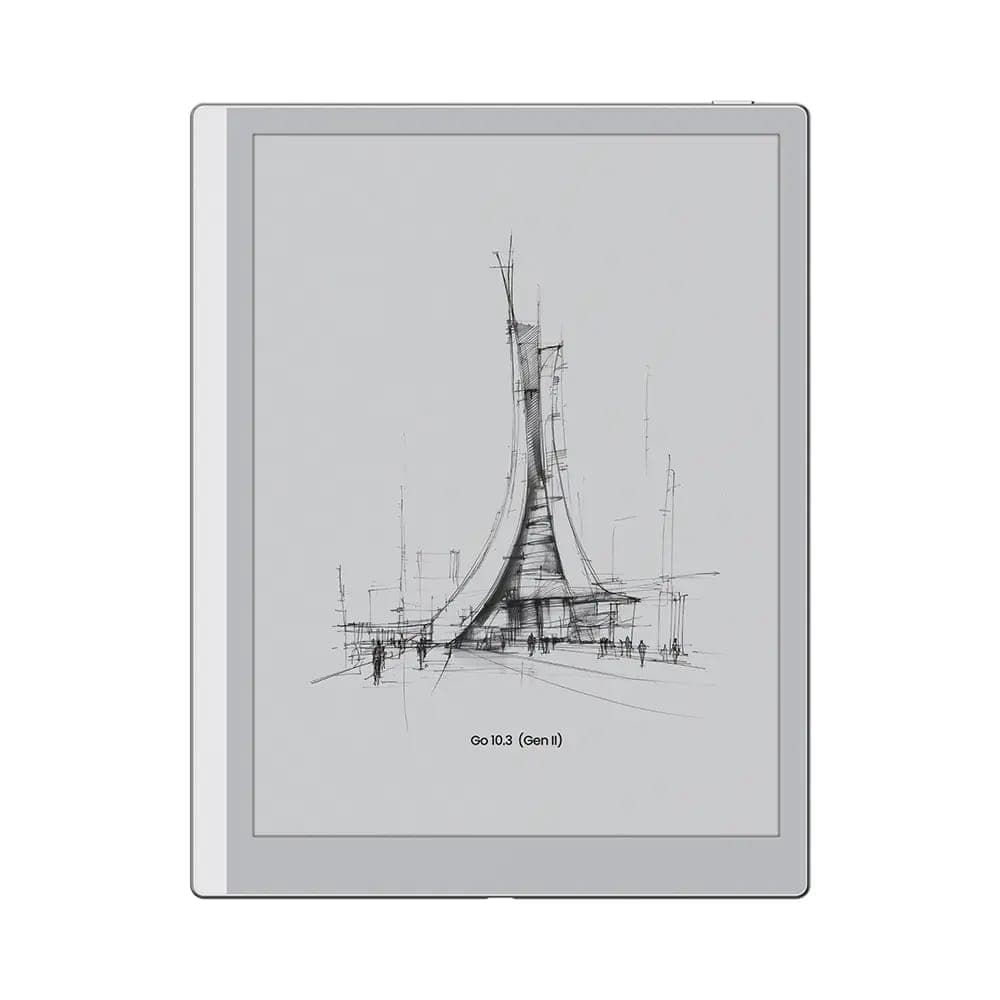 BOOX 10.3" Go 10 (Gen II)$547.99
The purest notebook: 10.3″, 300 ppi, thin and light, stylus included.
 BOOX Note Air5 C 10.3"$699.99
The colour all-rounder: Kaleido 3 colour, front light, fingerprint unlock, Android 15.
 BOOX 13.3" Note Max$839.99
The document powerhouse: 13.3″ at a full 300 ppi, made for PDFs at real size.
For ranked picks by use case, our best E Ink tablets in Canada guide goes deeper, and note-takers cross-shopping the minimalist competition should read BOOX vs reMarkable.
Try one on real paper. Well, almost.
An E Ink tablet is a tactile purchase: the texture of the stylus on the screen and the calm of the display are things a spec table cannot transmit. Every device above is on the shelf at our Oakville showroom, 466 Speers Road, ready to scribble on. Book a visit, or order with free shipping across Canada on orders over $100 and 30-day returns on new devices.