
Les meilleures tablettes E Ink au Canada (guide d'achat 2026)
Nous vendons et faisons essayer ces appareils chaque jour à notre salle de montre d'Oakville, et la leçon la plus utile que nous en avons tirée, c'est qu'il n'existe pas de meilleure tablette E Ink dans l'absolu. Il existe la meilleure pour votre façon de lire et de travailler. Voici nos choix 2026 par usage, avec des notes franches sur qui devrait passer son tour.
Nouveau dans la catégorie? Notre guide Les tablettes E Ink expliquées couvre ce qui distingue une tablette E Ink d'un iPad ou d'une liseuse de base avant de plonger dans nos choix.
Meilleure liseuse de poche : Palma 2
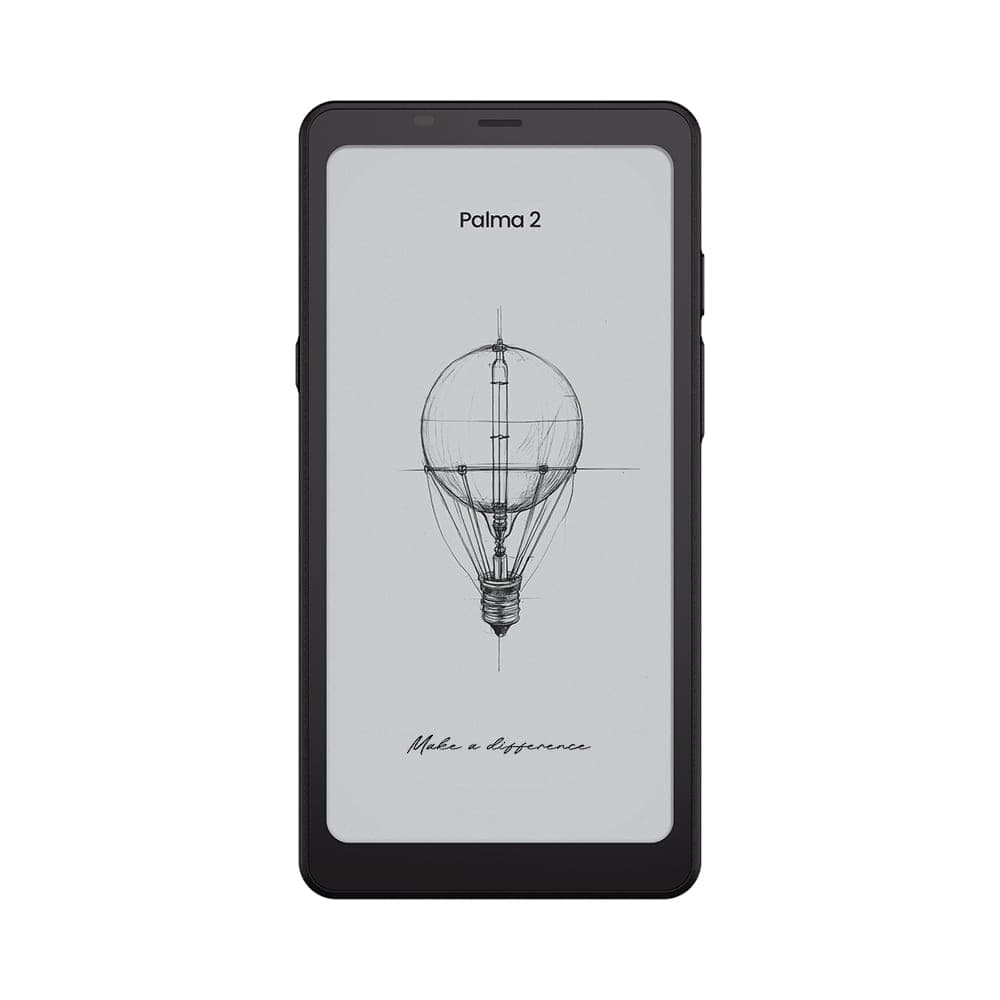 BOOX 6.13" Palma 2 - Black349,99 $
Format téléphone, environ 170 g, et une page nette de 6,13″ à 300 ppp. Le Palma 2 l'emporte parce que c'est l'appareil que vous avez réellement sur vous : il se glisse dans une poche de manteau et transforme les trajets en transport et les salles d'attente en temps de lecture. Le déverrouillage par empreinte et la fente microSD complètent le tableau. Passez votre tour si vous lisez surtout de grands PDF; l'écran assume fièrement sa petite taille. Les gros utilisateurs devraient lire notre comparatif Palma 2 ou Palma 2 Pro.
Meilleure pour la prise de notes : Go 10.3 (Gen II)
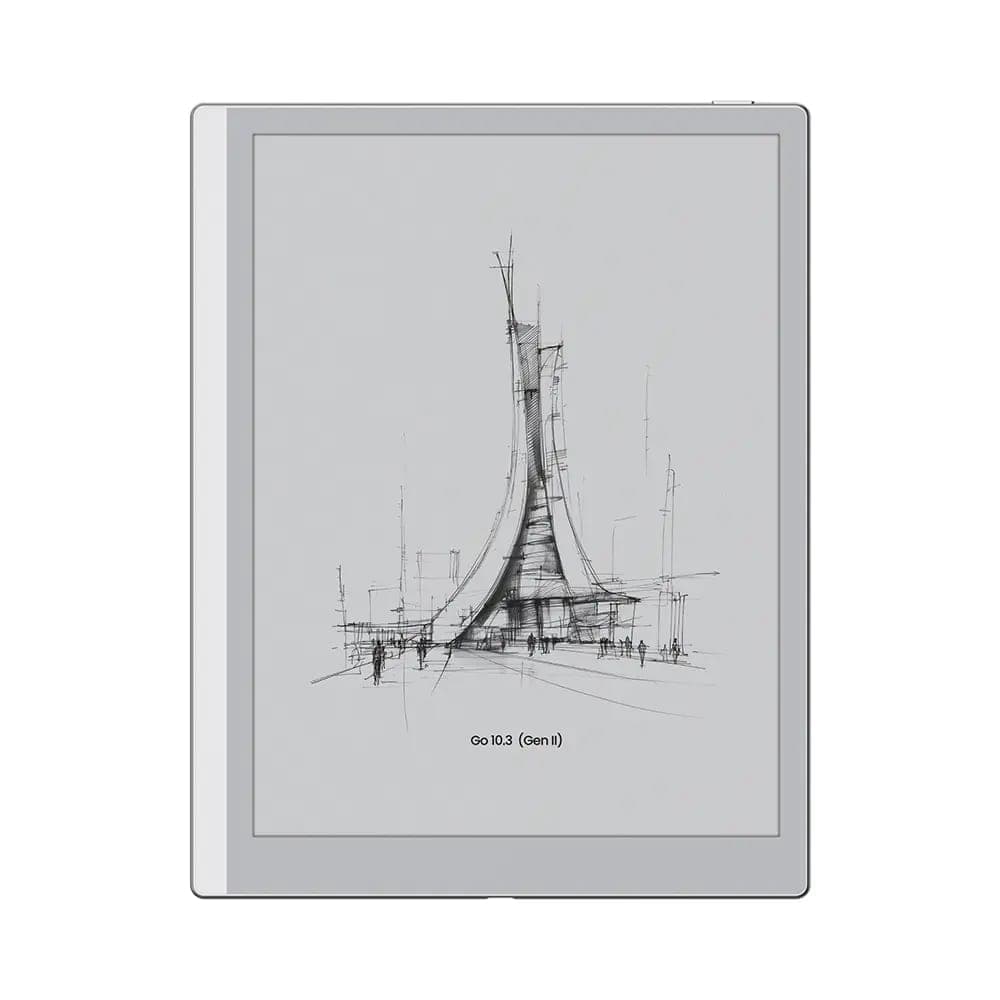 BOOX 10.3" Go 10 (Gen II)547,99 $
Une page de 10,3″ à 300 ppp, un stylet sensible à la pression dans la boîte, et un boîtier d'environ 365 g et 4,5 mm d'épaisseur. C'est le remplacement de carnet papier le plus pur de la gamme BOOX, et comme il tourne sous Android ouvert, la même plaque prend en charge Kindle, Kobo et Libby une fois la réunion terminée. Le modèle de base n'a pas d'éclairage frontal; si vous écrivez à la tombée du jour, la version Lumi ajoute un éclairage réglable, du chaud au froid. Si vous magasinez aussi du côté de la concurrence minimaliste, voyez BOOX ou reMarkable.
Meilleure tablette couleur : Note Air5 C
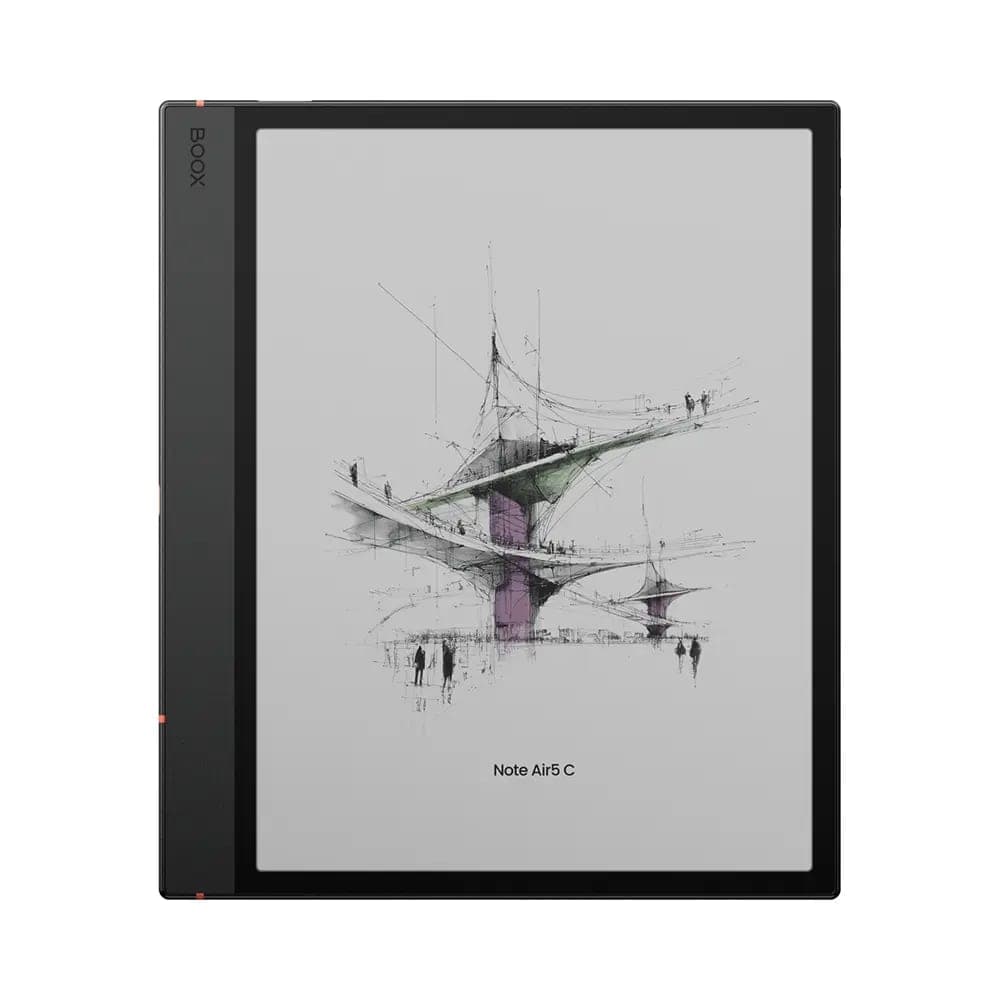 BOOX Note Air5 C 10.3"699,99 $
Le couteau suisse de la gamme : un écran Kaleido 3 de 10,3″ à 4 096 couleurs, un éclairage frontal chaud et froid, le déverrouillage par empreinte, un stylet inclus et Android 15. Surlignage en couleur, PDF annotés et magazines y trouvent tous leur compte, et à environ 430 g, elle voyage encore très bien. Le compromis est celui de toute l'encre couleur : la couleur s'affiche à 150 ppp et le fond est légèrement plus sombre qu'un panneau monochrome. Les lecteurs de texte pur qui ne touchent jamais à la couleur devraient plutôt regarder le Go 10.3 ou le Note Max.
Meilleure pour les professionnels et les grands documents : Note Max
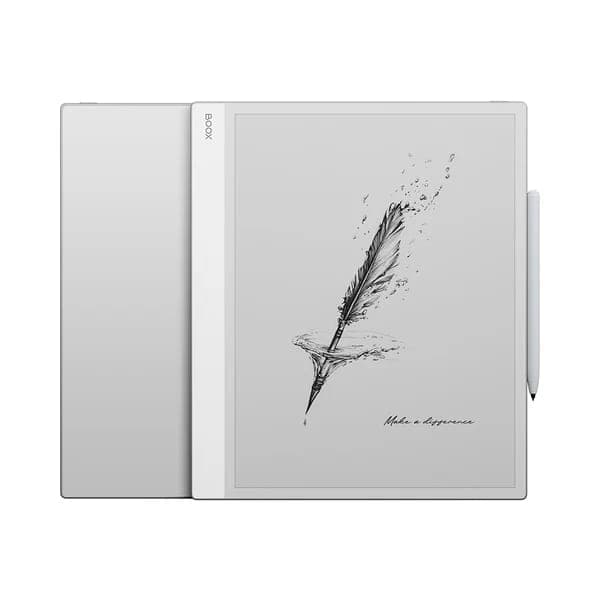 BOOX 13.3" Note Max839,99 $
Un écran noir et blanc de 13,3″ à pleins 300 ppp, appuyé par 6 Go de mémoire vive et 128 Go de stockage. Les PDF format lettre s'affichent à une taille lisible sans zoom, et c'est pourquoi avocats, universitaires, ingénieurs et musiciens gravitent autour. Pas d'éclairage frontal et environ 615 g en font un appareil d'abord pour le bureau, et c'est très bien ainsi : c'est la meilleure page à documents de toute la gamme. Vous hésitez entre lui et l'option couleur? Lisez Note Air5 C ou Note Max.
Meilleur modèle haut de gamme : Tab X C
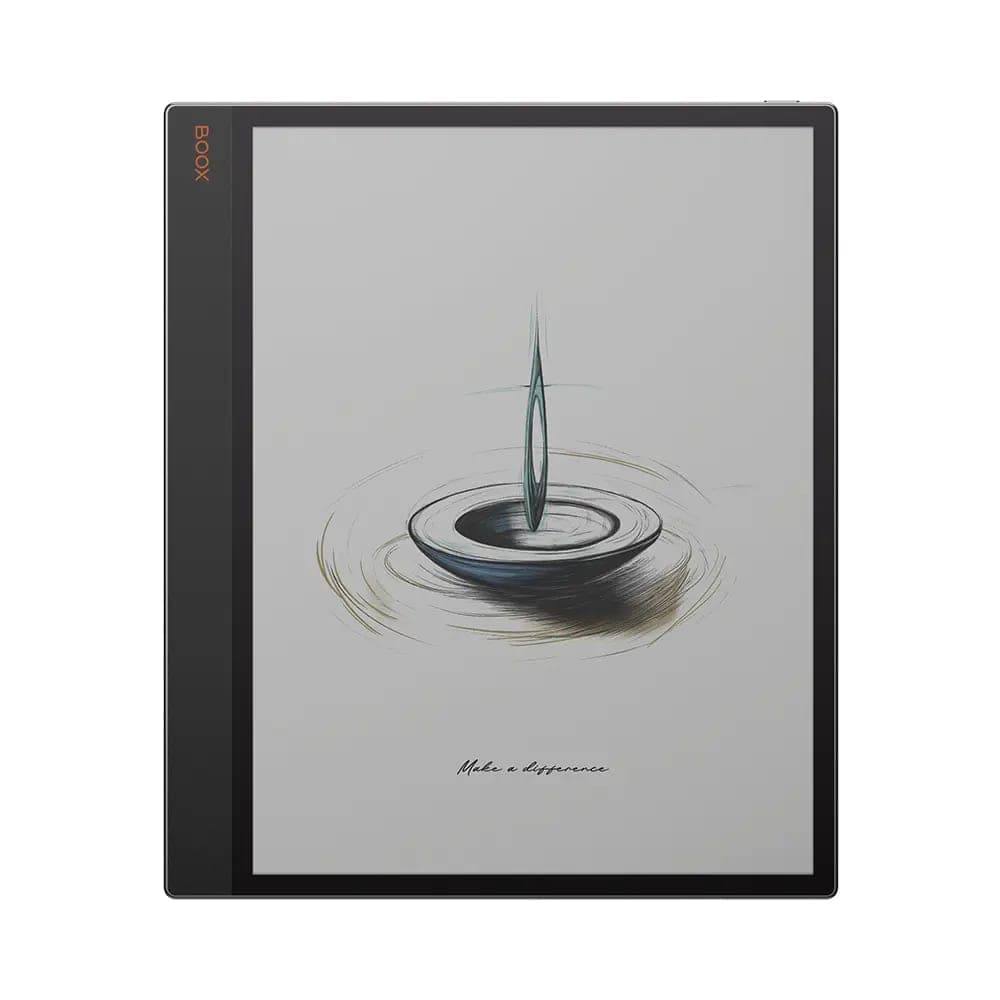 BOOX 13.3" Tab X C1 063,99 $
Tout à la fois : 13,3″, encre couleur Kaleido 3, éclairage frontal chaud et froid, prise en charge du stylet, et 6 Go de mémoire vive avec 128 Go de stockage. C'est le choix sans compromis pour qui veut la taille de page du Note Max sans renoncer à la couleur ni aux soirées de lecture, et il se jumelle à un étui clavier pour les séances d'écriture. Comme pour toute encre couleur, la netteté de la couleur reste sous celle du noir et blanc, alors les puristes du texte pourraient encore préférer le Note Max.
Meilleur pour le bureau : Mira Pro (couleur)
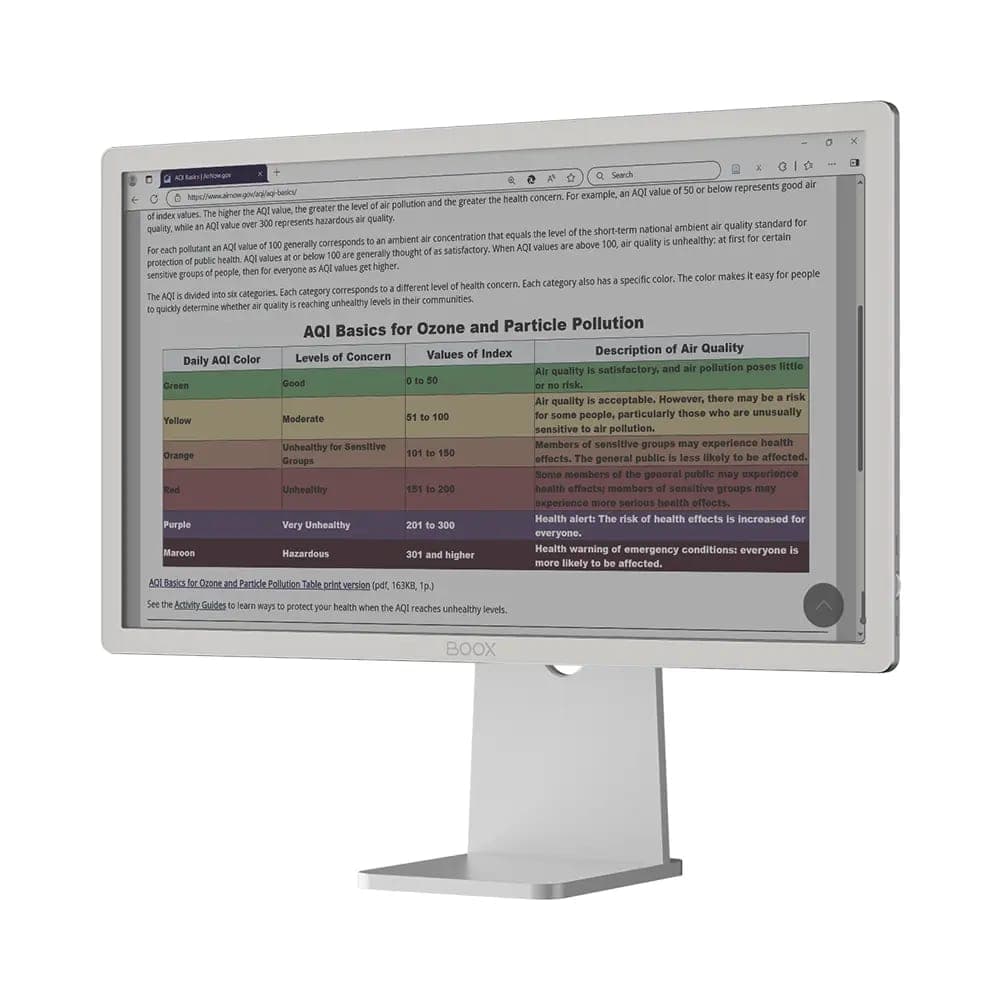 BOOX 25.3" Mira Pro Eink Monitor (Color Version)2 659,99 $
Pas une tablette, mais l'aboutissement logique : un moniteur E Ink couleur de 25,3″ avec entrées HDMI, DisplayPort et USB-C, plus un éclairage frontal. Si vous écrivez, programmez ou révisez des documents toute la journée et que vos yeux en paient le prix, déplacer ce travail vers l'encre électronique change la donne. C'est un outil de spécialiste : la vidéo et le mouvement rapide ne sont pas la vocation de l'E Ink, et il donne son meilleur à côté d'un moniteur conventionnel plutôt qu'à sa place.
Comment choisir
- Commencez par la taille, pas par la fiche technique. Poche (6″ à 7″), carnet (10,3″) ou document (13,3″). La taille détermine comment et où vous l'utiliserez vraiment.
- Décidez ensuite pour la couleur. BD, magazines et surlignage en couleur justifient Kaleido 3. Le texte pur est plus net en noir et blanc. Notre guide Go 7 ou Go Color 7 explique le compromis en profondeur.
- L'éclairage frontal compte plus qu'on le croit. Si vous lisez ou écrivez en soirée, choisissez un modèle qui en a un.
- Vous arrivez d'un Kindle? Vous gardez toute votre bibliothèque; l'appli Kindle tourne sur chaque appareil de cette page. Voyez BOOX ou Kindle.
- Petit budget? Nos unités en boîte ouverte sont couvertes par la pleine garantie du fabricant, à prix réduit, et vendues en vente finale.
Chaque appareil de cette page est exposé à notre salle de montre d'Oakville, en Ontario, et trente secondes de prise en main valent mieux que n'importe quel tableau de specs. Livraison gratuite partout au Canada et retours sous 30 jours sur les appareils neufs.