
BOOX vs reMarkable: The E Ink Notebook Comparison
reMarkable deserves real credit: it made the E Ink notebook a category. If you are comparing it against BOOX, you are choosing between two philosophies of what a paper replacement should be. reMarkable subtracts until only writing remains. BOOX starts with writing and asks what else the same slab of E Ink could do for you.
At a glance
| reMarkable | BOOX | |
|---|---|---|
| Philosophy | Minimalist, writing first | Open Android, writing plus everything |
| Distractions | Almost none, by design | As few or as many as you configure |
| Apps | Its own note system | Full Android: Kindle, Libby, OneNote, your pick |
| Reading | Documents you load | Every major bookstore and library app |
| Front light | Not the traditional focus | Available on several models |
| Colour | Not the traditional focus | Colour models available |
| Extras | Clean, focused accessories | Keyboard cases, microSD on some models, audio |
What reMarkable gets right
The pitch is discipline. A reMarkable does very little besides writing, and for some people that is exactly the point: no notifications, no store, no rabbit holes. The writing texture is excellent, the software is calm and considered, and the company has stayed true to a single idea for years. If your only goal is replacing a paper notebook and you want a device that cannot tempt you, reMarkable executes that vision well.
The limits are the same as the strengths. It is not built to be your e-reader. Getting books, library loans, and third-party apps onto it ranges from awkward to impossible, and some conveniences BOOX users take for granted are simply outside its philosophy.
What BOOX adds
- A real reading ecosystem. Kindle, Kobo, and Libby install from the Play Store, so the notebook that holds your meeting notes also holds your entire library. One device instead of two.
- Your choice of note apps. BOOX's own note system offers 4,096 levels of pressure sensitivity, but nothing stops you from living in OneNote, Obsidian, or a PDF annotator instead. Your notes are not locked to one vendor's format.
- Front lights. The Note Air5 C and the Go 10.3 (Gen II) Lumi have adjustable warm and cold lighting, so evening writing does not require a lamp.
- Colour, if you want it. The Note Air5 C brings 4,096-colour Kaleido 3 E Ink to highlights, diagrams, and marked-up documents.
- Keyboard cases and range. Type long-form on a keyboard case, and pick your size, from 10.3″ up to the 13.3″ Note Max.
The fair counterpoint: an open device asks for a little self-control. BOOX gives you the tools to keep it distraction-free, but the discipline is yours rather than enforced by the hardware.
The three BOOX contenders
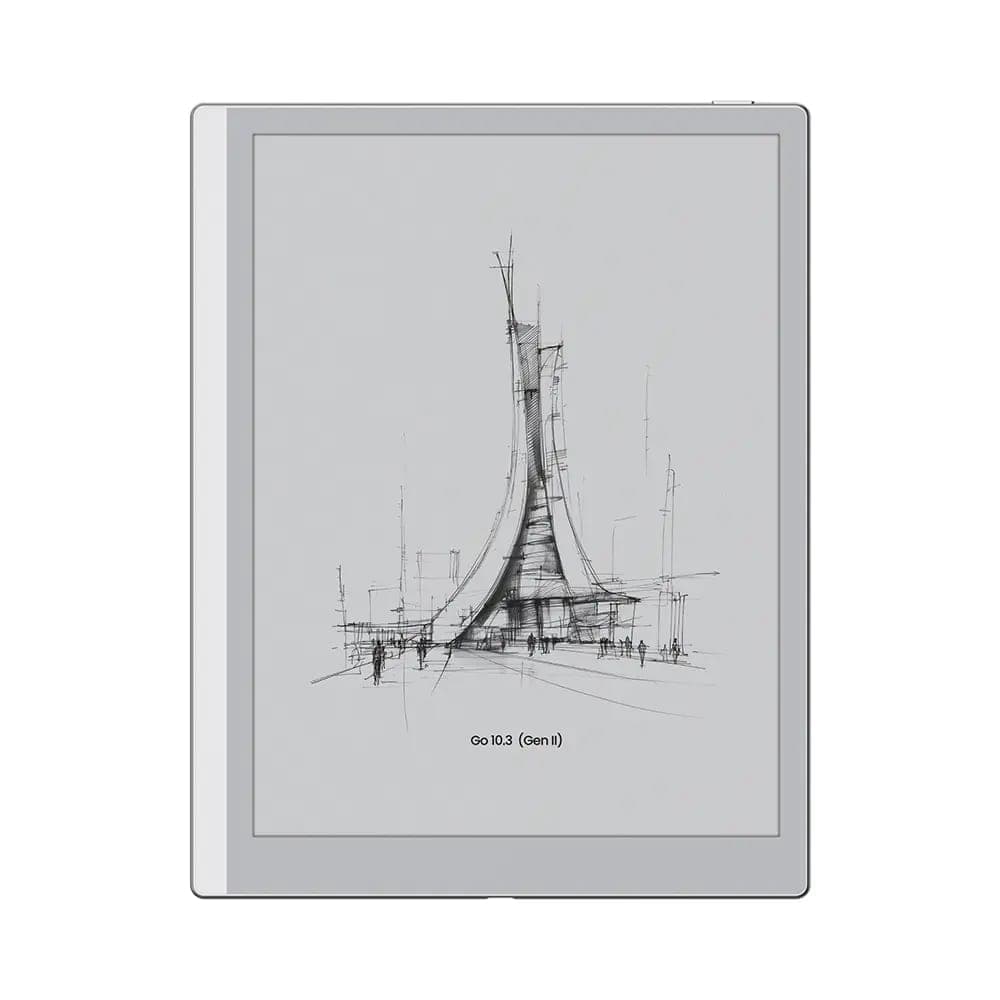 BOOX 10.3" Go 10 (Gen II)$547.99
The Go 10.3 (Gen II) is the closest spiritual rival to a reMarkable: thin, light at roughly 365 g, a crisp 300 ppi page, and a stylus in the box, but with the whole Android reading world included. The Lumi version adds a front light.
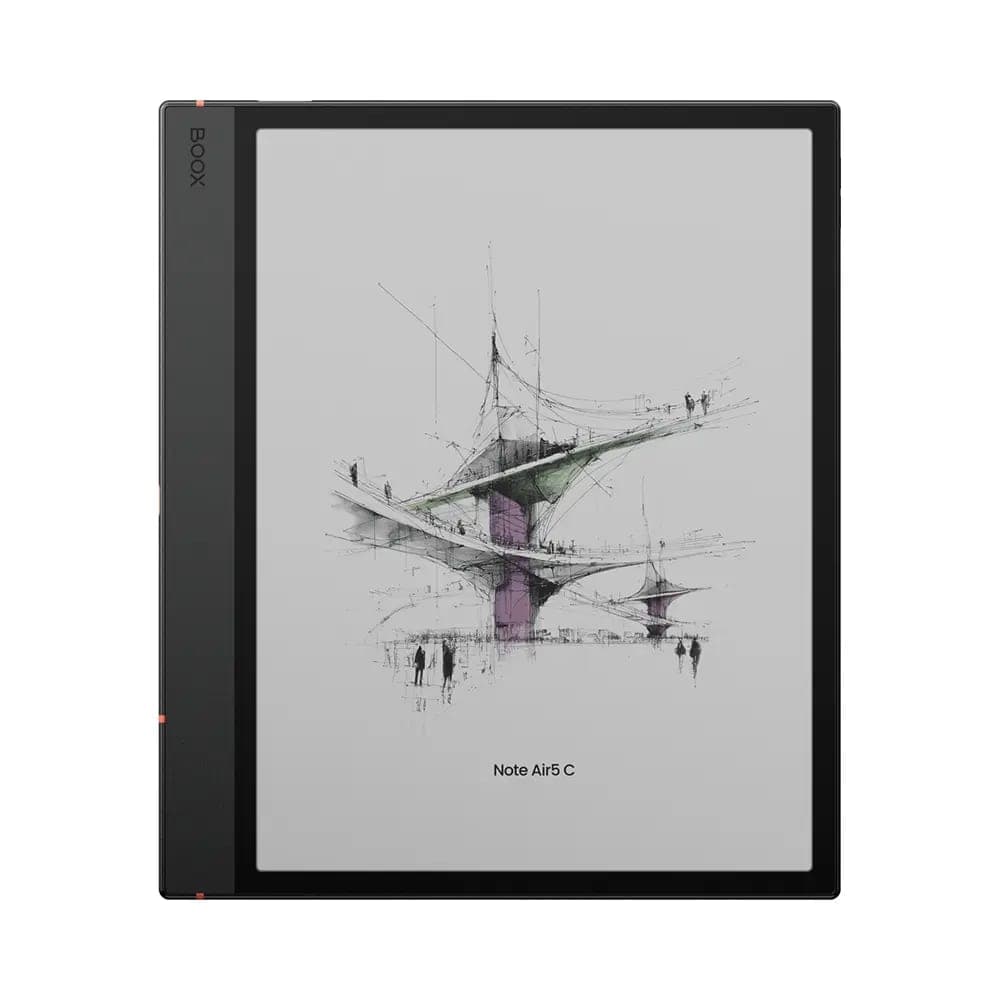 BOOX Note Air5 C 10.3"$699.99
The Note Air5 C is the all-rounder: colour screen, front light, fingerprint unlock, and a microSD slot, for people whose notebook is also their reader and their markup tool.
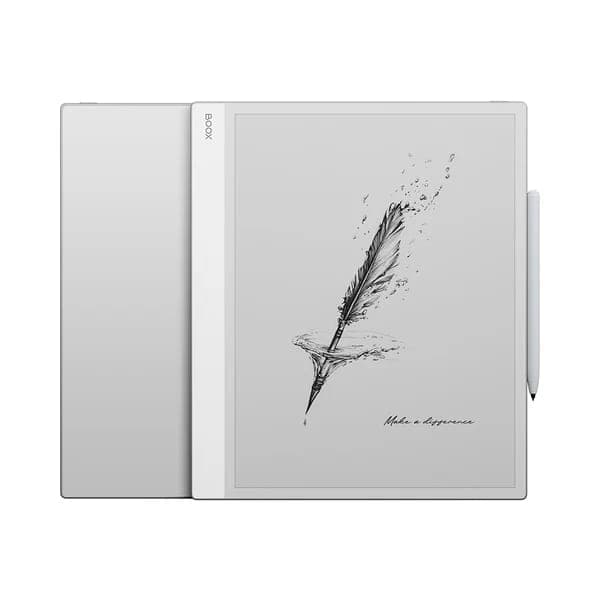 BOOX 13.3" Note Max$839.99
The Note Max is for large documents: a 13.3″ page at a full 300 ppi that shows letter-sized PDFs without zooming. See our Note Air5 C vs Note Max comparison for that decision.
Our recommendation
- Choose reMarkable if writing is genuinely all you want, and the absence of everything else is the feature you are paying for.
- Choose the Go 10.3 (Gen II) if you want that same clean writing focus but refuse to carry a second device for reading.
- Choose the Note Air5 C if you want colour, a front light, and one tablet for notes, books, and annotated PDFs.
- Choose the Note Max if your documents are large-format and black and white sharpness matters more than portability.
The writing feel of each model is something a spec sheet cannot settle, which is exactly what our Oakville showroom is for. Come write on them. Free shipping across Canada and 30-day returns on new devices.