
BOOX Note Air6 C vs Note Air5 C: Is the Upgrade Worth It?
These two tablets look nearly identical, and that is not an accident. The Note Air6 C keeps the Note Air5 C's 10.3″ colour screen, its 6 GB of RAM, its 64 GB of storage and its 3,700 mAh battery. What changed sits underneath: a newer Android, a faster processor, newer Bluetooth, and a transcription feature the Air5 C does not have.
So the honest question is not which is better. It is whether the platform upgrade is worth the price difference for the way you actually work.
At a glance
| Note Air6 C | Note Air5 C | |
|---|---|---|
| Screen | 10.3″ Kaleido 3, 4,096 colours, Carta1200 | 10.3″ Kaleido 3, 4,096 colours, Carta1200 |
| Sharpness | 300 ppi B&W, 150 ppi colour | 300 ppi B&W, 150 ppi colour |
| Front light | Warm and cold, adjustable | Warm and cold, adjustable |
| Operating system | Android 16 | Android 15 |
| Processor | Octa-core, 4 nm, with BSR GPU | Octa-core, with BSR GPU |
| Bluetooth | 6.0 | 5.1 |
| Live transcription | Talk Insights, 20+ languages | Not available |
| RAM / storage | 6 GB / 64 GB, microSD to 2 TB | 6 GB / 64 GB, microSD to 2 TB |
| Battery | 3,700 mAh | 3,700 mAh |
| Weight | Approx. 440 g | Approx. 430 g |
| Stylus | BOOX Pen3 included | BOOX Pen3 included |
Where the difference is real
Speed on heavy documents. The 4 nm octa-core chip is the upgrade you notice without looking for it. Both tablets run BOOX Super Refresh, but the Air6 C holds its composure on 100 MB scanned colour textbooks, where page turns, zooming and jumping between annotations are where colour E Ink usually falls apart.
Android 16 versus 15. One version sounds trivial. On a device you expect to keep for five years it is not, because app compatibility is what eventually ends an E Ink tablet's useful life, not the screen. The Air6 C starts that clock a year later.
Talk Insights. This is the only genuine feature the Air5 C cannot get by updating its firmware. Live transcription in over 20 languages with exportable summaries turns the tablet into a meeting and lecture tool. Canada is a supported region, in English and French. If you sit in interviews, seminars or client meetings, this one feature may decide it on its own.
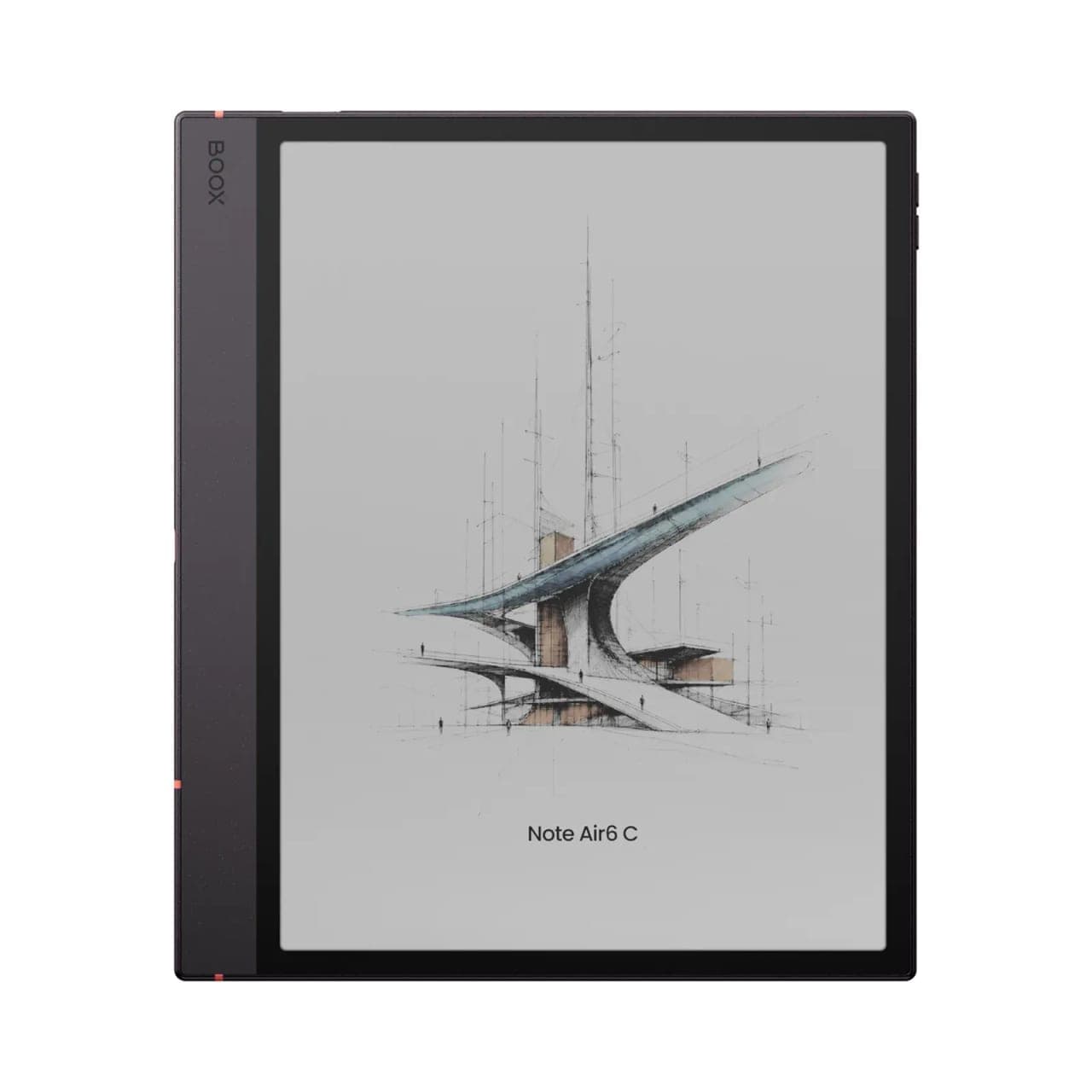 BOOX Note Air6 C 10.3"$769.99
Where there is no difference at all
The screen. If you are hoping the Air6 C reads better, looks brighter, or shows richer colour, it does not. Same panel, same resolution, same colour filter, same slightly dimmed background that every Kaleido device has. Writing feel is also unchanged, and both ship with the same Pen3 stylus.
Storage, memory and battery are identical. So is the fingerprint reader in the power button, the microSD slot, and the dual speaker and microphone setup. The Air6 C is 10 g heavier, which nobody will notice.
 BOOX Note Air5 C 10.3"$699.99
Our recommendation
- Buy the Note Air6 C if you are coming from an older device or buying your first colour E Ink tablet. At a new purchase there is no argument for starting a year behind on Android.
- Buy the Note Air6 C if you record lectures, interviews or meetings. Talk Insights is the one thing the Air5 C will never gain.
- Keep your Note Air5 C if you already own one and your work is reading, annotating and handwriting. You would be paying for a platform refresh to get an experience you already have.
- Consider the Note Air5 C if it is discounted and your budget is tight. It is the same screen and the same writing experience for less, and it will be supported for years yet.
A note on the accessories
The magnetic keyboard cover and the magnetic folio case launched for the Air6 C fit both tablets. If you own an Air5 C and only wanted the keyboard, you do not need a new tablet to get it.
Buying either one in Canada
TIFAN is an authorized Canadian BOOX dealer, and both tablets are on display at our Oakville showroom. New devices carry the full manufacturer warranty, and we deal with BOOX directly on any claim. Free shipping across Canada on orders over $100 and 30-day returns on new devices.
If an open-box unit appears for either model, it is discounted but final sale, so buy that route only when you already know which one you want. Still deciding between colour and black and white? Our device finder narrows it in four questions.