
BOOX ou Kindle : quelle liseuse choisir au Canada?
C'est la question qu'on nous pose le plus souvent en salle de montre, et la réponse honnête commence par une distinction : Kindle est un électroménager de lecture, BOOX est un ordinateur de lecture. Les deux utilisent l'encre électronique E Ink. Les deux ménagent vos yeux. Ils diffèrent par leur philosophie, et le bon choix dépend de celle qui correspond à votre vraie façon de lire.
En un coup d'œil
| Kindle | BOOX | |
|---|---|---|
| Philosophie | Fermé, encadré, sans effort | Android ouvert, vos applis à vous |
| Librairie | Amazon seulement | Appli Kindle, Kobo, Google Play Livres et plus |
| Livres de bibliothèque | Selon la région et la configuration | Appli Libby, toute simple au Canada |
| Formats de fichiers | La liste prise en charge par Amazon | EPUB, PDF, CBZ et à peu près tout le reste |
| Prise de notes | Réservée à quelques modèles | Stylet pris en charge sur toute la gamme de tablettes |
| Formats offerts | Quelques tailles de liseuses | Du 6,13″ de poche au 13,3″, plus un moniteur de bureau |
Ce que Kindle fait bien
Rendons à César ce qui lui revient. Kindle est la liseuse la plus facile à vivre : vous achetez un livre, il apparaît, il se synchronise, et la pile dure des semaines. Le matériel est bien construit, la boutique est immense et le prix d'entrée est bas. Si vous lisez un roman par mois, achetez exclusivement d'une seule boutique et ne voulez prendre aucune décision, un Kindle est une très bonne réponse, et nous vous le dirons en personne.
Le prix de cette simplicité, ce sont les murs. Votre bibliothèque vit dans le format d'Amazon, aux conditions d'Amazon, lisible sur les appareils et les applis d'Amazon. Transférer vos propres fichiers est possible, mais jamais le chemin le plus doux, et l'appareil ne sera jamais rien d'autre qu'une liseuse.
Ce que BOOX fait autrement
Un appareil BOOX tourne sous Android ouvert. Cette seule décision change tout ce qui suit :
- Votre bibliothèque Kindle vous suit. Installez l'appli Kindle depuis le Play Store et chaque livre que vous avez acheté chez Amazon est là. Passer à BOOX ne veut pas dire abandonner votre collection.
- Et tout le reste aussi. Kobo pour magasiner les aubaines d'ici, Libby pour les livres gratuits des bibliothèques publiques canadiennes, Google Play Livres, les applis de nouvelles, les lecteurs RSS, même les applis de livres audio en Bluetooth. Les boutiques se disputent votre achat au lieu de vous posséder.
- Vos fichiers sont des citoyens de première classe. EPUB, PDF et archives de bandes dessinées s'ouvrent nativement, sans conversion, sans avoir à vous envoyer des documents par courriel.
- Une vraie prise de notes. Les modèles tablettes sont livrés avec un stylet et une écriture sensible à la pression, ce qui transforme l'appareil en remplacement du carnet papier, pas seulement en liseuse.
- Des formats que Kindle ne fabrique pas. Du Palma 2 au format téléphone jusqu'aux carnets de 10,3″ et à la page de 13,3″, il existe un format pour votre façon de lire.
Le compromis est tout aussi honnête : l'ouverture implique quelques décisions de temps en temps. Vous choisissez vos applis et ajustez vos réglages. La plupart des lecteurs y consacrent une soirée, puis n'y pensent plus, mais si vous voulez un électroménager, Kindle reste l'électroménager.
Trois points de départ chez BOOX
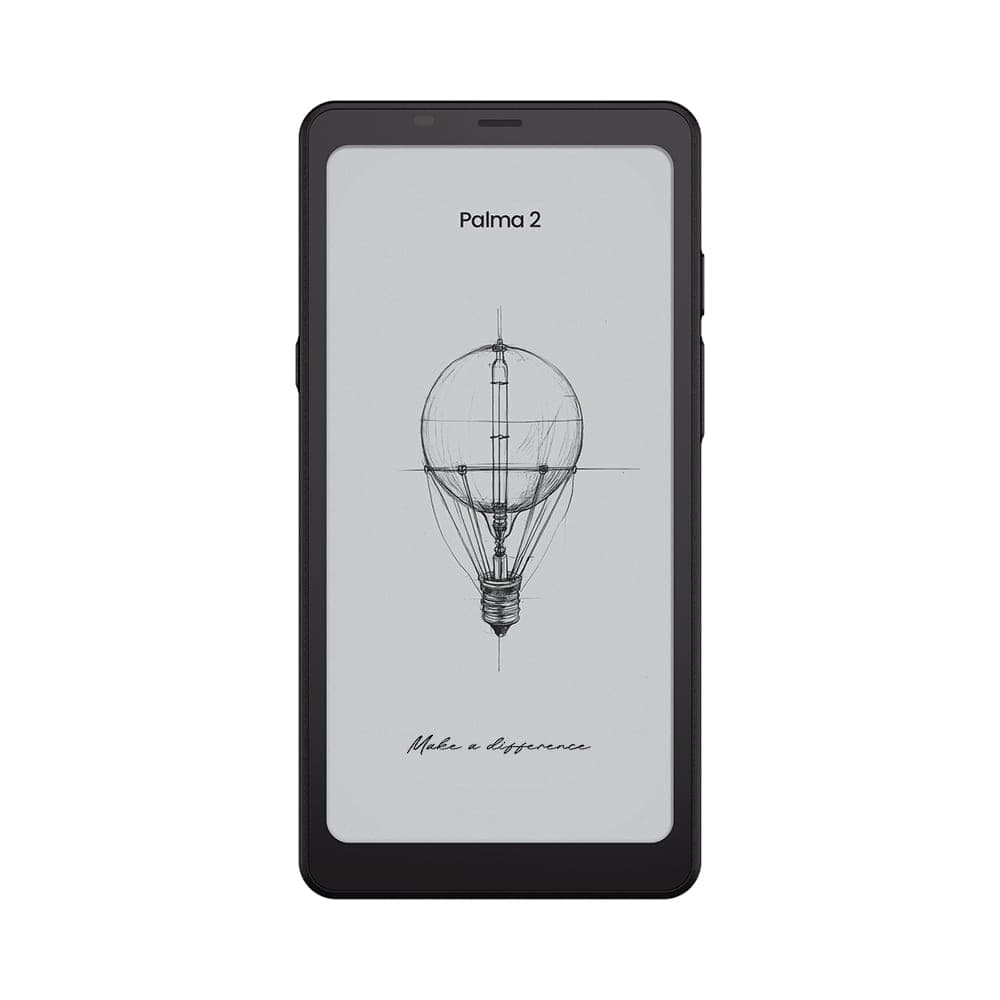 BOOX 6.13" Palma 2 - Black349,99 $
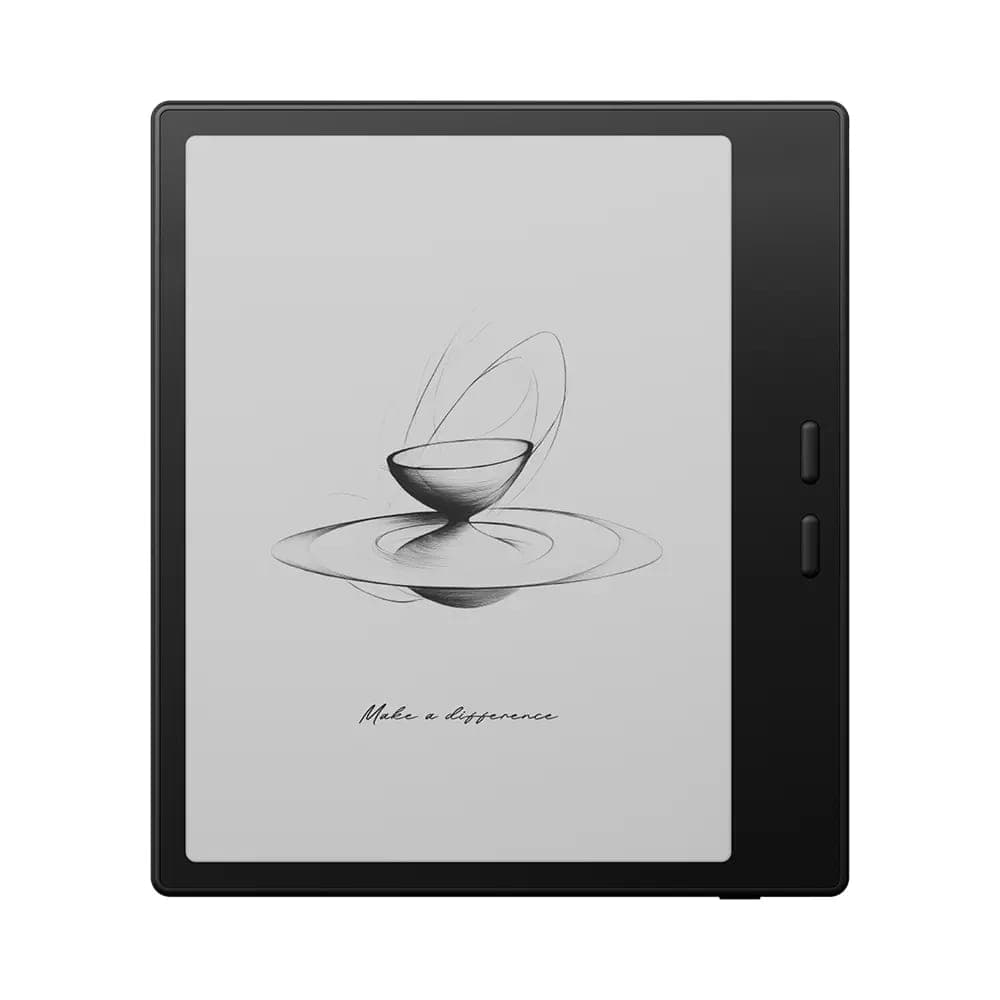 BOOX 7" Go 7 ( Black )342,99 $
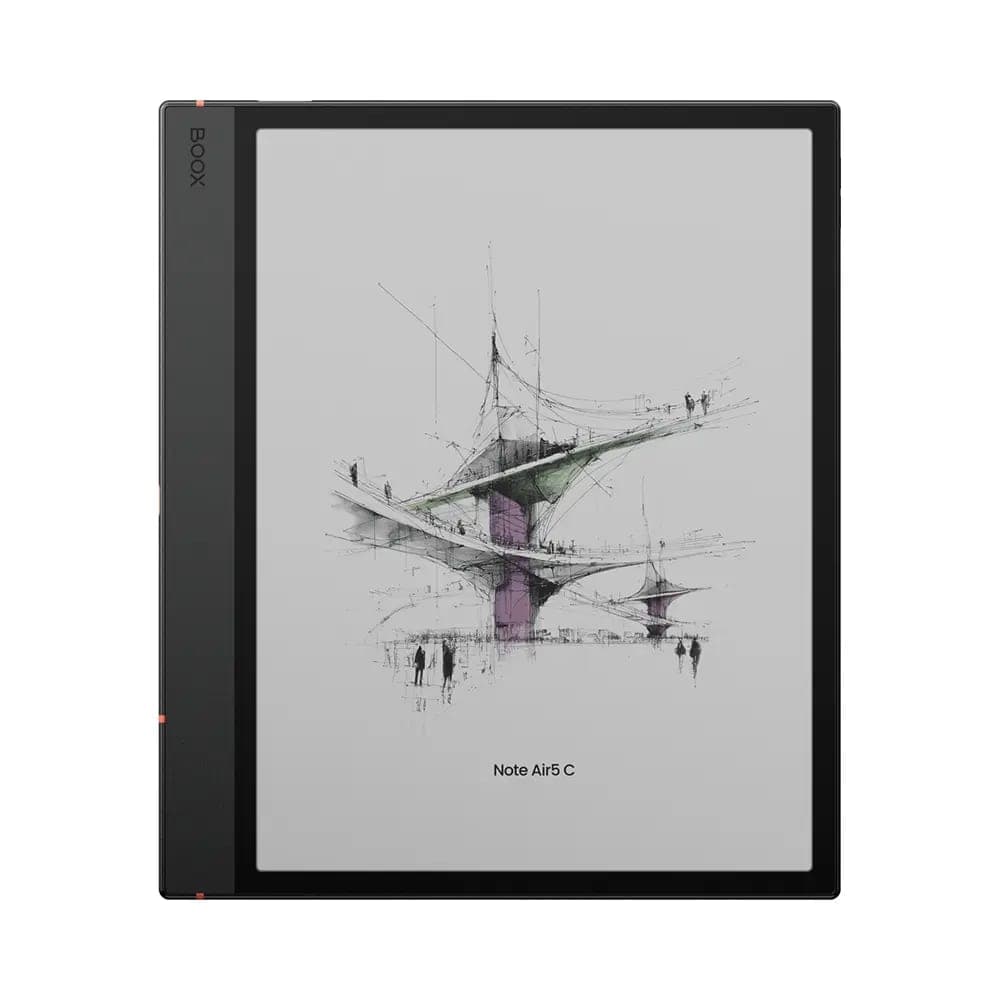 BOOX Note Air5 C 10.3"699,99 $
Le Palma 2 est la liseuse de poche que Kindle n'a jamais construite. Le Go 7 est l'équivalent le plus proche d'une liseuse classique, avec des boutons de changement de page et un écran net à 300 ppp. Le Note Air5 C ajoute la couleur et un stylet pour ceux qui annotent ce qu'ils lisent.
Notre recommandation
- Choisissez Kindle si vous lisez à l'occasion, achetez seulement chez Amazon et placez la simplicité au-dessus de tout. C'est le bon outil pour ce travail.
- Choisissez BOOX si vous empruntez des livres de bibliothèque par Libby, possédez des EPUB ou des PDF, lisez à partir de plus d'une boutique, voulez prendre des notes, ou cherchez un format qu'Amazon n'offre pas.
- L'argument qui tranche : BOOX n'est pas un pari contre votre bibliothèque Kindle. L'appli Kindle tourne sur chaque appareil BOOX, alors vous gagnez en liberté sans perdre un seul livre.
Vous pesez encore le pour et le contre? Passez à notre salle de montre d'Oakville et mettez un BOOX à côté de votre liseuse actuelle. La livraison gratuite partout au Canada et les retours sous 30 jours sur les appareils neufs rendent l'essai à la maison presque sans risque aussi.